
OLED vs AMOLED: What the Labels Mean on a Phone Spec Sheet
Paying for the letters AM wastes a drive-method word. AMOLED means active-matrix OLED, and the suffix leaves brightness and refresh unset.
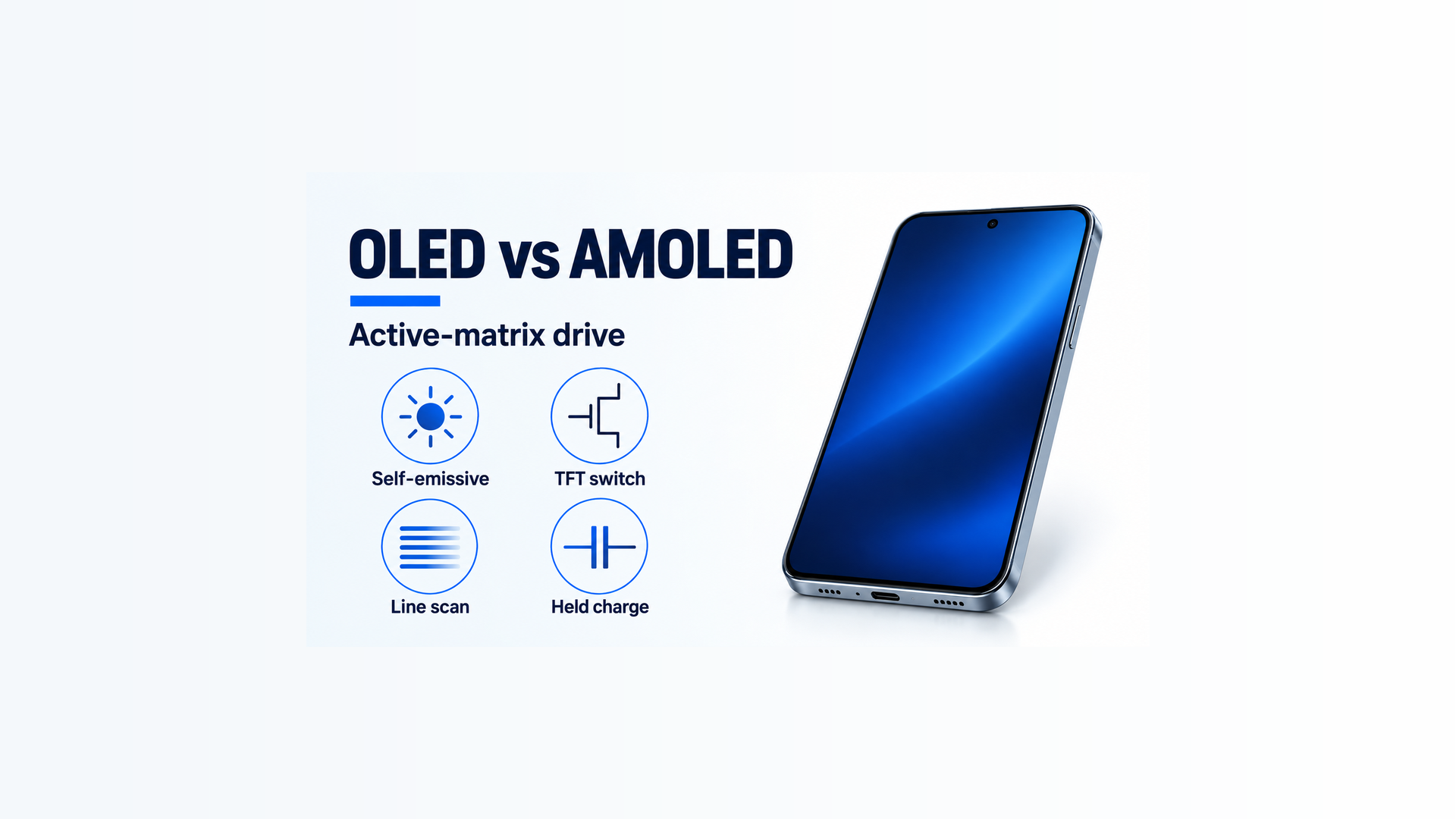
Paying for the letters AM, and skipping the model page, wastes the purchase on a drive-method word. AMOLED means active-matrix OLED: a thin-film transistor sets each pixel’s current, and the suffix leaves brightness and refresh unset.
AMOLED is the short form of active-matrix OLED, so the letters AM name the drive and do not print a brightness condition or a refresh range. Samsung Display’s pixel-circuit note of 10 June 2020 says data and scan signals set the current in each pixel, and that AMOLED is that phrase shortened. The 28 July 2010 OLED-types note splits the family into passive matrix, one line lit at a time, and active matrix, a thin-film transistor at each pixel. The English OLED page calls the emitter self-luminous: organic material lights when current flows, and the backlight an LCD uses is absent. Apple’s Super Retina page, published 1 June 2026, says the same for the iPhone displays it names: no backlight, and each pixel emits light. Copy brightness, refresh, and pixel count only from the model page that prints them.
On a narrow screen, swipe the table sideways to see the last column.
Scroll horizontally to see all columns.
| Input or item | Typical value or source | Why it matters |
|---|---|---|
| OLED | Self-luminous organic diode. Current through the organic layer emits light. No backlight. Samsung Display OLED page, fetched 18 October 2026 | The family name on the spec sheet |
| AMOLED | Short for active-matrix OLED. Data and scan signals set each pixel’s current. Pixel-circuit note, 10 June 2020 | A drive method inside OLED |
| PMOLED | Passive matrix. One line lights at a time. OLED-types note, 28 July 2010 | The other drive method. Used then as a folder phone’s outer window |
| 2T1C pixel | T2 writes Vdata while the scan is selected. Cst holds it. T1 current follows Vgs and sets luminance. Same 2020 note | Why the pixel can stay lit after the scan moves on |
| FHD timing example | 1080 by 1920 is 2,073,600 pixels. At 60 Hz the note prints one frame as 16.7 ms and 1H as 8.6 microseconds | An example in that note. Not your phone’s refresh rate |
| Adaptive Frequency | 10 Hz to 120 Hz, Samsung Display’s named technology on the OLED page | A feature name. The letters AM do not print this range |
| Brightness phrase | “1,500 cd/m2 or more” on that OLED page, with no window size or duration | A technology-page phrase. It does not fill a blank spec sheet |
| Static-image case | Prolonged high-contrast image at high brightness. Apple Super Retina and Super Retina XDR page, 1 June 2026 | The burn-in case on the iPhones that page names |
Read AMOLED as active-matrix drive
OLED names the emitter. Samsung Display’s English page says the organic materials self-illuminate when current flows, and that color comes from red, green, and blue light-emitting materials in the organic layer. Apple’s page, for Super Retina in iPhone X, iPhone XS, and iPhone XS Max, and for Super Retina XDR in iPhone 11 Pro models and later, says there is no backlight and each pixel emits light, which allows a thinner display. The page excludes iPhone SE (2nd generation) and iPhone SE (3rd generation) from that Super Retina XDR description. A listing that says OLED has told you the emitter family. It has not told you the drive circuit.
The 28 July 2010 note is the page that separates the two drive methods. Passive-matrix OLED places anode and cathode lines in a crossing grid. Voltage at a crossing lights that pixel. Signals run in sequence, and the dots of one line light together. The note says this line drive was used on the outer window of folder phones. Active-matrix OLED places a thin-film transistor at each pixel and drives each emitter on its own. The note says red, green, and blue can be driven independently, and it gives that independence as the reason power use is lower. It also says the passive process is simpler, with relatively shorter life and higher power use, so it fits a small display rather than a large one. Those sentences are dated 2010. They define the split. They do not grade a phone on sale in 2026.
The 10 June 2020 pixel-circuit note is the one to use for the circuit itself. It says luminance is the light you see per unit area, with the units nit and cd/m2, and that OLED luminance follows the current through the red, green, and blue organic LEDs. Electrons and holes injected from the cathode and anode recombine, an exciton forms, and the exciton energy leaves as light of a given wavelength. The basic pixel circuit it teaches is 2 transistors and 1 capacitor. When the scan signal moves from high to low, transistor T2 turns on and writes the data voltage Vdata onto node G. When the scan moves from low to high, T2 turns off. The storage capacitor Cst holds Vdata for the rest of the time. Transistor T1’s gate-source voltage, which the note writes as ELVDD minus the G node, sets T1’s current, and that current sets the luminance you asked for.
Samsung’s English TFT lesson says the same current path in device language. A thin-film transistor sits at the subpixels. The gate acts as a switch. Source and drain pass the electrons. In an OLED panel, current from the TFT passes through each organic layer of red, green, and blue and emits light. In an LCD, light from a backlight passes through color filters as the liquid crystal tilts. The lesson says one pixel is made of red, green, and blue subpixels. The OLED product page describes a different layout, Diamond Pixel, which increases the green element and places subpixels on a 45-degree diagonal, and Round Diamond Pixel, which it describes as a diffraction-control change to that angled subpixel. A listing that says AMOLED does not choose between those descriptions. Do not multiply a resolution by three unless the page in front of you states a three-subpixel layout.
The lesson also names two transistor materials, amorphous silicon and LTPS (low-temperature polycrystalline silicon). It says LTPS offers higher electron mobility, so the transistor can be smaller, which supports high-speed circuits and a higher aperture ratio. A spec sheet that does not print a-Si or LTPS leaves the material blank. The word AMOLED does not fill it.
Scroll horizontally to see all columns.
| Label habit | Dominant failure mode | Prevention |
|---|---|---|
| Suffix shopping | The letters AM are treated as a brighter panel, and the model page’s blank brightness and refresh cells stay blank | Copy only a field that the model page prints |
| Line versus pixel | Passive line drive and active per-pixel current are read as a quality rank | Keep the 2010 split as a drive split, and use the 2020 circuit for how current is held |
| Subpixel multiply | A resolution is tripled from the TFT lesson while the OLED page is describing Diamond Pixel | Leave the subpixel count blank until the layout is named |
| Material guess | LTPS is assigned because the phone is expensive | Print a-Si or LTPS only when the page prints it |
| Old product map | The 2010 mention of Galaxy S is read as a map of current phones | Use that page for the drive definition, and stop there |
Takeaway: Write AMOLED as active-matrix OLED, a TFT and a storage capacitor at the pixel, and leave every unprinted number blank.
Run the FHD timing example before you copy 60 Hz
The 2020 note gives one numeric example, and it labels the example. Full HD, 1080 by 1920, can show 2,073,600 pixels. Each of those pixels needs its current set, which is why the pixel circuit exists. One frame time is set by the frequency. One line time, which the note calls 1H, is set by the frequency and the resolution. The example is FHD running at 60 Hz: one frame is 16.7 ms, and 1H is 8.6 microseconds. During each 1H the scan turns on and off, and the scan lines, as many as the resolution, are driven in order.
That 60 Hz is the example’s frequency. It is not a refresh rate you can paste onto a phone because the listing says AMOLED.
Worked example. Use the pixel count and the frame time the note is illustrating.
pixel_count = 1080 * 1920 = 2073600
frame_ms = 1000 / 60 = 16.666…
The note rounds that frame to 16.7 ms. Divide the printed frame by the 1920 scan lines:
line_us = 16.7 / 1920 * 1000 = 8.70
The note prints 8.6 microseconds. 8.70 and 8.6 are the page’s rounding of one example, 16.7 ms split across 1920 lines. They are not two measurements, and they are not your phone.
The scan in this active-matrix example still walks line by line. The difference from passive line drive is the hold. After T2 turns off, Cst keeps Vdata, and T1 can keep current in the organic LED while the scan is on another line. Passive matrix, in the 2010 note, lights the selected line and then moves on. The active-matrix capacitor is what lets the pixel keep its data for the rest of the frame.
If the phone’s page prints a different pixel count, drop 1920 out of the line-time division. If it prints a different refresh number, drop 60 Hz out of the frame-time division. The formulas stay. The inputs have to be the inputs that page printed.
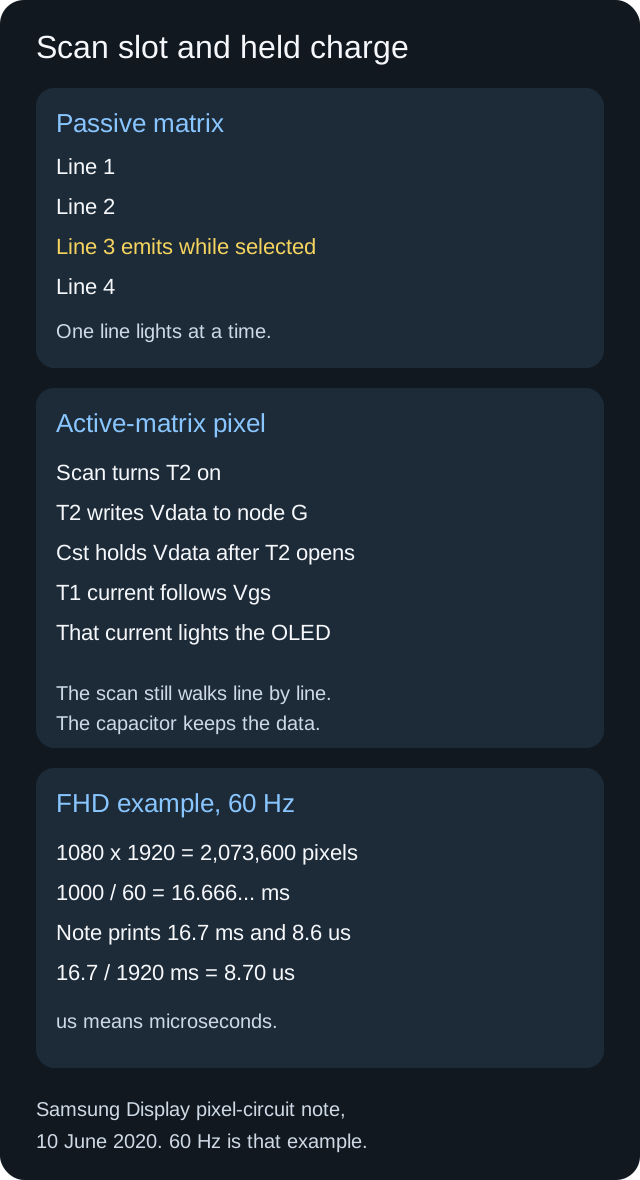
Samsung Display’s pixel-circuit note, 10 June 2020, supplies the 2T1C sequence and the FHD 60 Hz example. The 2010 OLED-types note supplies the one-line passive drive. The 60 Hz figure is the example, not a phone spec.
Takeaway: Divide the frame by the scan lines only for the resolution and the frequency the page actually printed.
Keep technology-page numbers on the technology page
Samsung Display’s English OLED page prints several figures for Samsung OLED and for named technologies. None of them is a definition of the letters AMOLED.
The page says a wide color gamut equivalent to 120% DCI-P3, and it says high brightness and low reflectance of 1,500 cd/m2 or more for a clear image in strong sunlight. It does not print the window size, the share of the screen that is white, or the duration. A peak phrase without those conditions cannot be lined up against another phone’s peak phrase.
The same page says Samsung OLED supports a high refresh rate of 240 Hz and has a response speed about 1.5 times faster than LCD, and that sentence does not name the test method. Adaptive Frequency is a separate name on the page: a low-power OLED technology that moves the refresh rate from 10 Hz to 120 Hz with the usage environment, with 120 Hz given for games that switch quickly and 10 Hz given for still images. The page says panel driving power can be reduced by up to 22% compared with the existing ones. “Up to” and “the existing ones” are part of that sentence. They are not a saving you can assign to every AMOLED listing.
The page also says OLED is about 30% thinner and lighter than an LCD that needs a backlight, because the stack is simpler. It says Samsung OLED implements real black of less than 0.0005 nit and a contrast ratio of 1,000,000:1 or higher. It says that, unlike an LCD with an always-on backlight, OLED emits only the necessary pixels, so power falls when the image is dark. A later sentence says dark-mode UI on Samsung OLED can cut power by about 25%, and it marks that 25% as based on laptops. Leave the laptop figure off a phone note.
Rule of thumb. If the model page lists under 1 refresh number, leave 10 Hz and 120 Hz off that phone. Those two ends are Samsung Display’s Adaptive Frequency range on the OLED page, fetched 18 October 2026. The same bar applies to 240 Hz, to 1,500 cd/m2, and to the 60 Hz inside the 2020 frame example. A missing number stays missing. Importing one because the suffix matches the family will make two phones look comparable when the conditions were never the same.
Diamond Pixel is the layout trap next to those numbers. The OLED page says it increases the green element and arranges subpixels on a 45-degree diagonal, because the retina is most sensitive to green. The TFT lesson’s red-green-blue pixel is a different description. Until the model page names the layout, a pixels-per-inch figure you compute from a guessed subpixel map is your own arithmetic, not the maker’s.
Daylight on the glass is a viewing condition. The 1,500 cd/m2 phrase on Samsung Display’s OLED page does not name the window size or the duration, so it does not score this scene.
The practical next measurement is runtime under a named screen, not a suffix. Samsung’s page ties dark images to lower OLED power because unlit pixels are not emitting, while an LCD backlight stays on. That mechanism does not produce a battery-hour number. Use the phone battery-life comparison for which runtime was measured, and keep the screen content in the same note as the hours.
Takeaway: Park 1,500 cd/m2, 10 Hz, 120 Hz, and 240 Hz on the Samsung Display sentences that print them.
Treat a held bright image as the ownership failure
Apple’s page, published 1 June 2026, is about Super Retina and Super Retina XDR, not about every panel that a shop calls AMOLED. It says an off-angle look shows slight shifts in color and hue, and that reduced brightness against a black background shows a slight blur or color change while scrolling. It calls both characteristics of OLED and normal behavior. It also says that with extended use, OLED displays can show slight visual changes. This includes image persistence and burn-in, a faint remnant of an image after a new image is on the screen. Image persistence is temporary and disappears after a few minutes of normal use. Burn-in, the page says, can occur in more extreme cases, when the same high-contrast image is displayed continuously at high brightness for a prolonged time.
The page says those iPhone displays use algorithms that watch individual pixels and build calibration data, and that the phone adjusts each pixel’s brightness from that data. Auto-brightness reduces the effect further. It also says OLEDs and LCDs alike can lose brightness as the display ages. Aging is not an AMOLED-only event, and it is not something the suffix ranks.
The care steps on that page are iPhone steps. Turn on auto-brightness, which the page says is on by default, under Settings, Accessibility, Display & Text Size. Set Auto-Lock under Settings, Display & Brightness, and prefer a shorter time. Avoid static images at maximum brightness for long periods. If an app keeps the display on while you are not using the phone, lower the brightness from Control Center. On a phone that is not one of the models that page names, use the maker’s own brightness control and sleep timer. Do not paste the iOS menu path onto another brand, and do not skip the underlying limit: a high-contrast image held at high brightness for a long time is the case Apple identifies.
The panel you are judging is this glass, not the suffix on the listing. The photo shows an unmarked handset. It does not show a brand, a nit value, or a burn-in mark.
A used phone needs a look at that glass at ordinary brightness, for a mark that stays after the image changes. A screenshot viewed on another screen cannot show the panel. Ask what was replaced and which part number the repair used. The launch sentence on a product page describes the panel the maker shipped, not an unknown replacement.
After the label is settled, the in-hand trial is the phone display checklist. That page is the place to compare text, motion, and the lighting you actually use. The suffix has already done its job once you know it means active-matrix OLED.
The hidden cost sits in a screen you stop trusting, or a phone you replace early, because a static mark remained or because outdoor type was harder to read than the technology-page sentence suggested. Leave the price out of the note. Put the missing field in it. When brightness condition, refresh range, or pixel count is blank, the letters AM did not buy that field.
Takeaway: On the iPhones Apple’s page names, shorten the time a high-contrast image stays at maximum brightness, and use auto-brightness and a shorter auto-lock.
Copy one row, then use the phone guides
Use one row per phone you can actually buy. The technology name goes in the first cell. Every other cell stays “not stated” until you have the page that prints it.
Scroll horizontally to see all columns.
| Cell | What to write | Where it has to come from |
|---|---|---|
| Family and drive | OLED, and AMOLED only if you mean active matrix | The definitions above, matched to the word the listing prints |
| Pixel count | The horizontal and vertical counts, then the product | The model page. The 2,073,600 figure stays in the 2020 example |
| Refresh | The range the model page prints, including when it changes | The model page. Adaptive Frequency’s 10 Hz to 120 Hz stays on Samsung Display’s page |
| Brightness | The number plus window, content, and duration, or “not stated” | The model page. 1,500 cd/m2 stays on the OLED technology page |
| Layout and TFT material | Diamond Pixel, RGB, a-Si, or LTPS, only if named | The page that names them |
| Held-image care | The maker’s sleep and brightness steps | Apple’s 1 June 2026 page for the iPhones it names. The maker’s own page for any other phone |
More phone decisions sit with the Smartphone Guides. Finish the display row before you fold the phone into battery life or software support, so a drive-method word does not stand in for a blank cell.
Sources
Pages saved 18 October 2026. The 2010 and 2020 Samsung Display notes are Korean. The OLED technology page and the TFT lesson are English. Apple’s page states its own published date.
- Samsung Display: OLED display
- Samsung Display Learn Display: Thin Film Transistor
- Samsung Display newsroom, 28 July 2010: OLED types, passive matrix and active matrix (Korean)
- Samsung Display newsroom, 10 June 2020: OLED pixel circuit, 2T1C, and the FHD 60 Hz example (Korean)
- Apple Support, published 1 June 2026: Super Retina and Super Retina XDR
Related articles
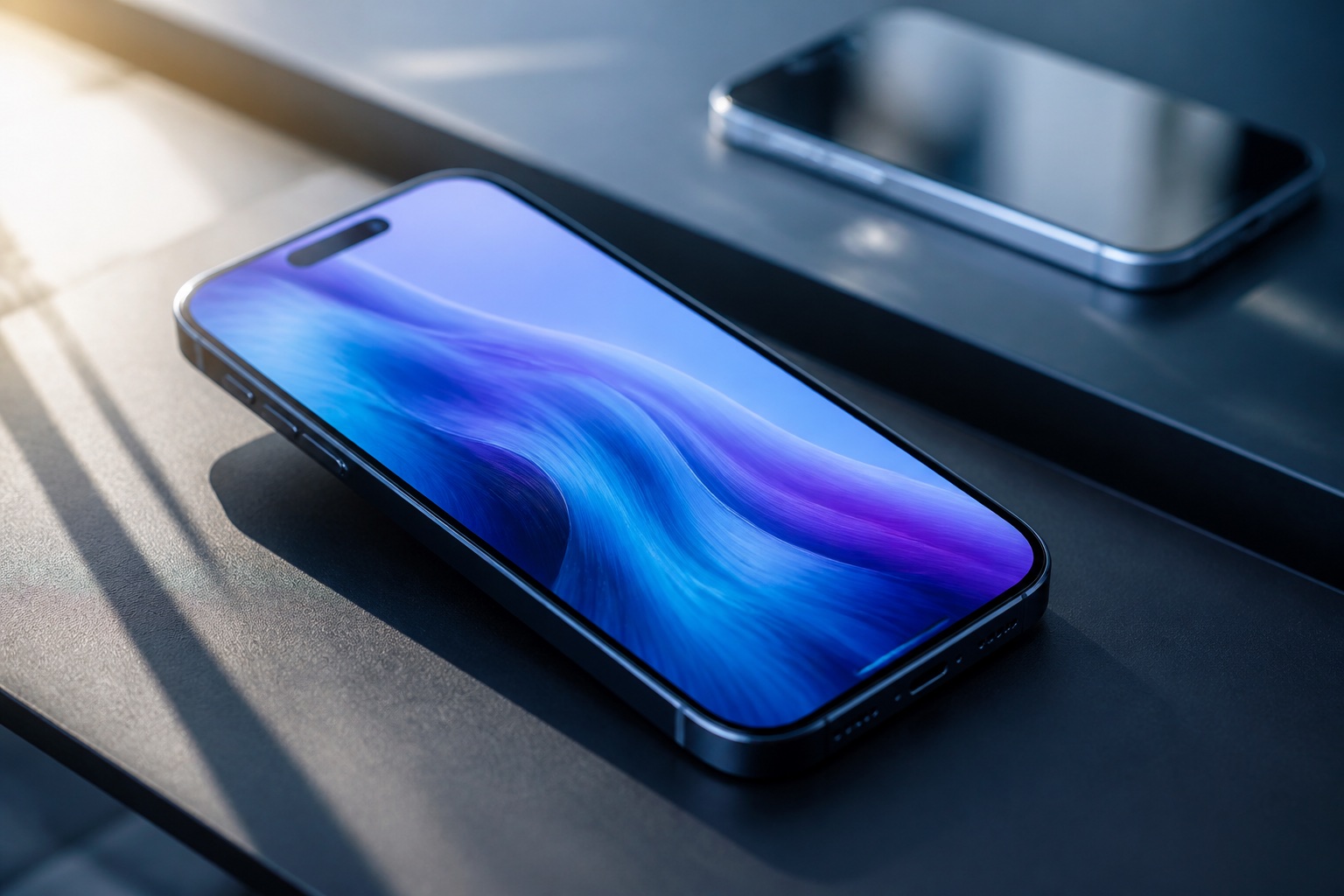
How to Choose a Phone Display: A Practical Buyer Checklist
A peak brightness number wastes the shortlist when it is an HDR or outdoor category. Choose a phone display by readable text, that category, and the refresh mode you will keep.
Read article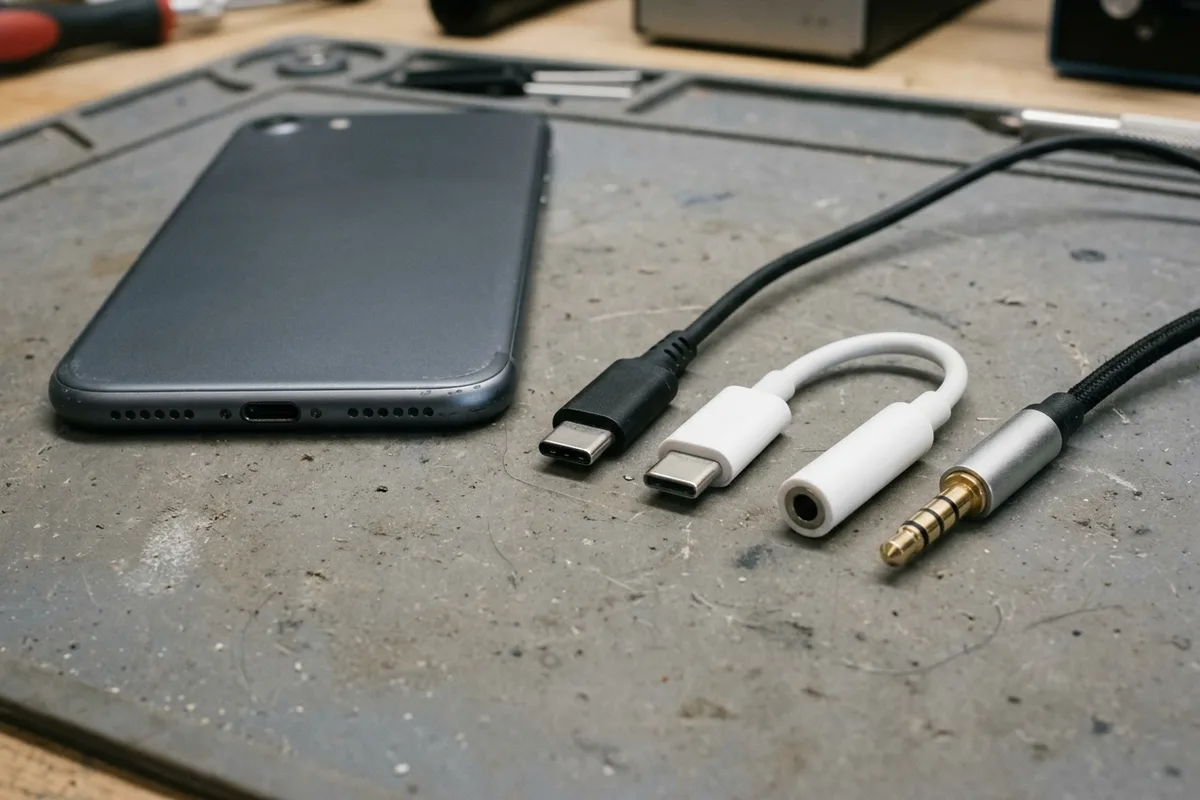
Using USB-C Headphones on Android: Digital Audio & DAC Checks
USB-C headphones stay silent when the adapter is analog-only. Use the AOSP digital-to-analog rules, then log playback, the microphone, buttons, and a blank call cell.
Read article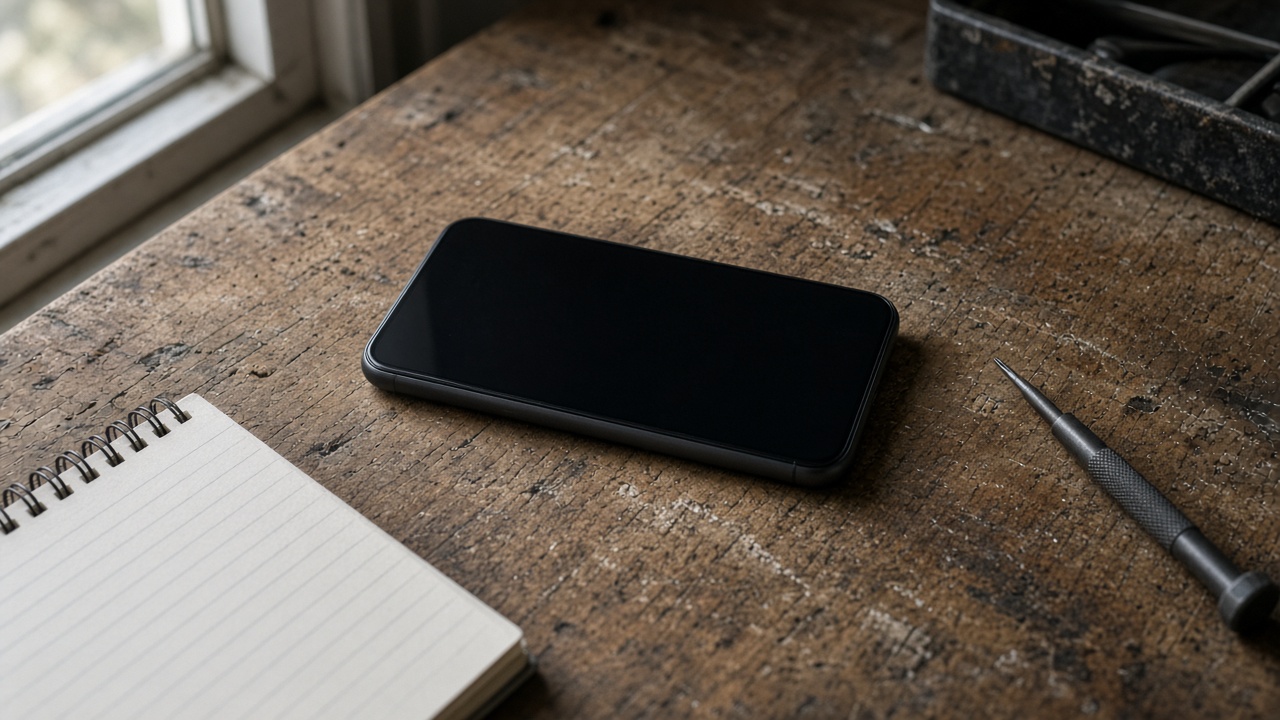
Is It Worth Replacing a Battery in a Cell Phone?
A worn battery can waste a cell phone that still works. Match the health screen, the software-support window, and the other hardware before you replace the phone.
Read article