Using USB-C Headphones on Android: Digital Audio & DAC Checks
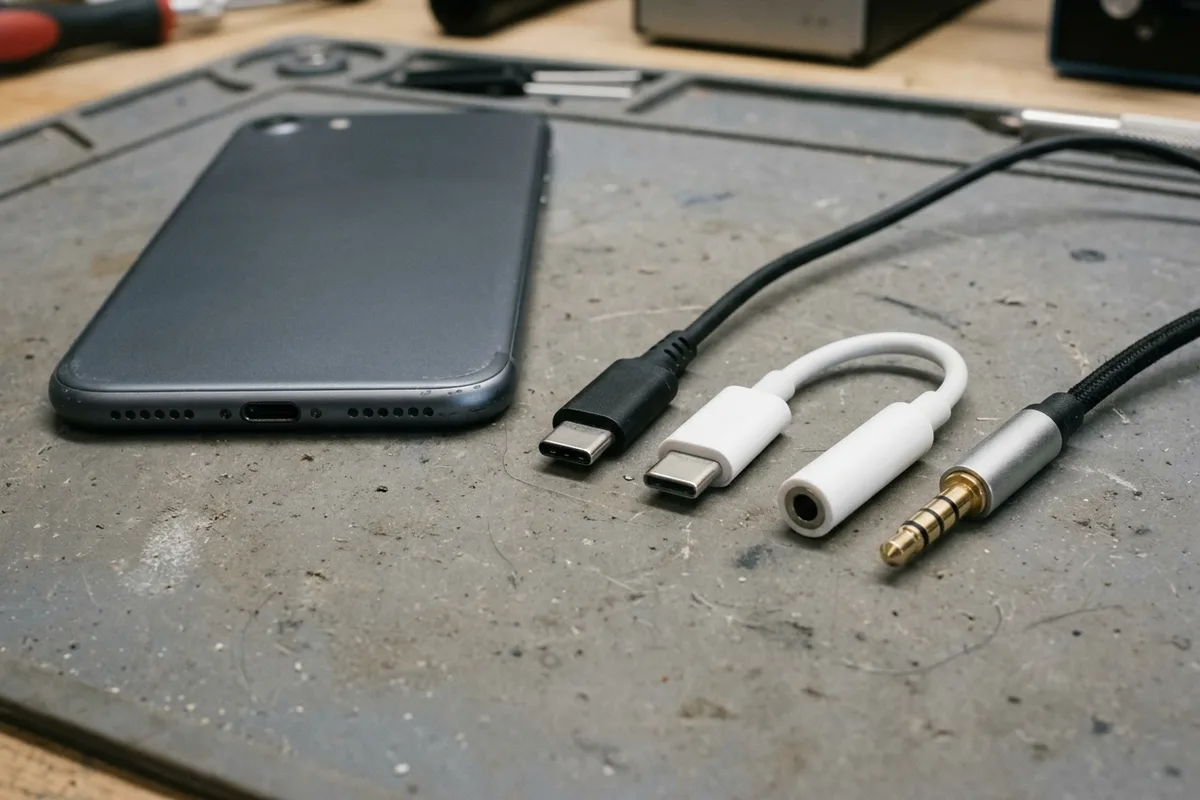
USB-C headphones stay silent when the adapter is analog-only. Use the AOSP digital-to-analog rules, then log playback, the microphone, buttons, and a blank call cell.
Read articleSmartphone decisions
Clear buying frameworks for the parts of a phone you live with every day: software support, display quality, RAM, and long-term ownership.
Copy this record once per candidate. Keep unknowns visible and attach the official source and check date beside each finding.
Exact model / configuration:
Region:
Support endpoint / planned replacement:
Display trial / settings:
Physical RAM / storage:
App-switching result:
Trade-off / unresolved question:
Sources / checked on:
Use the support guide for model, region and endpoint; the display guide for the trial; and the RAM guide for memory. The trade-off line records what you gain or give up across those checks.
A phone you already own is a different decision. If the battery is the part that fails first, the battery replacement guide separates a worn cell from software support that is ending and from a screen or port that a new cell will not fix. If wired USB-C earbuds or a 3.5 mm adapter produce no sound—or play music while calls, microphone capture, or inline buttons fail—use the Android USB-C headphone and DAC adapter compatibility checklist before returning the accessory.
Use this hub to connect remaining software support, display usability, memory needs and battery runtime. It is designed for comparing exact configurations, including discounted or used phones, rather than ranking brands by a single specification.
Write down how long you intend to keep the phone and which services you rely on. Then check the published software policy for the exact model and market. Keep a manufacturer commitment separate from a record of updates already released.
This step is especially useful for older stock. A new purchase date does not necessarily start a new support period. If the official endpoint is unclear, preserve that uncertainty in the shortlist instead of substituting an optimistic date.
Read the display checklist for a practical trial of size, text, lighting and motion. Choose ordinary content you recognize instead of relying only on a shop demonstration. Note the settings so you can repeat the comparison fairly.
If OLED and AMOLED terminology is confusing the shortlist, read the separate technology explainer first. It clarifies what the labels tell you and leaves the actual screen comparison to the conditions that matter to you.
List the apps you switch between and the task you most want to preserve. Use the RAM guide to distinguish physical memory from storage and expansion marketing. A small repeatable workflow is more informative than treating every larger number as necessary.
Finish with a trade-off note: what do you gain with the more expensive configuration, and what do you give up? If both phones meet your needs, compare condition, repair options, accessories and price. The guides help structure that decision without promising future features or untested performance.
A milliamp-hour headline and a published hour can describe different workloads. Record capacity, voltage when the maker prints it, and the activity, brightness and network behind any runtime.
The battery guide keeps that record separate from a yearly ranking and from the screen and memory checks above. If you already own the phone and the cell is the part that fails, the replacement guide is the next page. It does not rank new phones by runtime.
USB-C headphones stay silent when the adapter is analog-only. Use the AOSP digital-to-analog rules, then log playback, the microphone, buttons, and a blank call cell.
Read article
A worn battery can waste a cell phone that still works. Match the health screen, the software-support window, and the other hardware before you replace the phone.
Read article
Best smartphone battery life is the endurance hour under one named test. Copy that hour, the rated capacity, and the class from the sheet that prints them.
Read article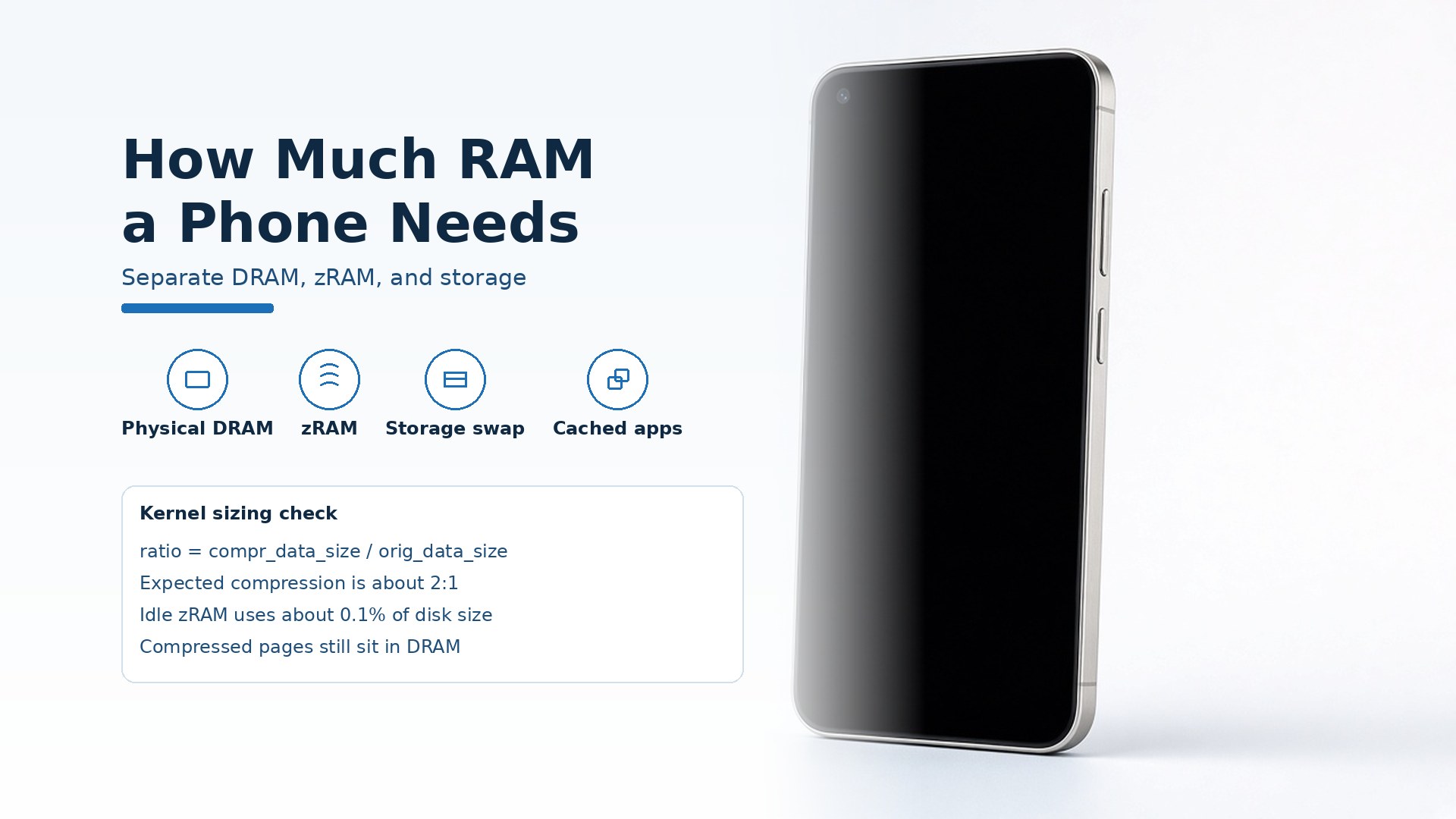
A smartphone needs enough physical DRAM to keep your apps cached. Keep zRAM and storage-backed virtual memory in separate columns.
Read article
A peak brightness number wastes the shortlist when it is an HDR or outdoor category. Choose a phone display by readable text, that category, and the refresh mode you will keep.
Read article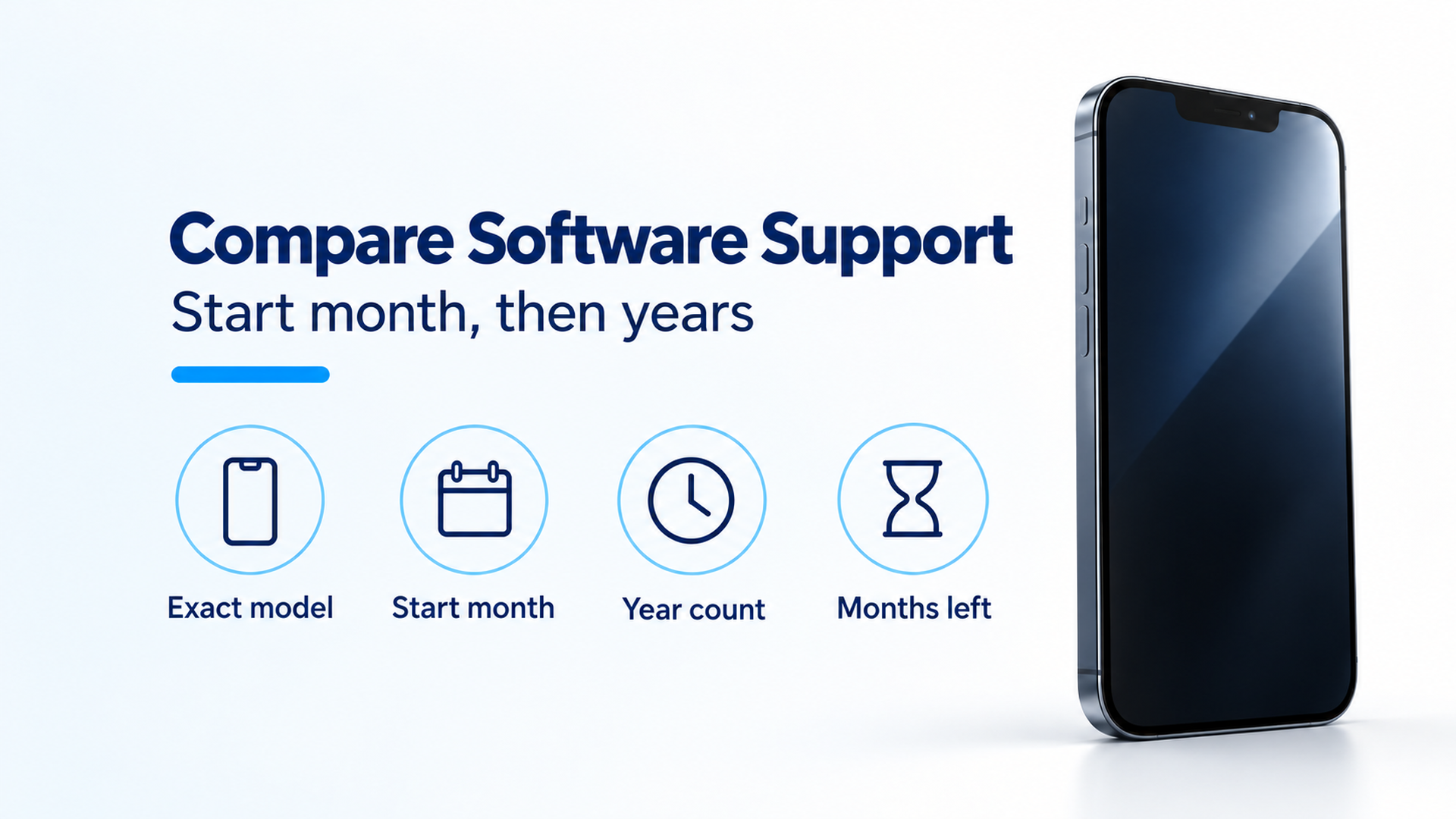
A discount on older stock wastes the years you thought the receipt restarted. Subtract your purchase month from the maker's start month plus the published year count.
Read article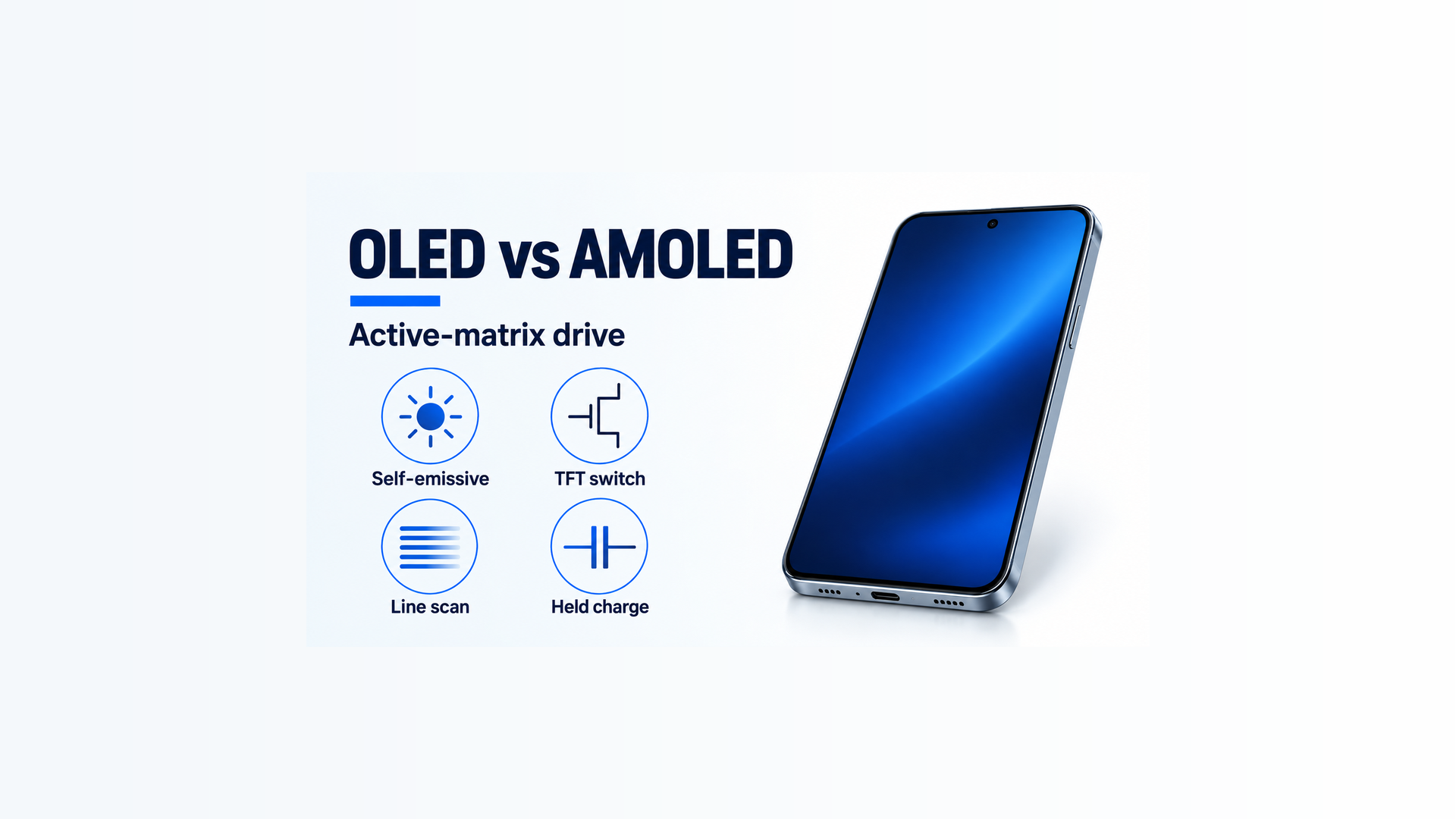
Paying for the letters AM wastes a drive-method word. AMOLED means active-matrix OLED, and the suffix leaves brightness and refresh unset.
Read article