USB-C Power Delivery Explained: What a Charger Can Actually Do
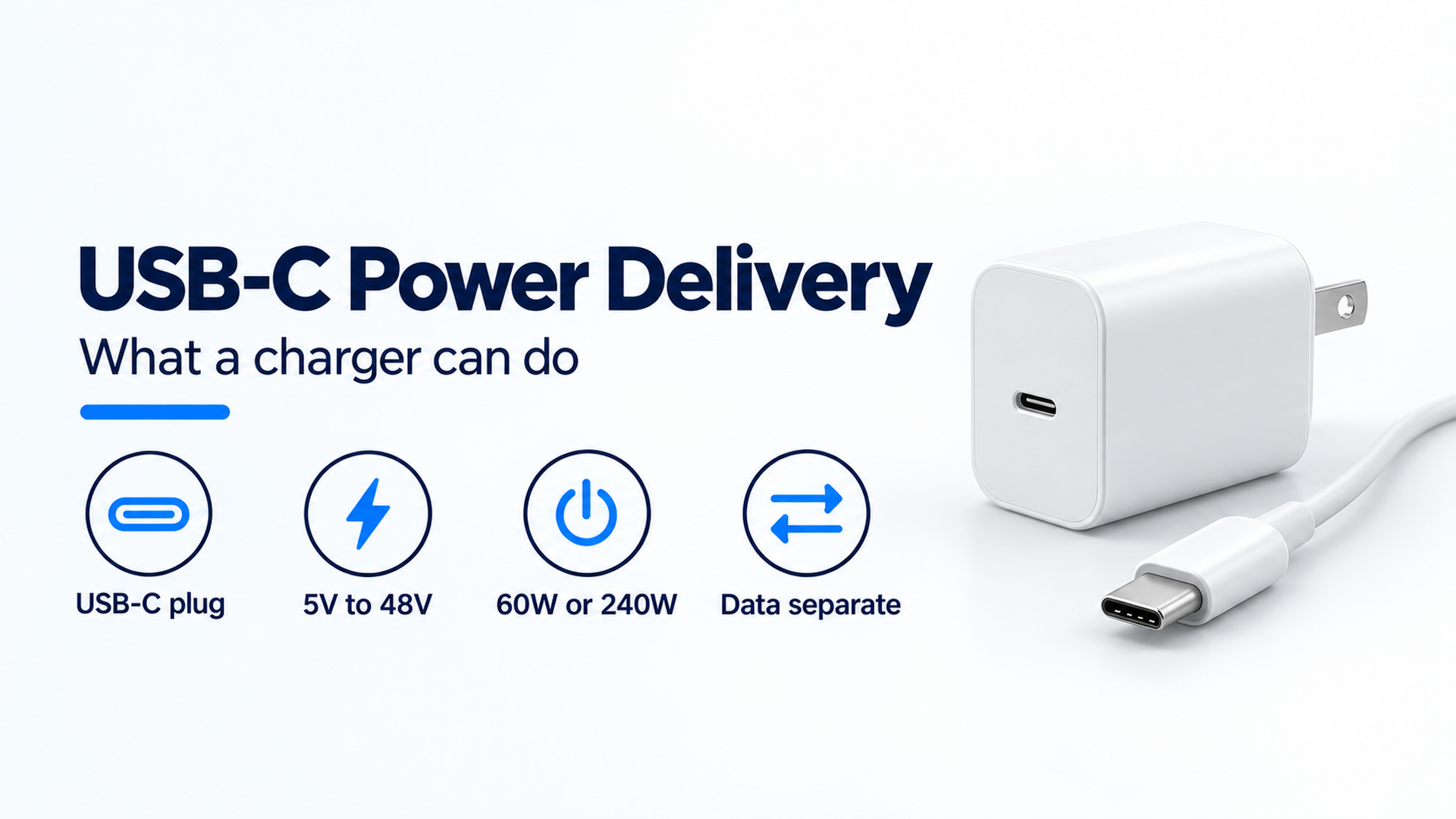
USB-C is the connector. USB Power Delivery is the separate power contract, with fixed voltages from 5V through 48V and a 240W ceiling on the 2021 USB-IF update.
Read the full story USB-C is the connector. USB Power Delivery is the separate power contract, with fixed voltages from 5V through 48V and a 240W ceiling on the 2021 USB-IF update.
Read the full story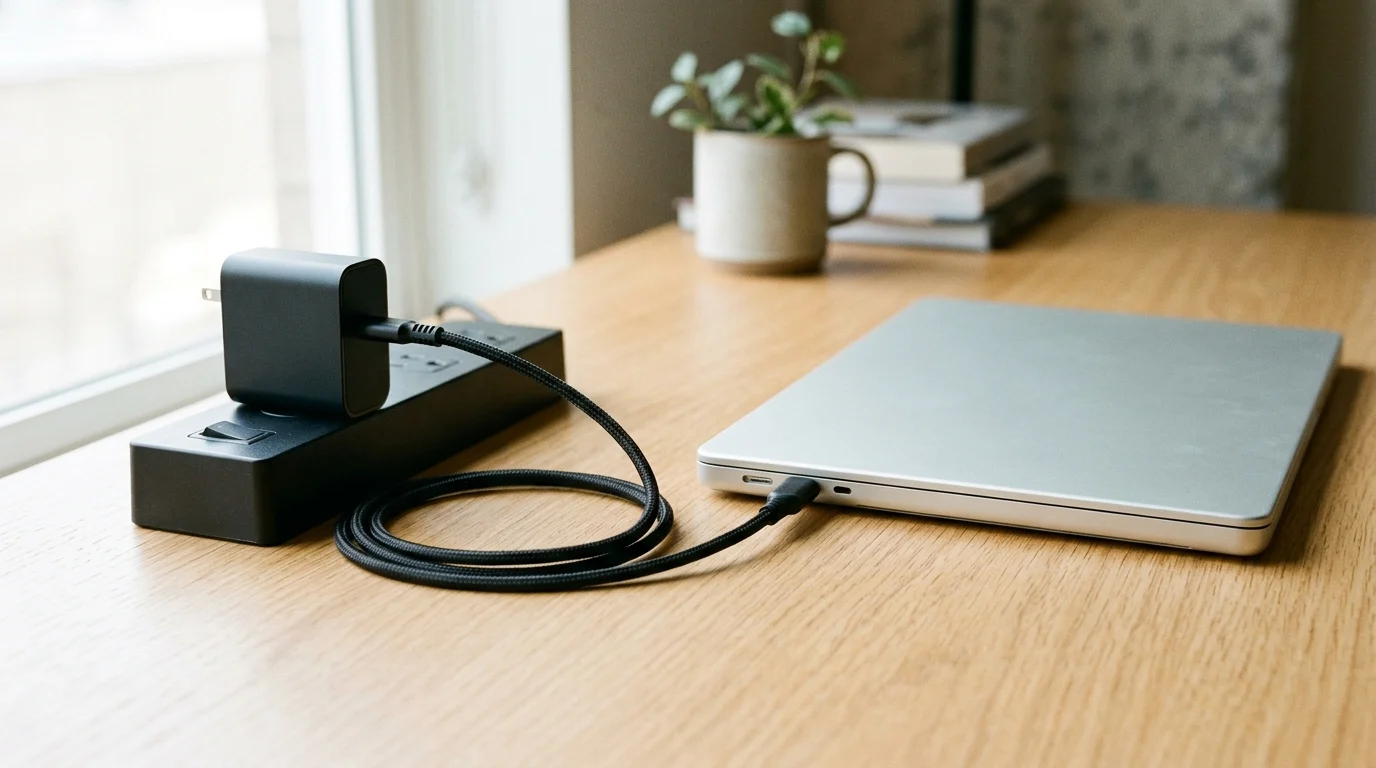
A Port Present PDP greater than 60W requires a 5A cable. Match charger PDO profiles, cable eMarker identity, multi-port sharing rules and laptop or power bank charging speed.

Power banks must be carried on and cannot be checked. Learn how to check battery capacity, calculate watt-hours and prepare your flight packing checklist.
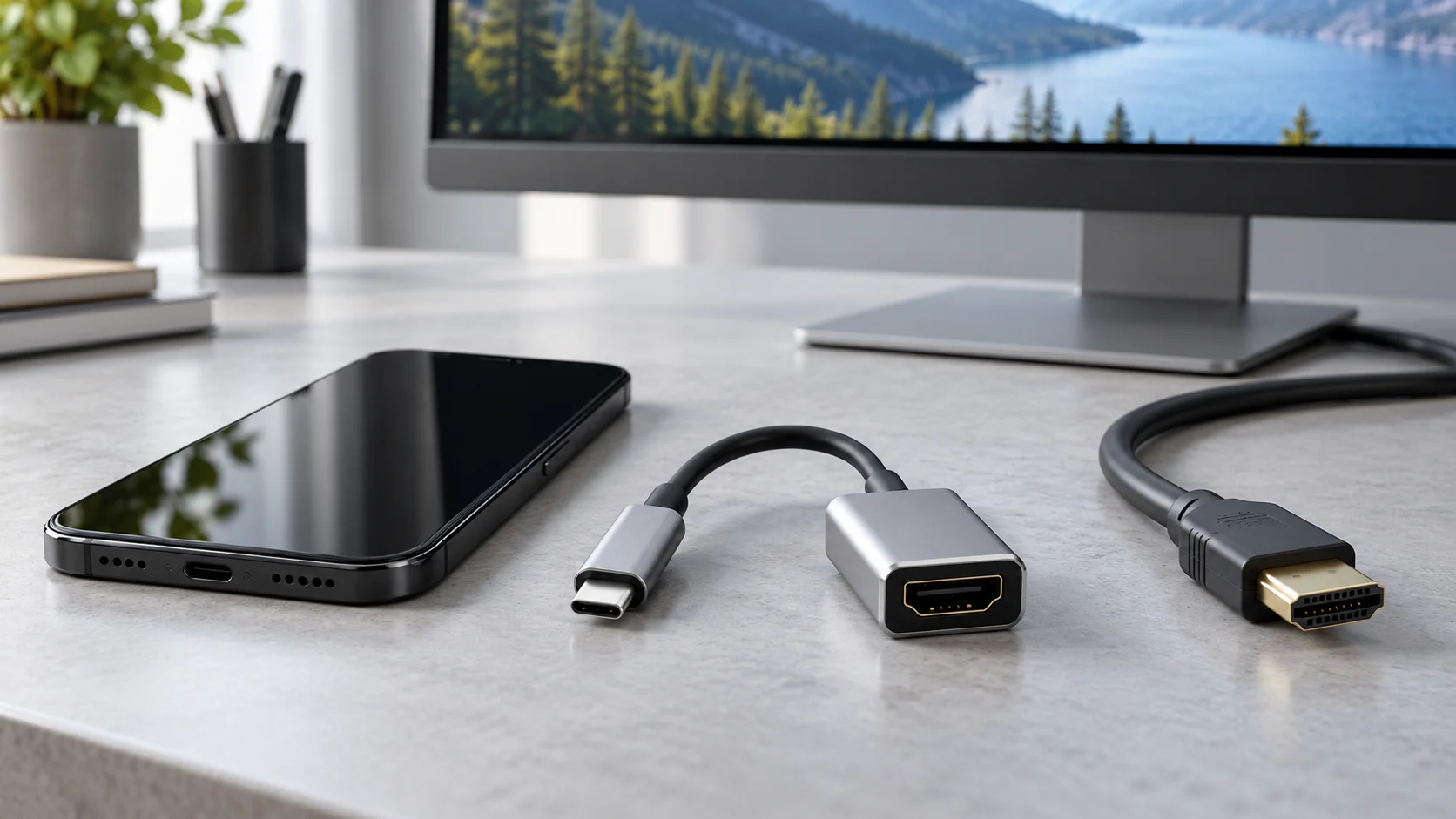
Check your phone’s wired video support, then run a USB-C to HDMI no-signal test. Separate DisplayPort Alt Mode, cable faults, and app restrictions.
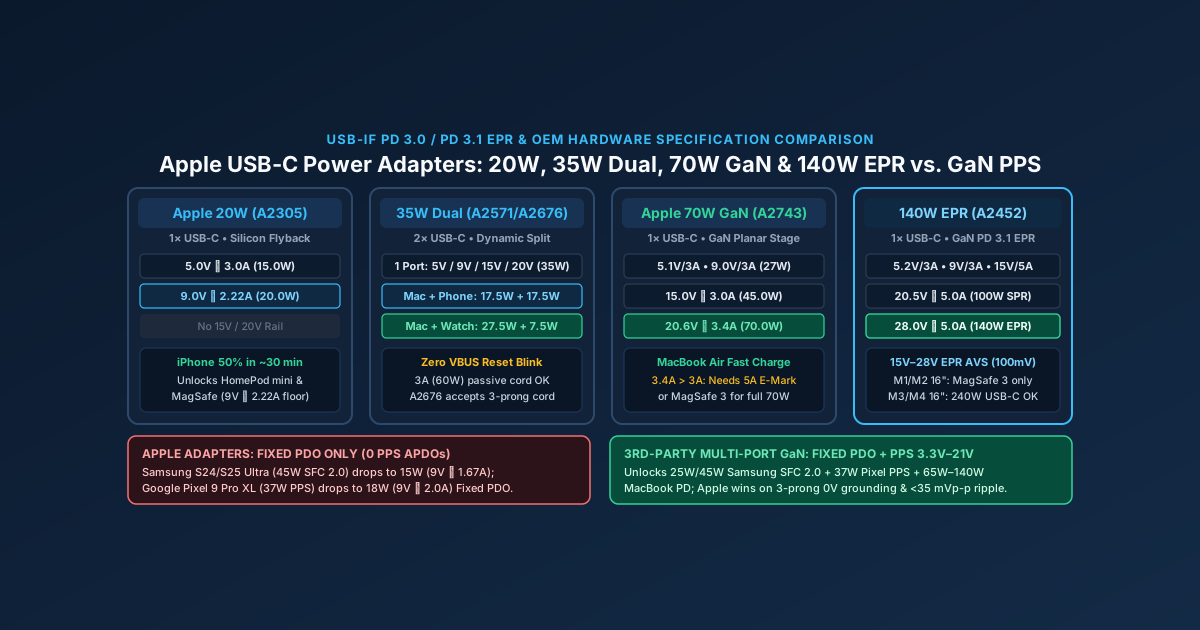
Compare every Apple USB-C power adapter (20W, 35W Dual, 70W, 96W, 140W PD 3.1 EPR) by exact fixed PDO voltage rails, why Apple bricks cap Samsung PPS phones at 15W, and when to pick a multi-port GaN charger.
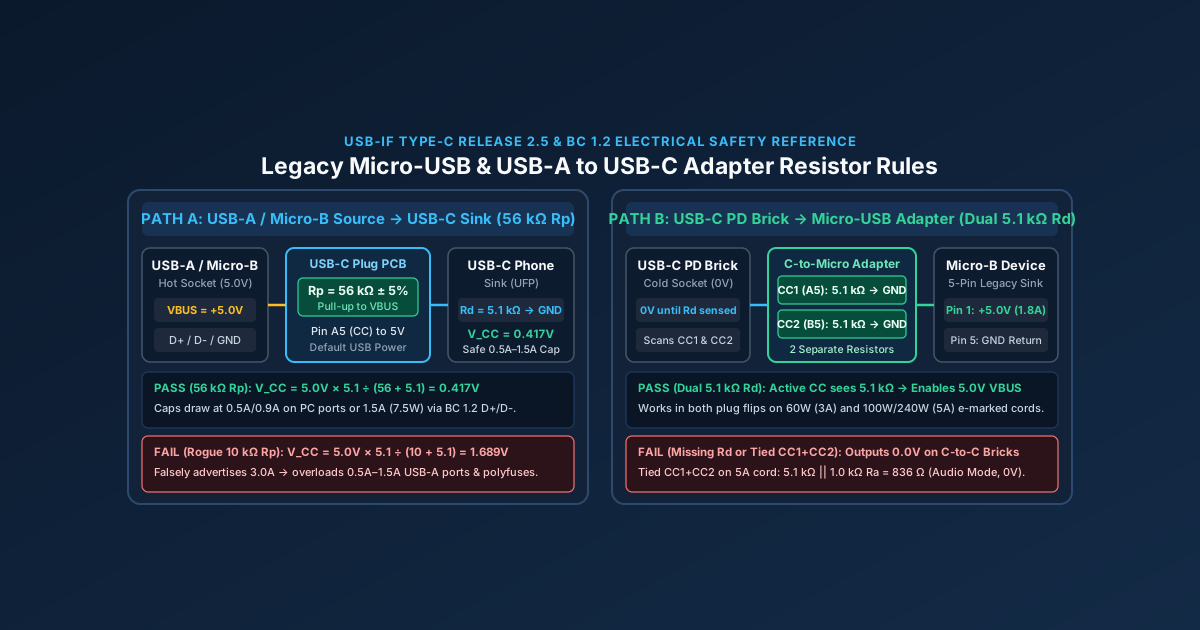
A Micro-USB to USB-C adapter without dual 5.1kΩ Rd resistors fails to charge on USB-C PD bricks, while a wrong 10kΩ Rp resistor can damage legacy USB-A ports.
Read article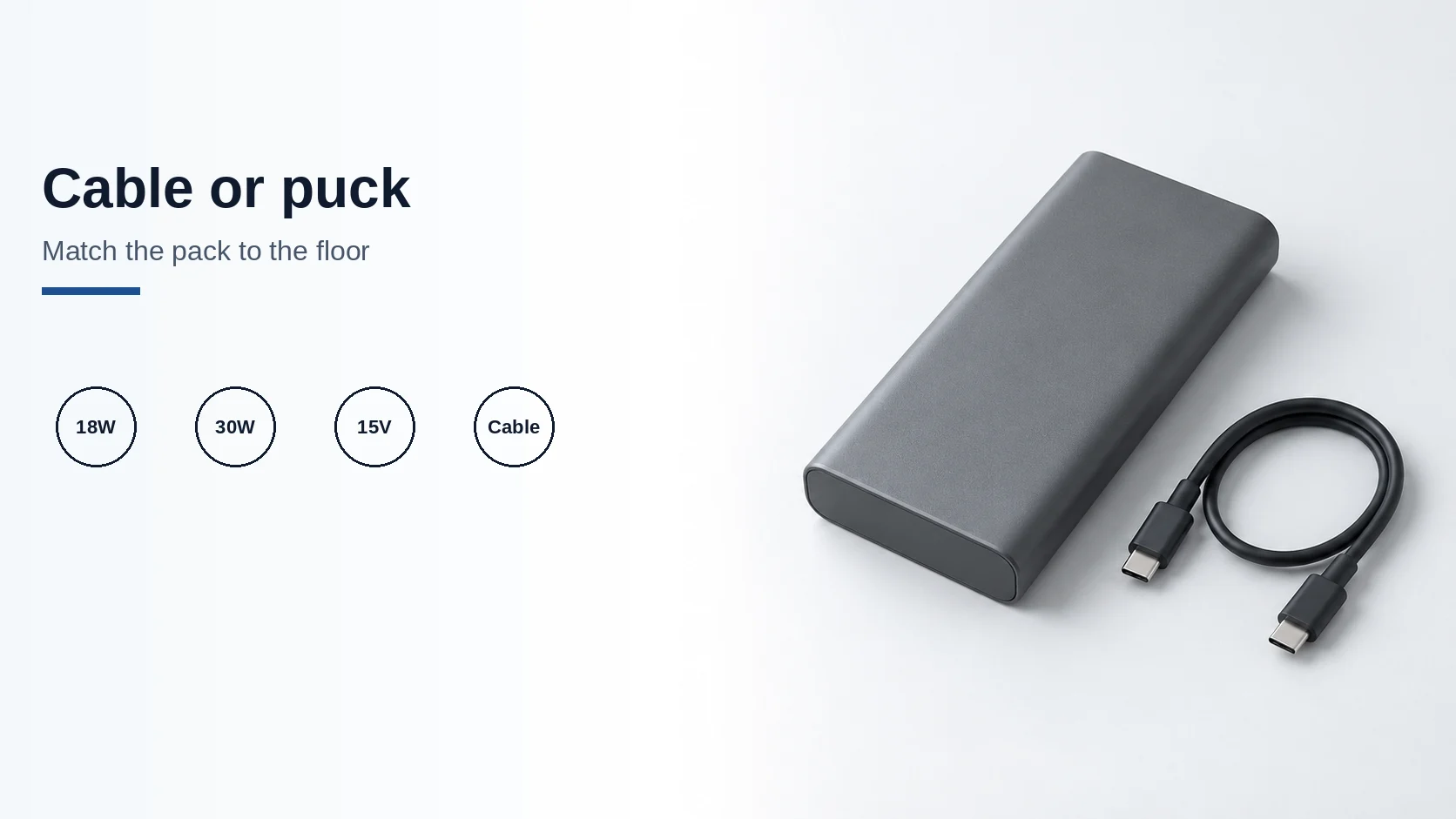
A pack must meet Apple's floors: 18W USB-C PD for iPhone 15 or later, or 30W at 15V/2A for the 25W MagSafe class.
Read article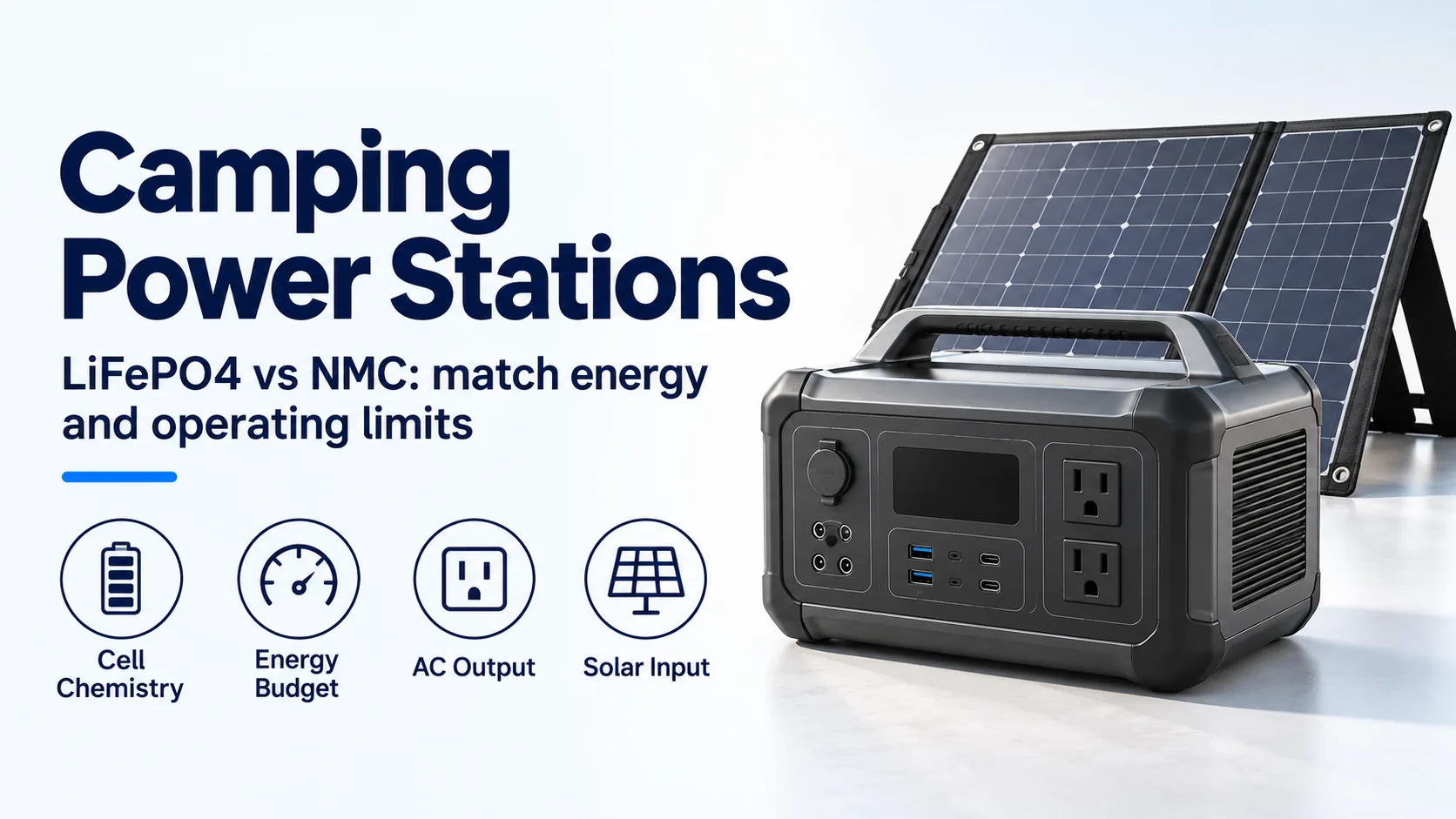
Compare LiFePO4 and NMC camping power stations by cell evidence, energy budget, inverter limits, cold charging and solar-input compatibility.
Read article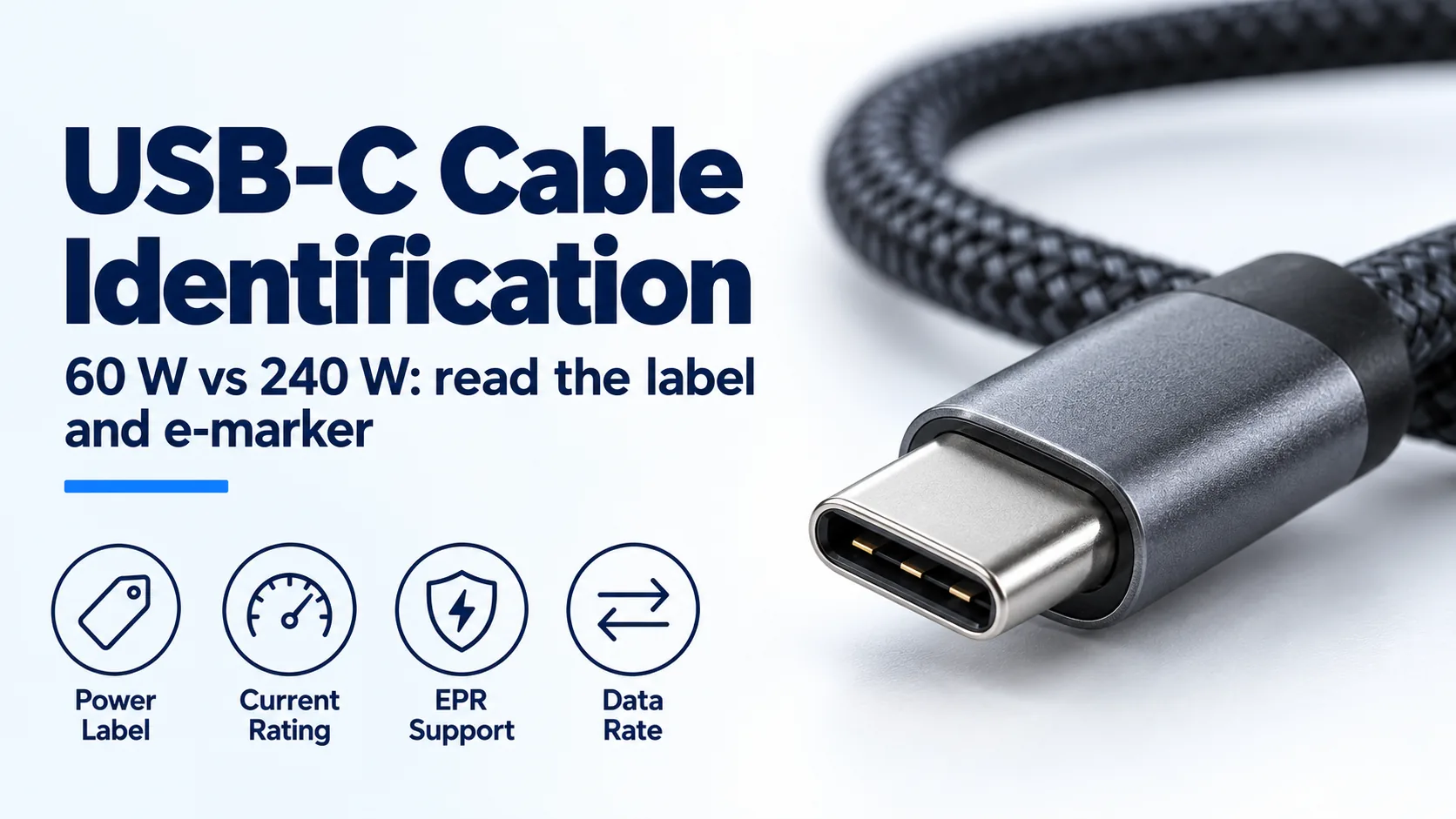
Identify a USB-C charger's cable by its 60 W or 240 W label, current capability and e-marker; distinguish older 100 W cables from EPR.
Read article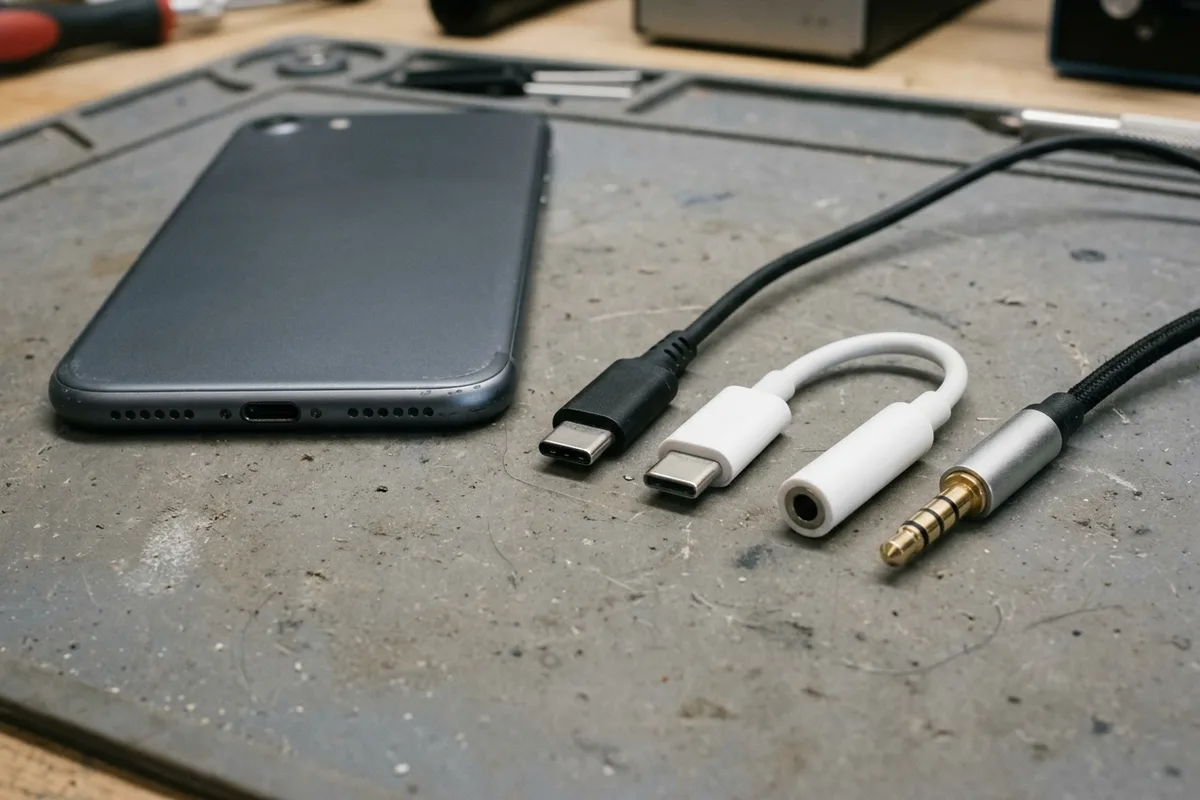
USB-C headphones stay silent when the adapter is analog-only. Use the AOSP digital-to-analog rules, then log playback, the microphone, buttons, and a blank call cell.
Read article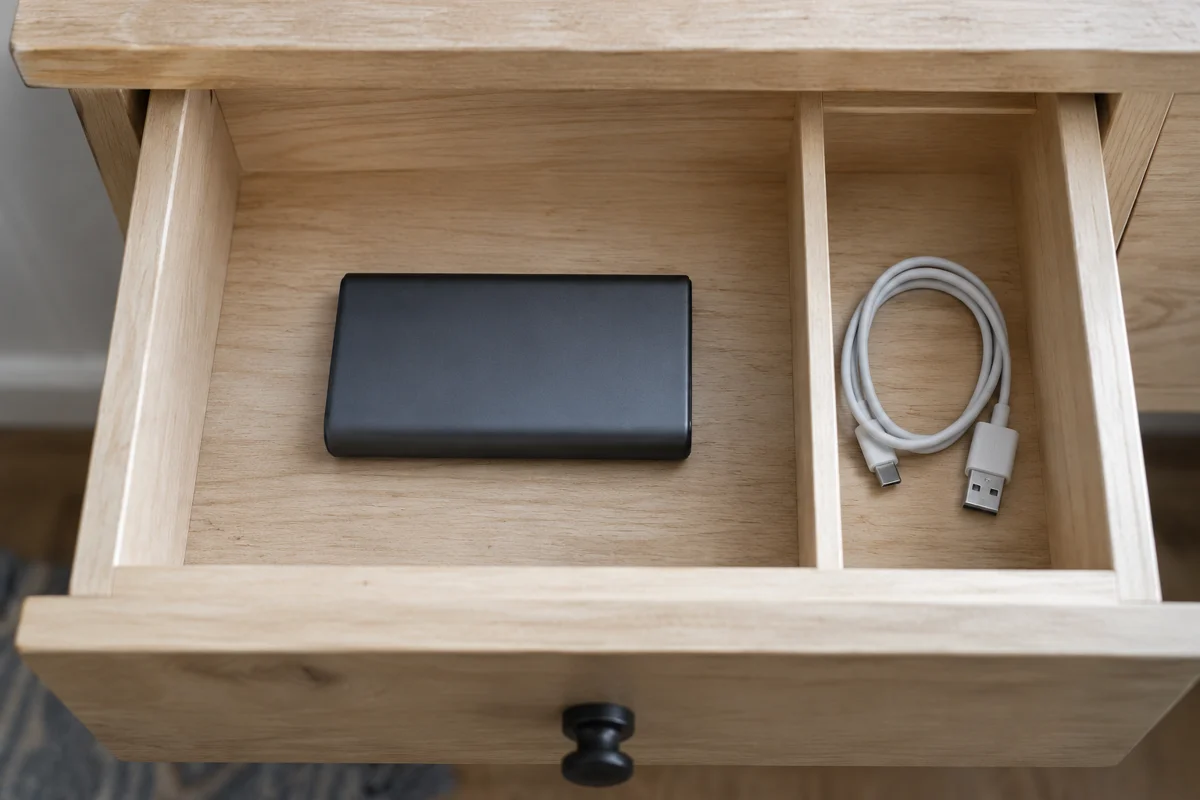
Storage after disuse: Anker's 3-4 month recharge and 20-36 month drain window, with every unprinted percent, cycle life, and watt-hour left blank.
Read article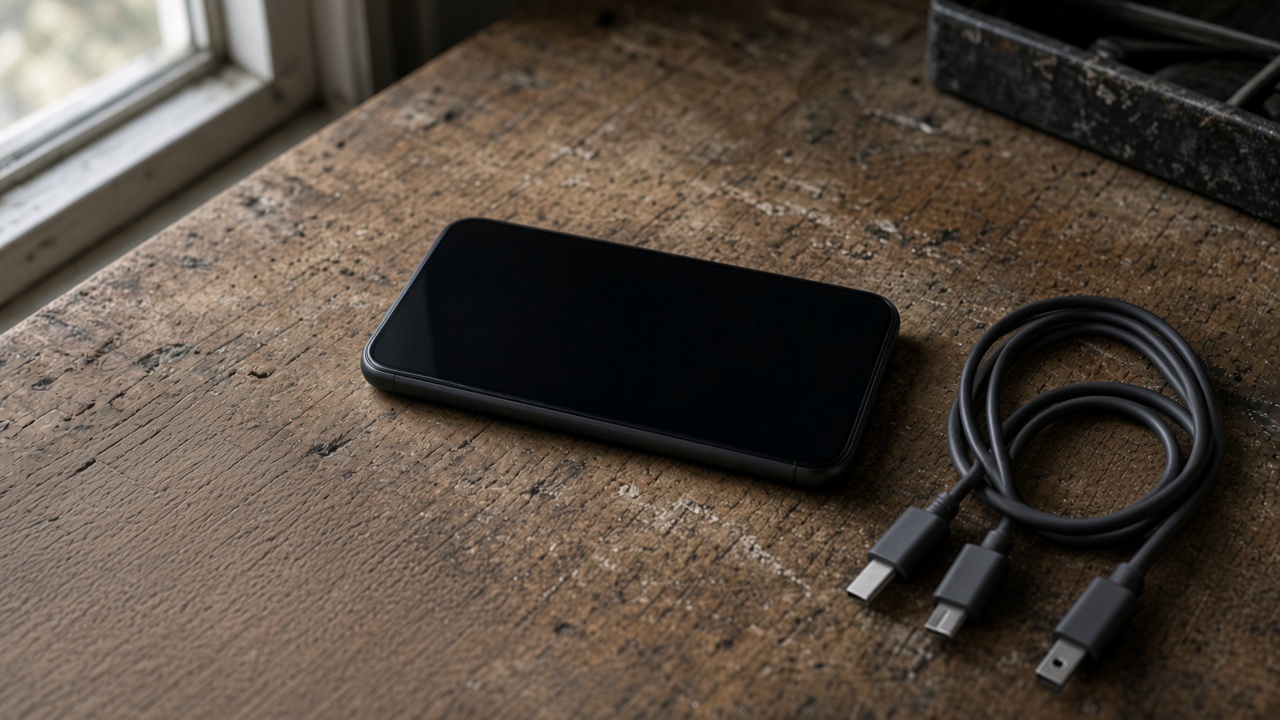
Match the USB-C plug to the port before you blame the charger. A Lightning phone needs a USB-C to Lightning cable. 60W and 240W are cable logos.
Read article
A worn battery can waste a cell phone that still works. Match the health screen, the software-support window, and the other hardware before you replace the phone.
Read article
Best smartphone battery life is the endurance hour under one named test. Copy that hour, the rated capacity, and the class from the sheet that prints them.
Read articleTech Gadgets Now explains how devices, accessories, standards, and distribution channels work so readers can make informed decisions.
Learn more about our approach Tech Gadgets Now helps you turn a confusing product listing into a manageable set of questions. The current library focuses on smartphone ownership and charging accessories: what a specification means, which details need verification, and how to compare the exact devices you can buy.
Start with what interrupts your day. If text is difficult to read, investigate the display and its settings. If apps repeatedly lose your place, compare your workload and memory configuration. If you plan to keep a phone for several years, check its remaining software-support period before paying for a larger headline specification.
The smartphone reading path connects these decisions so you can build one shortlist. It does not assume that everyone needs a flagship, that every newer device is a better fit, or that an isolated specification settles the purchase.
Write down the phone or laptop model, the charging mode you want, and which other devices will share the supply. Then examine the charger and cable as separate purchases. Our charging guides explain the terminology and show where model-specific documentation is needed.
If a listing leaves the port allocation, cable capability or wireless compatibility unclear, that is a question to resolve before ordering. The reading path helps you identify the missing information instead of collecting accessories and hoping they work together.
Each published guide pairs an explanation with useful comparison steps, source links and illustrative diagrams. Numerical examples are labeled where they are hypothetical. Manufacturer specifications are not presented as measurements performed by this publication, and a buying framework is not a hands-on product ranking.
Read the conditions around an example, not only its headline number. A named phone, region, software version or accessory combination can be essential to the claim. Follow the original source when you need to confirm those details for a purchase today.