USB-C Hub for Android: Power Role and Video Together
Why a USB-C hub for Android stops charging or drops video: USB-C Sink/DFP roles, 15W hub reserve, PPS limits, Fast Role Swap, and connection order.
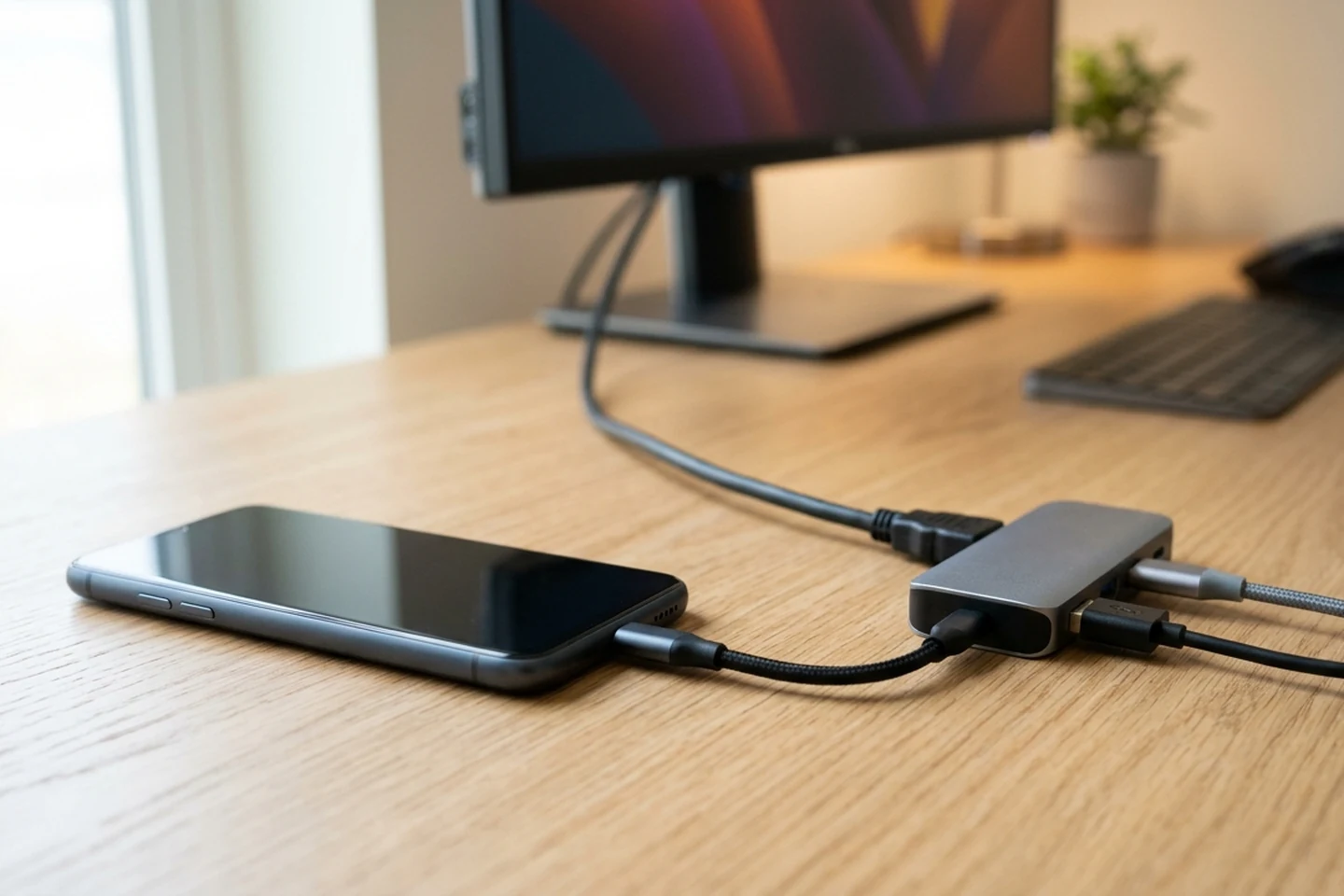
Following initial USB Type-C connection, USB PD PR_Swap swaps Source (Rp) and Sink (Rd), while USB PD DR_Swap swaps DFP (host data) and UFP (device data) roles. If a Sinking Host ends up in the UFP data role after entering Attached.SNK and establishing an Explicit USB PD contract, the Sinking Host shall accept or send a DR_Swap command in order to get itself into the DFP data role. Conversely, a Sourcing Device is a special sub-class of a DRP that is capable of supplying power but is not capable of acting as a USB host.
Why a USB-C hub for Android splits power and data roles
Under USB Type-C Table 4-12, for a dual-role port with preferred roles of Source and UFP, the recommended implementation is to enable Try.SNK (to become UFP). Under that same Table 4-12, for a dual-role port with preferred roles of Sink and DFP, the recommended implementation is to enable Try.SRC (to become DFP).
During a PR_Swap command in Table 4-13, DFP/UFP Data Roles and VCONN Source remain Unchanged while Rp/Rd and VBUS Source/Sink are Swapped. During a DR_Swap command in Table 4-13, DFP/UFP Data Roles are Swapped while Rp/Rd, VBUS Source/Sink, and VCONN Source remain Unchanged. If a Sourcing Device ends up in the DFP data role after entering Attached.SRC and establishing an Explicit USB PD contract, it shall accept or send a DR_Swap command in order to get itself into the UFP data role.
Scroll horizontally to see all columns.
| Role / Command | USB Type-C Specification Behavior |
|---|---|
| Source / UFP | Enable Try.SNK (to become UFP) |
| Sink / DFP | Enable Try.SRC (to become DFP) |
PR_Swap |
DFP/UFP Data Roles: Unchanged; Rp/Rd: Swapped; VBUS Source/Sink: Swapped; VCONN Source: Unchanged |
DR_Swap |
DFP/UFP Data Roles: Swapped; Rp/Rd: Unchanged; VBUS Source/Sink: Unchanged; VCONN Source: Unchanged |
Troubleshooting a USB-C hub not charging Android: bus power vs pass-through
Under the USB Type-C Specification, Default USB Type-C Current is 500 mA for USB 2.0 ports, or 900 mA or 1,500 mA for USB 3.2 ports in single-lane or dual-lane operation, respectively. In Table 4-20, Default 500 mA (USB 2.0) has a PDP equivalent of 2.5 W, and Default 900 mA (USB 3.2 single-lane) has a PDP equivalent of 4.5 W. Higher USB Type-C Current advertisements of 1.5 A and 3.0 A correspond to PDP equivalents of 7.5 W and 15 W, respectively. A Source (port supplying VBUS) shall protect itself from a Sink that draws current more than the port’s USB Type-C Current advertisement.
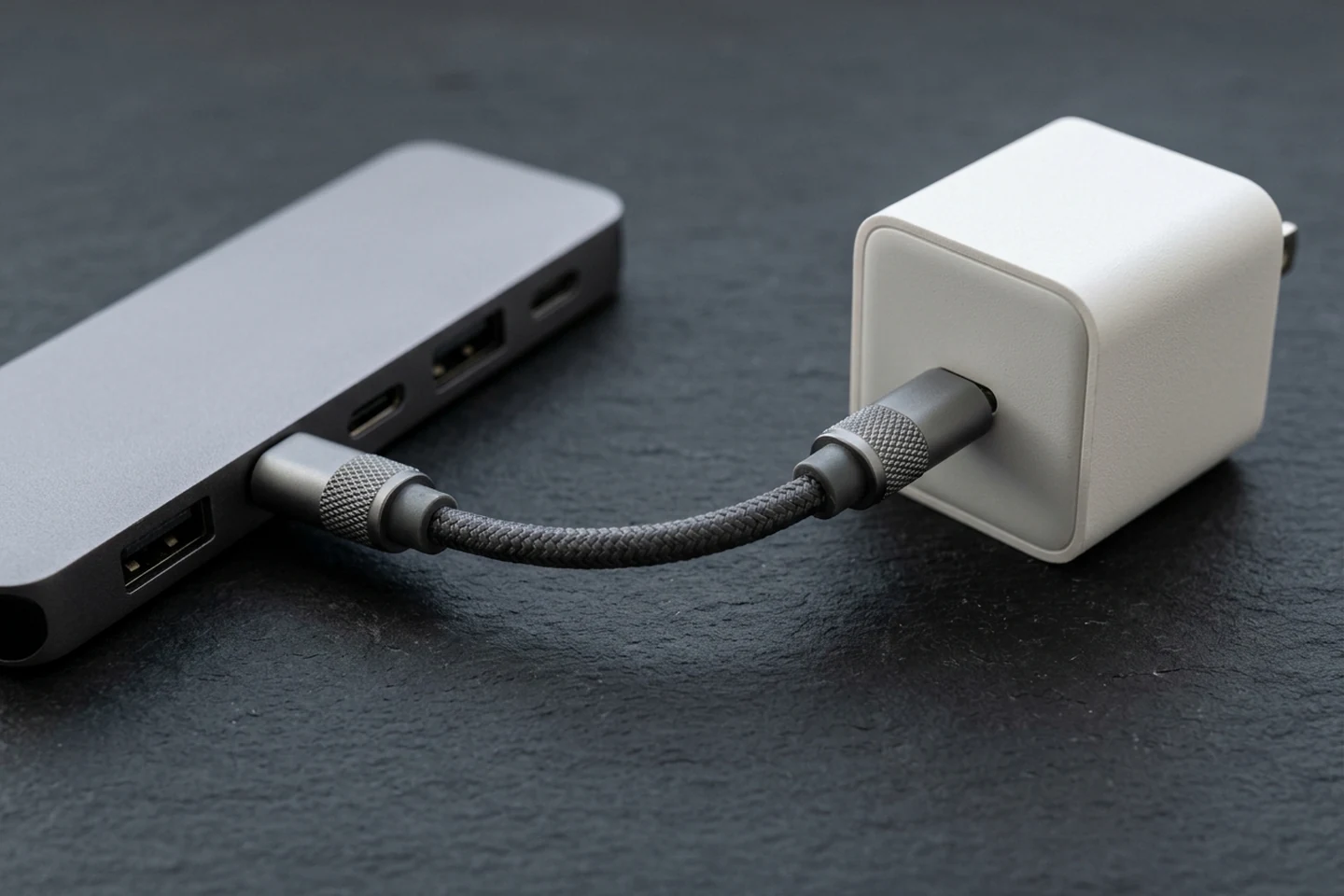
On the Anker A210B USB-C hub, the USB-C PD port supports up to 85W charging when connected with a 100W PD charger and a USB-C to USB-C cable, as the hub itself requires 15W for operation. On the Anker A210B USB-C hub, if you use a 30W charger, the hub consumes 15W, leaving insufficient power to charge your laptop. On the Anker A8355 hub, the USB-C PD input port supports a maximum of 85W charging when used with a PD wall charger and a USB-C to USB-C cable that both support 100W PD charging, because the hub consumes 15W of power.
Additionally, the Anker A210B USB-C hub does not support Samsung’s PPS (Programmable Power Supply) fast charging protocol, so Samsung devices connected to the hub will charge at standard speeds. Samsung’s EP-T2510 (25W PD charger) has a maximum output of 9V / 2.77A under PDO, and 3.3–5.9V / 3A or 3.3–11.0V / 2.25A under PPS for Super fast charging. Samsung’s EP-T4511 (45W PD charger) outputs 9V, 15V / 3A, and 20V / 2.25A under PDO, plus 5–20V / 2.25A under PPS for Super fast charging 2.0 based on use with a 45W, 5A cable.
For Pixel phones, Google states to use a Google 30 W USB-C power adapter or other programmable power supply (PPS) power adapter rated for 30 W or more, or other USB power delivery (PD) adapters rated for 15 W or more. In order to pass through the USB-IF Compliance Program, all USB-C to USB-C cables categories must be labelled with either a power capability of 60W or 240W by using the appropriate power icon. Prior to the USB PD extended power update, USB PD was limited to 100W using a solution based on 20V using USB Type-C cables rated at 5A.
Why unplugging wall power drops HDMI video: Fast Role Swap (FRS)
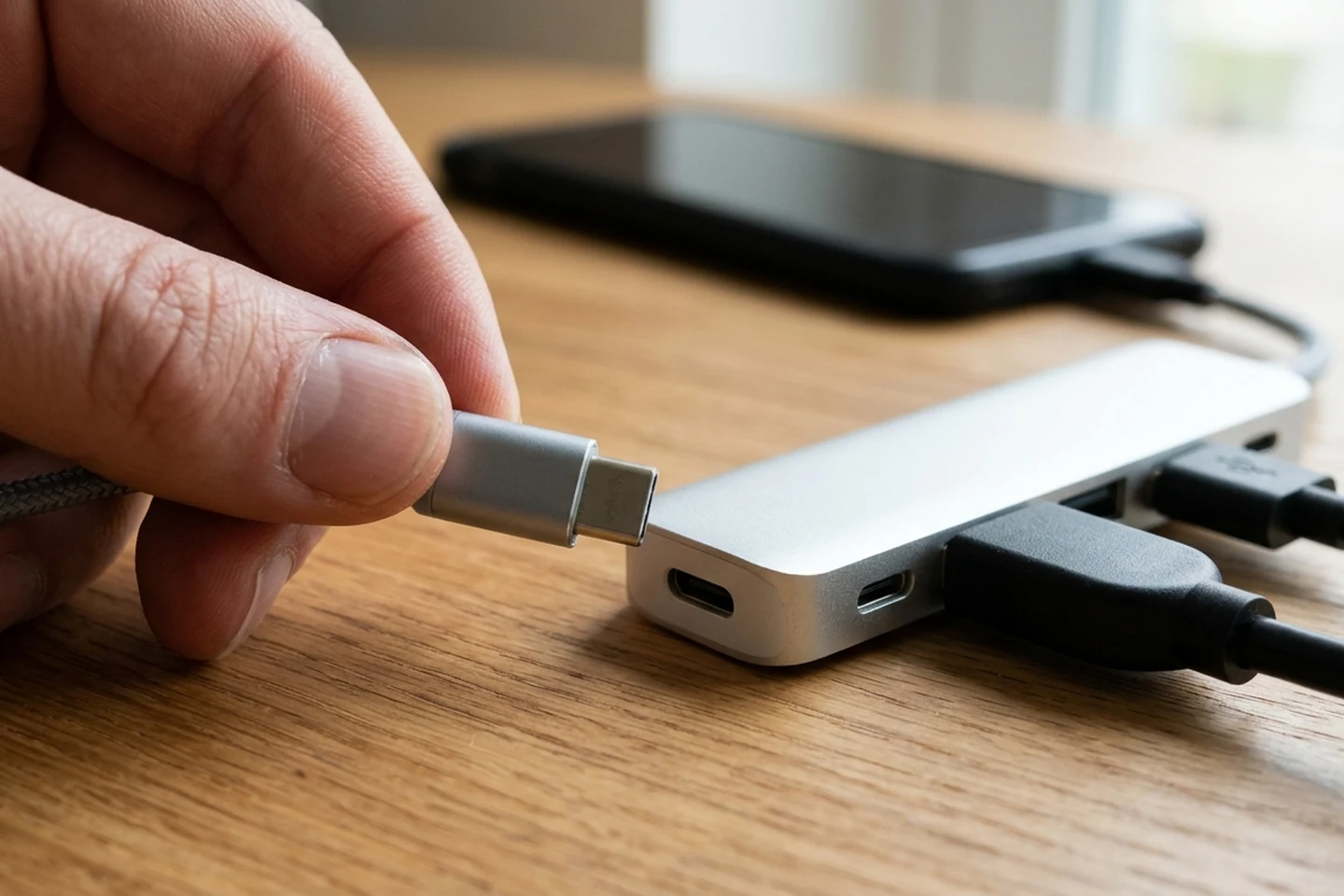
In the Fixed 5V Sink PDO (Table 6.9), the Fast Role Swap required USB Type-C Current field defaults to 00b (Fast Role Swap not supported). In USB Power Delivery Chapter 7 Message Usage (Table 7.4), Fast Role Swap is Recommended for a DRP Initiator and Optional for a DRP Responder using the FR_Swap message. An FRS-capable Charge-Through Accessory must be capable of powering its internal circuitry and downstream ports when receiving 5V from an upstream Host at 15W or less. This Fast Role Swap transition relies on temporary internal power storage within the accessory to maintain power within the accessory and continue providing power to any downstream ports during the swap.
When initialized for FRS, the Initial Sink shall disable Type-C disconnect detection and shall become the VCONN Source if it is required to support VCONN otherwise (i.e., USB 3, DisplayPort Alt Mode, etc.). During Fast Role Swap, if any step in the sequence is missed or delayed, the Initial Source (now New Sink) may run out of internal power and disconnect. In USB PD Table 10.2 (Fast Role Swap Parameters), the FRS signal receive duration tFRSwapRx is 30 to 50 μs. In Table 10.2, the FRS signal transmit duration tFRSwapTx is 60 to 120 μs. In Table 10.2, tSnkFRSwap (wait time during an FRS before the New Sink can draw up to iNewFrsSink) is 200 μs maximum. In Table 10.2, vFRSwapCableTx (FRS Request voltage detection threshold) is 490 mV minimum, 520 mV nominal, and 550 mV maximum.
Texas Instruments technical article SSZTAQ4 states that when the charger plug is removed from a USB PD hub and the power role swap was not quick enough, the data and video connection failed for a brief moment as the USB PD host became the power source. Texas Instruments SSZTAQ4 explains that fast role swap initiates when the source pulls the CC line below 490mV for 60-120µs, using signaling components integrated into the TPS65983B. After receipt of the fast role swap message, the host has less than 150µs to assume the source role and provide up to 5V at 3A. Under normal conditions and assuming the typical 30mV/µs ramp rate, the turn-on time for a 5V supply is approximately 158µs.
Why the hub’s USB-C port will not output video to a monitor
Under the USB Type-C Specification, for USB 2.0 and USB 3.2 hubs, downstream-facing ports shall not implement or pass-through Alternate or Accessory Modes and SBU pins shall not be connected (zSBUTermination) on any USB hub port. On the Anker A8355 hub, the USB-C ports are not designed for video output: the USB-C PD input port only supports charging the host device, and the USB-C data port supports data transfer only.
Android phone DisplayPort Alt Mode hardware compatibility
Anker notes that when a hub or dock HDMI port is not working, if DP Alt Mode is not supported by the host port, you cannot get an external display through a hub/dock. Samsung’s USB-C to HDMI adapter compatibility covers Samsung Galaxy S series (Galaxy S24, S23, S22, S21, S20, S10, S9, S8), Samsung Galaxy Note series (Note20, Note10, Note9, Note8), and Samsung Galaxy Z series (Z Fold5, Z Fold4, Z Fold3, Z Fold2, Z Fold). On Pixel 8 and later, when connecting to a display device with a USB-C cable, you plug the USB-C cable into your Pixel phone and select the Mirror display dialog that appears on your phone.
Step-by-step connection order and reset checklist
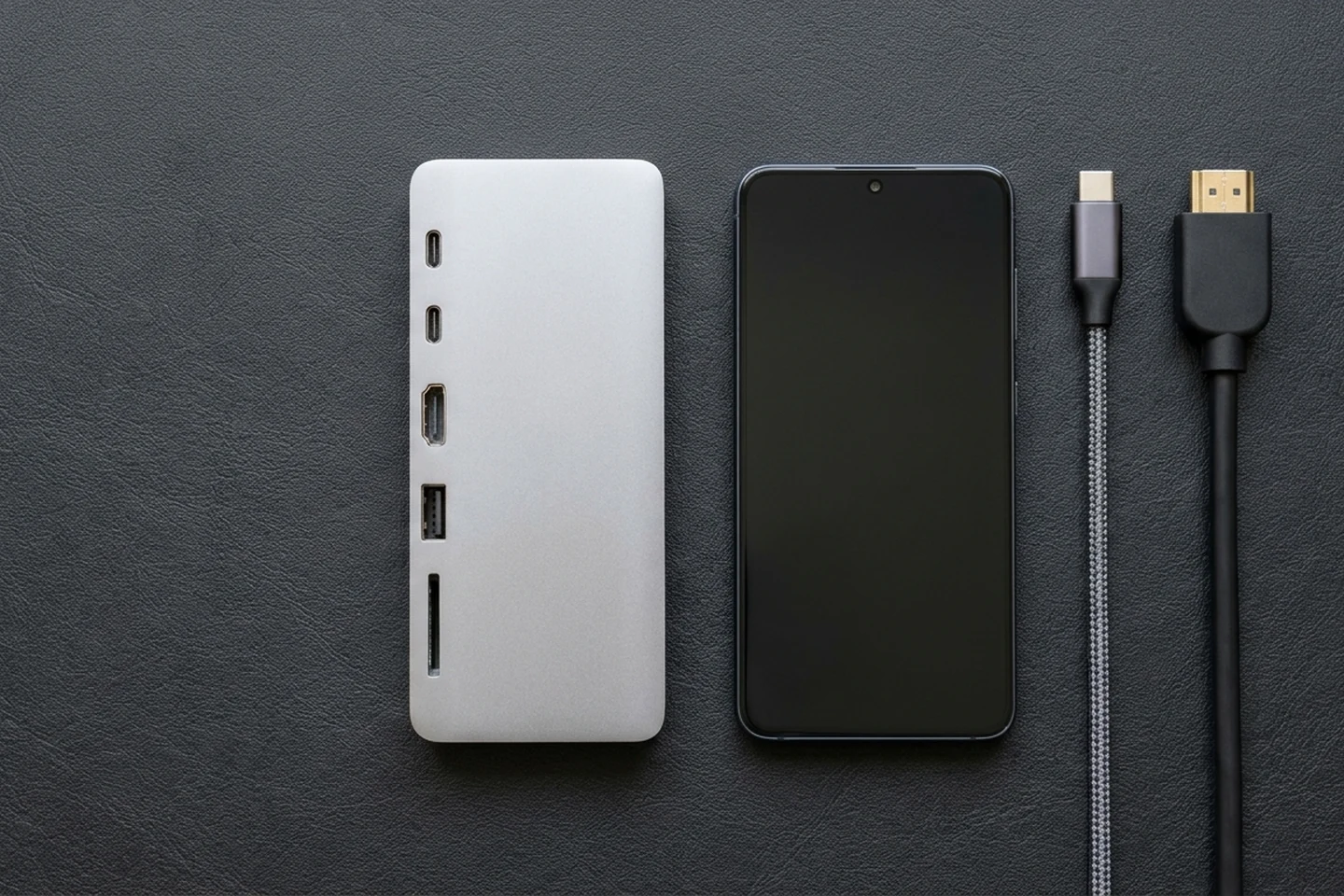
- Verify adapter model identifiers when checking multiport adapter specifications: For the Apple USB-C Digital AV Multiport Adapter, the Product Identifier for
A2119is0x1463, and forA1621it is0x1460. - Plug power and display cables into the adapter before connecting the host: If you have issues with the Apple USB-C Digital AV Multiport Adapter, Apple instructs unplugging it, then making sure that you have plugged all cables into the adapter before plugging the adapter into your Mac or iPad.
- Connect USB-C power first and HDMI second on the Plugable UDS-7IN1: When connecting to the Plugable
UDS-7IN1, Step 1 is to connect the USB-C power adapter that came with your device to the USB-C power passthrough port on theUDS-7IN1, Step 2 is to connect your monitor to the HDMI port on yourUDS-7IN1, and Step 3 is to connect your Samsung DeX device to the “To Host” USB-C port on the right side of the unit. - Respect the dock’s hardware HDMI refresh ceiling: The
UDS-7IN1HDMI port supports up to 4K at30Hz, and Good Lock and MultiStar cannot override theUDS-7IN1hardware limit. - Perform a 5-minute full disconnect reset when HDMI locks up: If the HDMI ports on an Anker dock stop working, Anker instructs unplugging the dock from your computer and disconnecting all devices from the dock for at least 5 minutes, and afterward rebooting your laptop and reconnecting the dock.
Common questions
Why is my USB-C hub not charging my Android phone while HDMI works?
On the Anker A210B USB-C hub, the USB-C PD port supports up to 85W charging when connected with a 100W PD charger and a USB-C to USB-C cable because the hub itself requires 15W for operation, and if you use a 30W charger, the hub consumes 15W, leaving insufficient power to charge your laptop.
Why does my external monitor go black when I unplug the charger from my USB-C hub?
Texas Instruments SSZTAQ4 notes that when the charger plug is removed from a USB PD hub and the power role swap was not quick enough, the data and video connection failed for a brief moment as the USB PD host became the power source.
Why does my Samsung phone only show Fast Charging instead of Super Fast Charging through a hub?
The Anker A210B USB-C hub does not support Samsung’s PPS (Programmable Power Supply) fast charging protocol, so Samsung devices connected to the hub will charge at standard speeds.
Can I connect a USB-C portable monitor to the USB-C port on my Android hub?
For USB 2.0 and USB 3.2 hubs, downstream-facing ports shall not implement or pass-through Alternate or Accessory Modes and SBU pins shall not be connected (zSBUTermination) on any USB hub port.
Sources
- USB Implementers Forum (USB-IF), Universal Serial Bus Type-C Cable and Connector Specification (Table 4-12, Table 4-13, and Table 4-20).
- USB Implementers Forum (USB-IF), Universal Serial Bus Power Delivery Specification (Table 6.9, Table 7.4, and Table 10.2).
- Texas Instruments, USB PD Fast Role Swap Switching Considerations, Technical Article SSZTAQ4 (TPS65983B).
- Anker Support, What should I do if the hub’s USB-C PD port is charging slowly or not charging at all? (A210B); What should I do if the hub/dock’s HDMI port is not working?; What Should I Do If the HDMI Ports Stop Working?; and What Should I Do If the USB-C Port Stops Working? (A8355).
- Samsung Support, How to use a Samsung USB-C to HDMI adapter and How to enable fast charging (EP-T2510 25W and EP-T4511 45W PD/PPS power adapters).
- Google Pixel Phone Help, Project your Pixel phone’s screen and Fix a Pixel phone that won’t charge or turn on.
- Apple Support, About the Apple USB-C Digital AV Multiport Adapter (Models A2119 and A1621).
- USB Implementers Forum (USB-IF), Cables and Connectors Compliance Program and USB Charger (USB Power Delivery) overview.
- Plugable Knowledge Base, Setting up your Samsung DeX compatible device with the UDS-7IN1.
Related articles
USB-C to HDMI Adapter for Phone: DisplayPort Alt Mode Test
Check your phone’s wired video support, then run a USB-C to HDMI no-signal test. Separate DisplayPort Alt Mode, cable faults, and app restrictions.
Read article
Using USB-C Headphones on Android: Digital Audio & DAC Checks
USB-C headphones stay silent when the adapter is analog-only. Use the AOSP digital-to-analog rules, then log playback, the microphone, buttons, and a blank call cell.
Read article
Is It Worth Replacing a Battery in a Cell Phone?
A worn battery can waste a cell phone that still works. Match the health screen, the software-support window, and the other hardware before you replace the phone.
Read article