100W USB-C Charger: PDO Match Between Charger, Cable and Laptop
A Port Present PDP greater than 60W requires a 5A cable. Match charger PDO profiles, cable eMarker identity, multi-port sharing rules and laptop or power bank charging speed.
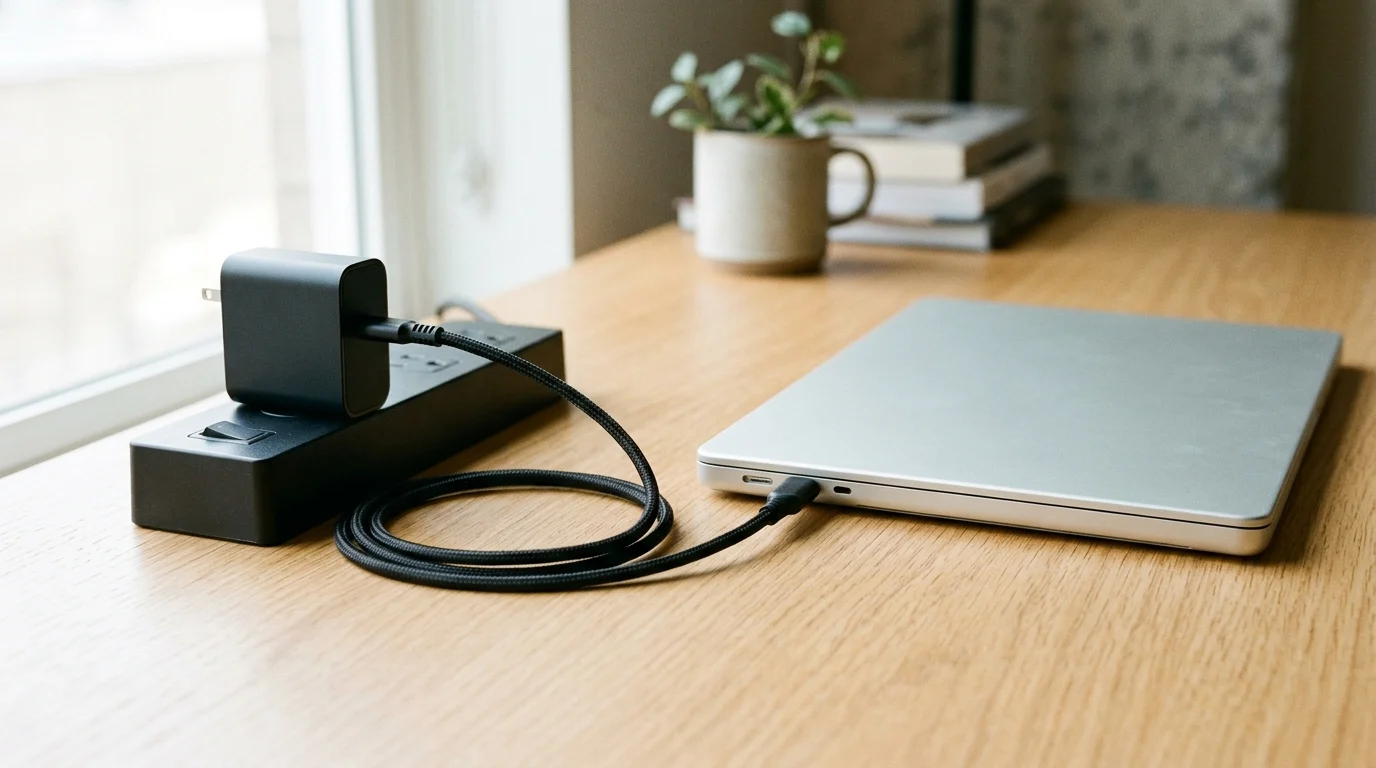
A Port Present PDP greater than 60W requires a 5A cable. Pairing the wrong cord or sharing a multi-port brick fails to deliver full laptop or power bank charging speed when the charger, cable, and device do not match.
Prior to the USB PD update, USB Power Delivery was limited to 100W using a solution based on 20V with USB Type-C cables rated at 5A. On a Guaranteed Capability Source Port, when Port Maximum PDP > 60W and the cable VBUS Current Handling Capability = 3A, the Port Shall set Port Present PDP = 60W. A Sink Shall set RDO Operational Current or RDO Maximum Power to result in power ≤ Sink Maximum PDP.
Use the protocol rules and formulas below to match your USB-C charger, cable, and device. For the rest of your charging setup, explore our Charging & Power guides.
How Fixed PDO voltage tiers work
USB Type-C is not USB Power Delivery; USB Power Delivery is a protocol/hardware solution that increases USB power capabilities up to 240W, and the terms are not interchangeable. Device manufacturers can choose to support USB Power Delivery, USB4, and/or USB 3.2 performance, but it is not required for USB Type-C products.
Prior to the USB PD update, USB Power Delivery was limited to 100W using a solution based on 20V with USB Type-C cables rated at 5A. Three new fixed voltages: 28V (above 100W), 36V (above 140W), and 48V (above 180W) join the previously defined 5V, 9V, 15V, and 20V fixed voltages. New 28V, 36V, and 48V fixed voltages enable up to 140W, 180W, and 240W power levels, respectively. The USB Type-C specification was updated to Release 2.1 to define 240W cable requirements. An adjustable voltage supply mode allows the powered device to request intermediate voltages between 15V and up to the maximum available fixed voltage of the charger. Safety requirements for products that use power in the range of 100 to 240W are more stringent than lower power products and are defined by applicable safety specifications.
How SPR Fixed PDO current limits are calculated
For 5V, 9V, and 15V SPR Fixed PDOs, the generalized required PDO Maximum Current equals Minimum( 3A, Port Present PDP ÷ Fixed PDO Voltage ). For the 20V SPR Fixed PDO, the generalized required PDO Maximum Current equals Minimum( Cable Rating, Port Present PDP ÷ Fixed PDO Voltage ).
For the 20V SPR Fixed PDO, the generalized required PDO Maximum Current equals Minimum( Cable Rating, Port Present PDP ÷ Fixed PDO Voltage ).
See our USB-C Power Delivery explainer for a broader overview of fixed and adjustable power profiles.
Why cable identity limits charger output
A Port Present PDP greater than 60W requires a 5A cable. All USB Type-C cables that are either full-featured and/or are rated at more than 3 A current are Electronically Marked Cables. Electronically marked cables shall support the USB Power Delivery Structured VDM Discover Identity command directed to SOP’ (the eMarker) to determine characteristics such as current carrying capability. A USB-based charger with a USB Type-C receptacle shall not advertise current exceeding 3.0 A except when it uses the USB PD Discover Identity mechanism to determine the cable’s actual current capability.
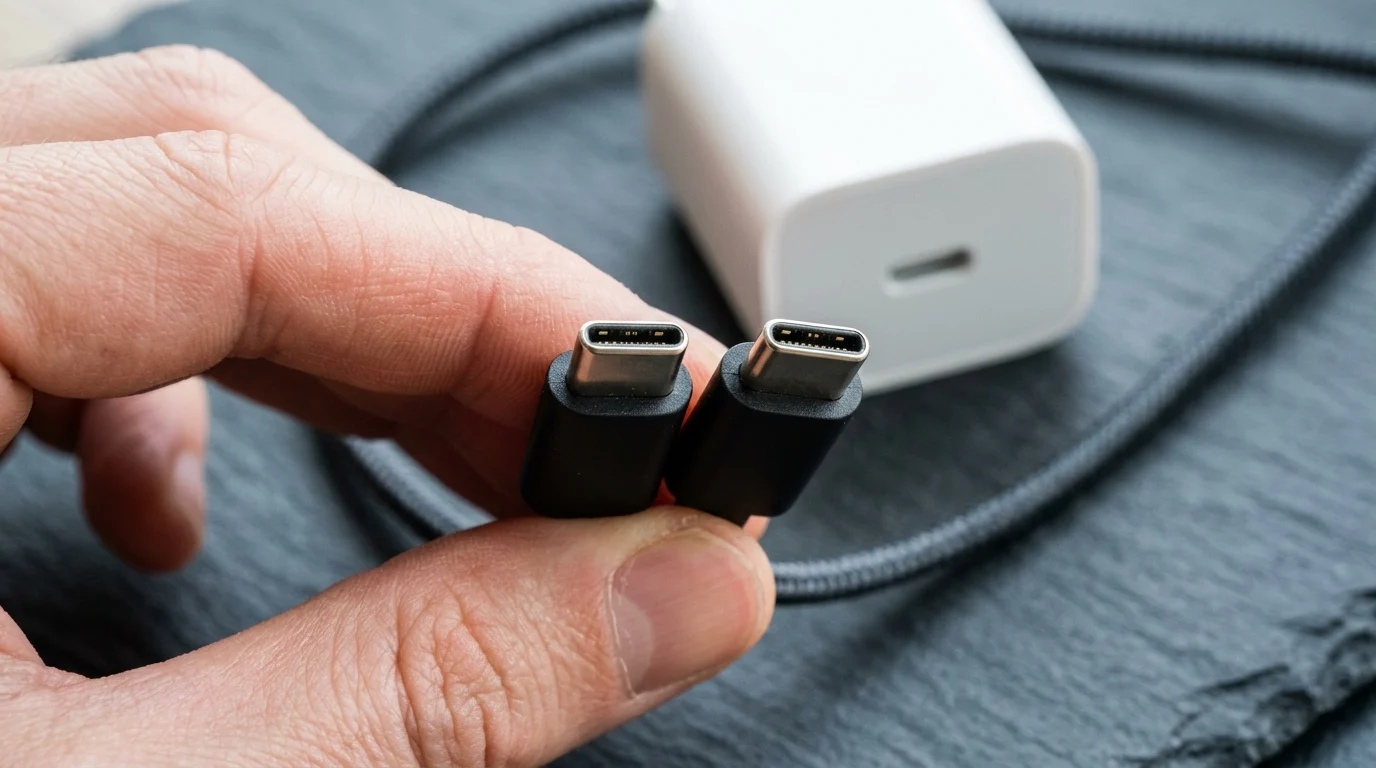
All USB Type-C cables that are either full-featured and/or are rated at more than 3 A current are Electronically Marked Cables.
On a Guaranteed Capability Source Port, when Port Maximum PDP > 60W and the cable VBUS Current Handling Capability = 3A, the Port Shall set Port Present PDP = 60W. On a Managed Capability Source Port, when Port Present PDP would be > 60W but the cable VBUS Current Handling Capability = 3A, the Port Shall set Port Present PDP = 60W. On a Guaranteed Capability Source Port, when Port Maximum PDP > 100W (EPR Capable) and the Cable is not EPR Capable, the Port Shall set the Port Present PDP ≤ 100W (with margin such as 95W allowed).
How USB-IF cable power logos work
In the USB-IF cable certification program, all cables do not have the same capabilities, and it is the end user’s responsibility to select a certified cable with the necessary capabilities. To pass through the USB-IF Compliance Program, all USB-C to USB-C cable categories must be labelled with either a power capability of 60W or 240W using the appropriate power icon. A USB 20Gbps USB-C to USB-C cable that supports 20V at 3A must be marked with the Combined Performance and Power 20Gbps/60W logo. A USB 2.0 Type-C to USB 2.0 Type-C cable only supports USB 2.0 data operation and can support USB Power Delivery.
Check our USB-C cable and e-marker identification guide before replacing an unmarked cord.
How multi-port chargers share power across ports
USB Power Delivery optimizes power management across multiple peripherals by allowing each device to take only the power it requires, and to get more power when required for a given application. A Managed Capability Port is a Port that may be constrained such that it does not always provide the Port Maximum PDP. An Assured Capacity port on a multi-port charger has a fixed allocated amount of power and is either a Guaranteed Capability port or Managed Capability port. Shared Capacity ports only exist as a group of two or more ports where the sum of the maximum capabilities of all exposed ports is greater than the total power capacity of the group. For Shared Capacity port groups, each Source port shall be labeled with the same PDP, and a label of equal visual prominence indicates the Total Shared Capacity.
The minimum capability of all individual USB Type-C ports of a USB Type-C multi-port charger shall be 5 V @ 1.5 A independent of how many of the other ports are in use. When calculating Remaining Power Available on Shared Capacity Ports in a USB PD contract, the maximum power offered in the USB PD source capabilities is used, not the power requested in the RDO. When a Shared Capacity port reclaims power to meet the 7.5 W minimum requirement for a newly attached device, the charger shall use standard USB Type-C Current and/or USB PD renegotiation methods and shall not use Hard Resets.
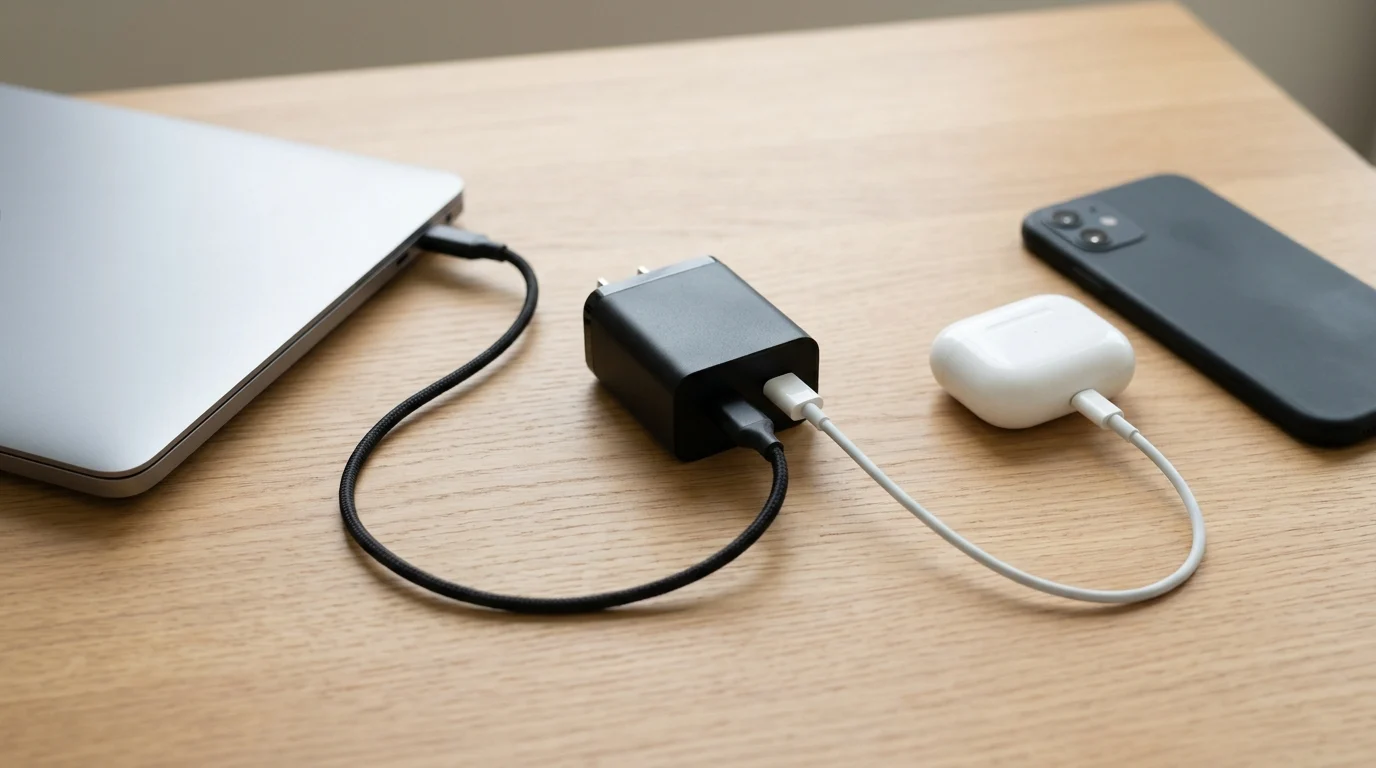
When charging only a single device on the Apple 35W Dual USB-C Port Power Adapter, Apple instructs users to unplug any charging cable that is not in use.
Worked example: multi-port power allocation
In the example where Port Present PDP is 65 W, the port offers 5V Fixed at 3 A, 9V Fixed at 3 A, 15V Fixed at 3 A, and 20V Fixed at 3.25 A. On a 60 W charger with a port PDP of 35 W where the first connected Source port has established a 35 W power contract, the second Source port will only be able to offer a PDP of 25 W.
On the Apple 35W Dual USB-C Port Power Adapter, connecting a Mac laptop and an iPhone or iPad distributes up to 17.5W to each device. On the Apple 35W Dual USB-C Port Power Adapter, connecting a Mac laptop or iPhone and an Apple Watch or AirPods provides up to 27.5W to the Mac laptop or iPhone and up to 7.5W to the Apple Watch or AirPods. When charging only a single device on the Apple 35W Dual USB-C Port Power Adapter, Apple instructs users to unplug any charging cable that is not in use.
Reduced switching losses allow Texas Instruments GaN devices to operate at frequencies above 500kHz, resulting in up to 60% smaller magnetics. With system efficiency exceeding 95%, Texas Instruments low-power GaN solutions can reduce consumer AC/DC solution sizes by as much as 50%. Compare single-port and multi-port designs in our GaN charger buying guide.
Check power bank charging speed and Sink requests
When evaluating power bank charging speed or laptop charging behavior, check both the charger output and the Sink request. A Sink Shall set RDO Operational Current or RDO Maximum Power to result in power ≤ Sink Maximum PDP. A Sink Should set Capabilities Mismatch when the voltage, current, or power being offered in Source Capabilities is insufficient for optimal operation or charging. A Power Sinking Device (PSD) is defined as a Sink which draws power but has no other USB or Alternate Mode communication function, e.g., a power bank.
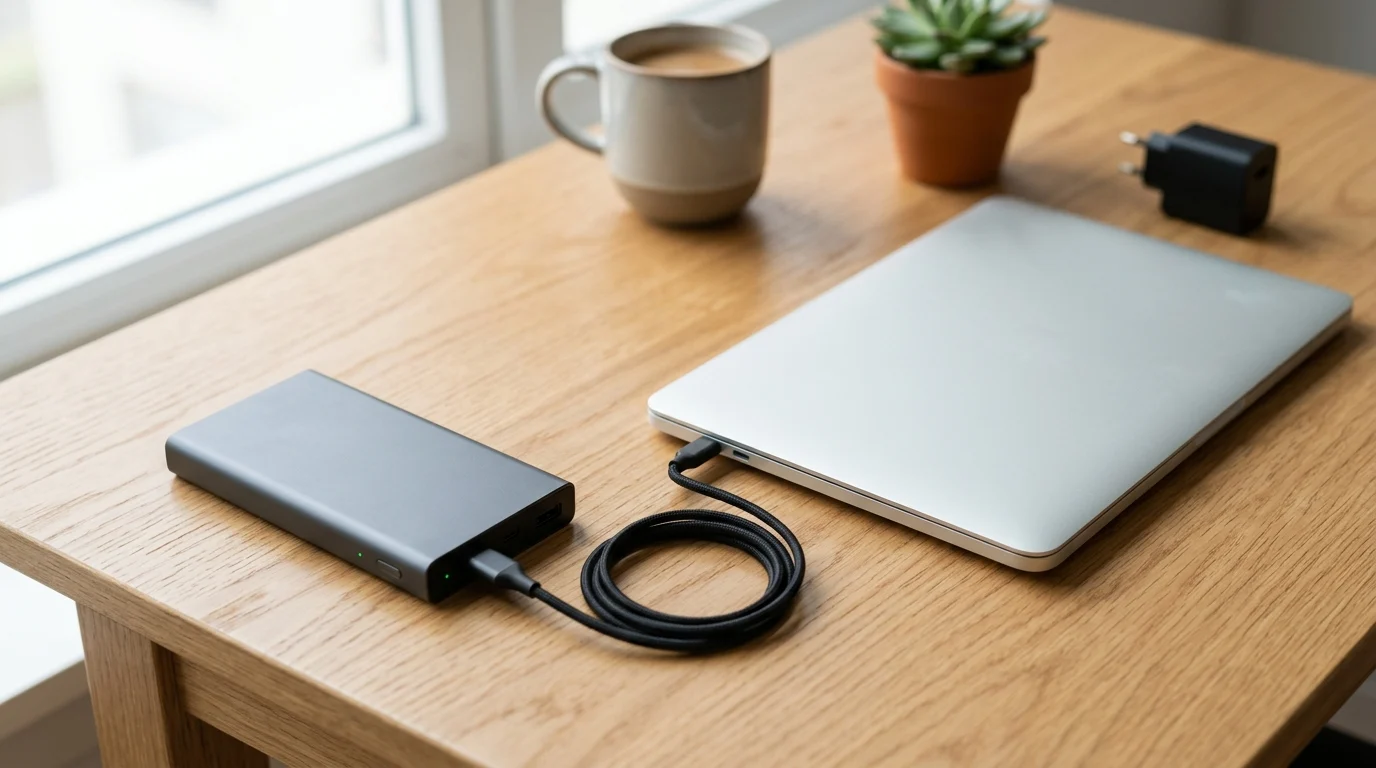
A Power Sinking Device (PSD) is defined as a Sink which draws power but has no other USB or Alternate Mode communication function, e.g., a power bank.
Laptop and PPS device examples
If a Mac uses USB-C to charge, it can be charged with any USB-C power adapter or display that supports USB Power Delivery (USB PD). For 14-inch MacBook Pro models introduced in 2021 or later, Apple recommends the Apple 67W, Apple 70W, or Apple 96W USB-C Power Adapter and USB-C to MagSafe 3 Cable. MacBook Air models introduced in 2022 or later and 14- and 16-inch MacBook Pro models introduced in 2021 or later can fast charge up to 50 percent battery in around 30 minutes. On the 16-inch MacBook Pro, fast charging is supported with the 140W USB-C Power Adapter + USB-C to MagSafe 3 Cable, or 140W USB-C Power Adapter + 240W USB-C Charge Cable for MacBook Pro (16-inch, Nov 2023) or later.
Certified USB Fast Chargers support the Programmable Power Supply (PPS) feature of the USB Power Delivery 3.0 specification. Certified USB Fast Chargers are backwards compatible with devices that support USB Type-C and USB Power Delivery. Samsung’s 45W Travel Adapter requires a 5A C-to-C cable for Super Fast charging 2.0 on Galaxy Note10+. The Samsung 45W Travel Adapter specifies Fast Charge Output Current of PDO 3A(9V, 15V) and 2.25A(20V), and PPS 4.05A(3.3-11.0V), 2.8A(3.3-16.0V), or 2.1A(3.3-21.0V).
Continue with our power bank buying guide to compare portable battery packs.
Your PDO matching checklist
-
A Port Present PDP greater than 60W requires a 5A cable.
-
All USB Type-C cables that are either full-featured and/or are rated at more than 3 A current are Electronically Marked Cables.
-
On a Guaranteed Capability Source Port, when Port Maximum PDP > 60W and the cable VBUS Current Handling Capability = 3A, the Port Shall set Port Present PDP = 60W.
-
When calculating Remaining Power Available on Shared Capacity Ports in a USB PD contract, the maximum power offered in the USB PD source capabilities is used, not the power requested in the RDO.
-
When charging only a single device on the Apple 35W Dual USB-C Port Power Adapter, Apple instructs users to unplug any charging cable that is not in use.
-
A Sink Shall set RDO Operational Current or RDO Maximum Power to result in power ≤ Sink Maximum PDP.
Common questions
Why does a charger drop to lower wattage on an unmarked cable?
A Port Present PDP greater than 60W requires a 5A cable. A USB-based charger with a USB Type-C receptacle shall not advertise current exceeding 3.0 A except when it uses the USB PD Discover Identity mechanism to determine the cable’s actual current capability. On a Guaranteed Capability Source Port, when Port Maximum PDP > 60W and the cable VBUS Current Handling Capability = 3A, the Port Shall set Port Present PDP = 60W.
Why does plugging in a second device reduce the primary port output?
Shared Capacity ports only exist as a group of two or more ports where the sum of the maximum capabilities of all exposed ports is greater than the total power capacity of the group. The minimum capability of all individual USB Type-C ports of a USB Type-C multi-port charger shall be 5 V @ 1.5 A independent of how many of the other ports are in use. When calculating Remaining Power Available on Shared Capacity Ports in a USB PD contract, the maximum power offered in the USB PD source capabilities is used, not the power requested in the RDO.
How does a laptop or power bank request its charging power?
A Power Sinking Device (PSD) is defined as a Sink which draws power but has no other USB or Alternate Mode communication function, e.g., a power bank. A Sink Shall set RDO Operational Current or RDO Maximum Power to result in power ≤ Sink Maximum PDP. A Sink Should set Capabilities Mismatch when the voltage, current, or power being offered in Source Capabilities is insufficient for optimal operation or charging.
Sources
- USB-IF — USB Power Delivery Specification
- USB-IF — USB Type-C Cable and Connector Specification
- USB-IF — USB Charger (USB Power Delivery)
- USB Promoter Group — USB Power Delivery Specification Announcement
- USB-IF — Cables and Connectors Compliance Program
- USB-IF — Certified USB Fast Charger (PPS) Initiative
- USB-IF — USB Type-C Language Usage Guidelines
- Apple Support — Use a power adapter with your Mac
- Apple Support — Fast charge your MacBook Air or MacBook Pro
- Apple Support — How to use the 35W Dual USB-C Port Power Adapter
- Samsung — 45W Travel Adapter Specifications
- Texas Instruments — Gallium Nitride (GaN) Technology
Related articles
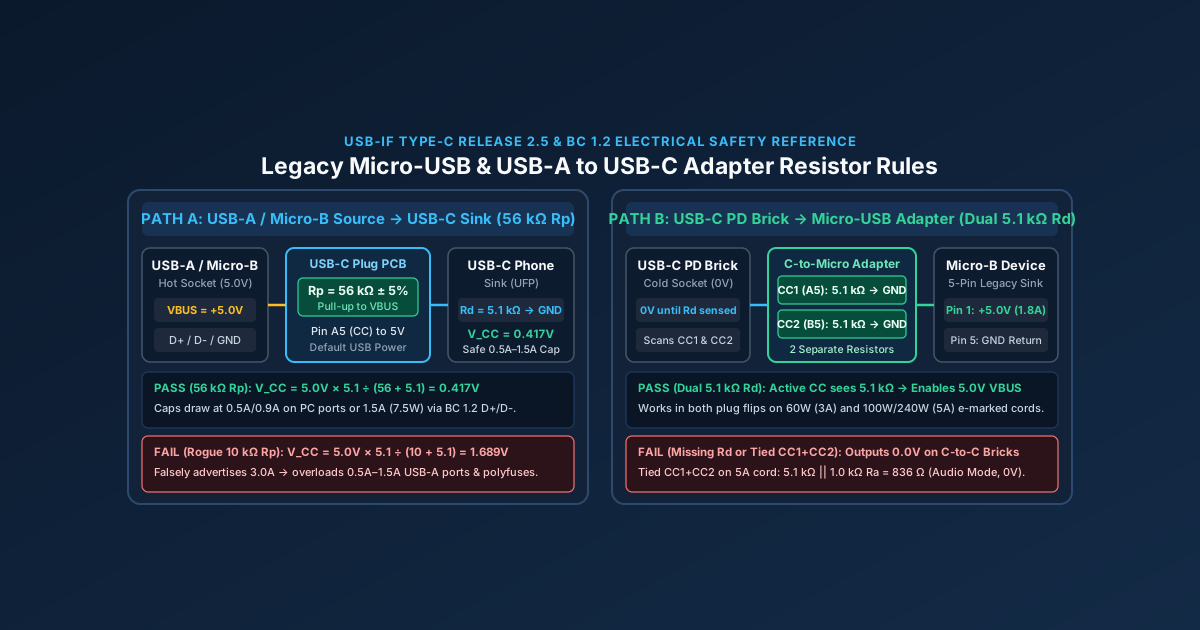
Micro-USB Charger & USB-A to USB-C Adapter Safety: 56kΩ Rp & 5.1kΩ Rd Guide
A Micro-USB to USB-C adapter without dual 5.1kΩ Rd resistors fails to charge on USB-C PD bricks, while a wrong 10kΩ Rp resistor can damage legacy USB-A ports.
Read article
USB-C Charger Cable: 60W vs 240W E-Marker Identification
Identify a USB-C charger's cable by its 60 W or 240 W label, current capability and e-marker; distinguish older 100 W cables from EPR.
Read article
How to Choose a USB-C Car Charger for a Phone or Laptop
Match the socket limit, charger input, port PDO and PPS, and cable logo. PPS is USB PD 3.0 Programmable Power Supply. 60W and 240W are cable logos.
Read article