Portable Battery Charger for iPhone: USB-C PD vs MagSafe
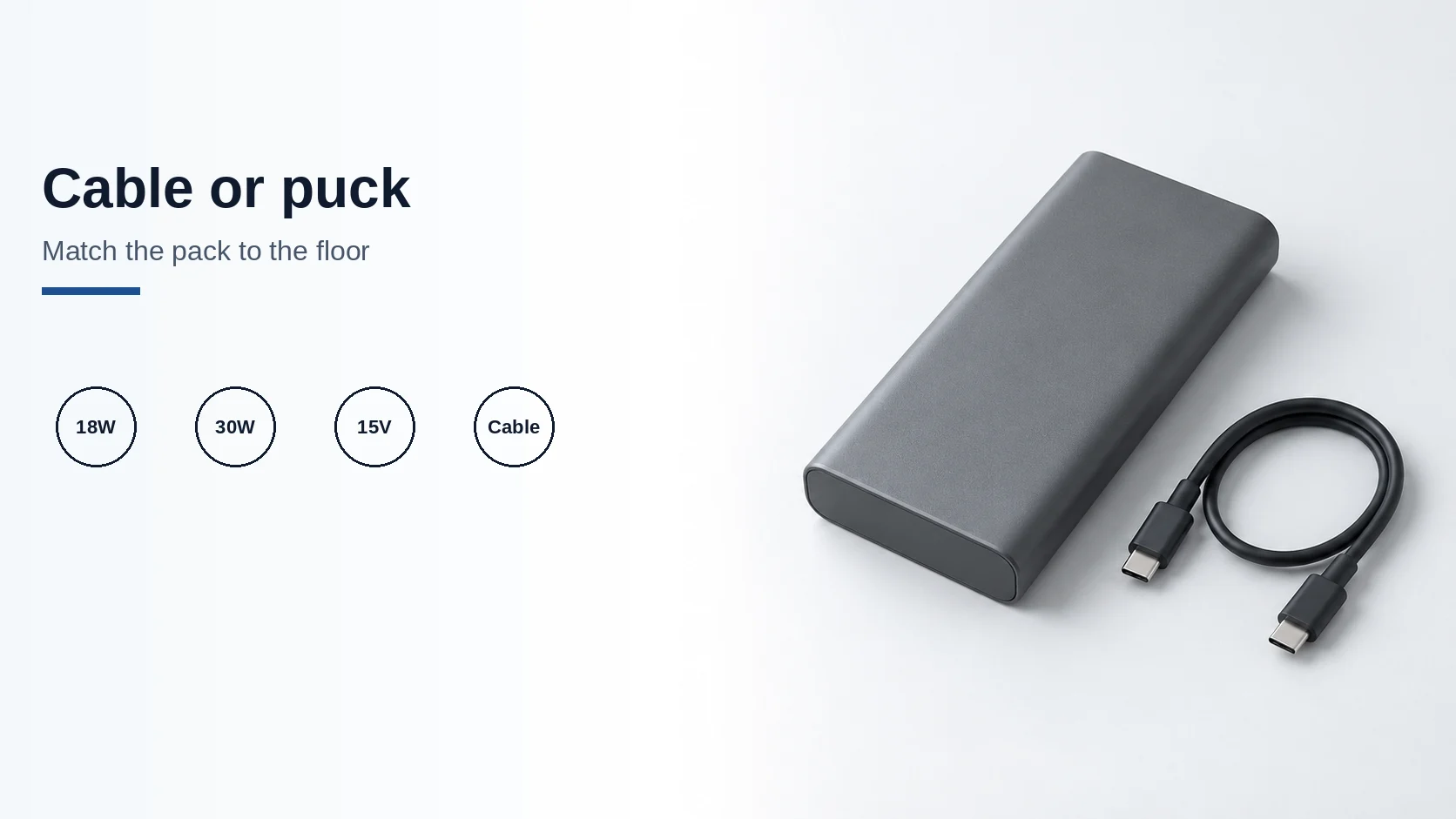
A pack must meet Apple's floors: 18W USB-C PD for iPhone 15 or later, or 30W at 15V/2A for the 25W MagSafe class.
Read articleCharging technology
Clear, source-led explanations for USB-C charging, PPS, Qi2, cables, and chargers. Start with the standard, then choose the accessory that fits your devices.
Each guide explains one compatibility or buying decision. No untested product rankings.
For a Samsung or another Android phone, use the USB-C fast-charger selection guide to match the model, PD/PPS output, selected port and cable.
In the car, use the USB-C car charger guide to check your owner's manual for the accessory socket's limit, then the charger's input range and what each port delivers when two devices share it.
For larger off-grid loads, compare LiFePO4 and NMC camping power stations, and for the charging lead, use the 60 W versus 240 W USB-C cable and e-marker identification guide.
For wireless charging, take the Qi2 and MagSafe compatibility branch. Away from outlets, use the power-bank protocol and capacity guide, then the camping energy, weight and solar checklist. For an iPhone pack, compare USB-C PD and MagSafe against the adapter floors Apple prints for that model.
This topic guide is a route through the charging library, not a list of ranked products. Use it when you need to choose a complete setup or work out which part of an existing combination needs closer inspection. Keep your exact device model and intended use beside you as you read.
Begin with Power Delivery if you are unsure how a USB-C source and device agree on power. Continue to PPS when the phone or charger documentation names that mode. These explainers establish the vocabulary you need to read a listing; they do not replace the compatibility information for a particular device.
Keep a short requirements note: the device, the supported mode you want, and whether you will charge anything else at the same time. A clear note makes it easier to ask the seller a specific question.
Use the cable guide to separate power, data and display requirements. A charging cable for a bedside setup and a cable for a monitor dock may need different capabilities, even when their connectors look alike.
Read the GaN buying guide when choosing the wall adapter. It asks you to account for port allocation, the devices you connect together and the practical size of the finished setup. GaN coverage lives in Buying Guides, but belongs in this charging reading path too.
For a pad, stand or magnetic dock, use the Qi2 and MagSafe comparison. Record the phone, case, charging head and required power source as one combination. The guide explains which labels and model details to verify before you compare prices.
During an authorized return-window trial, follow the manufacturer instructions and change only one variable at a time if the setup behaves inconsistently. Do not turn an unexplained result into a claim of measured charging speed.
A pack must meet Apple's floors: 18W USB-C PD for iPhone 15 or later, or 30W at 15V/2A for the 25W MagSafe class.
Read article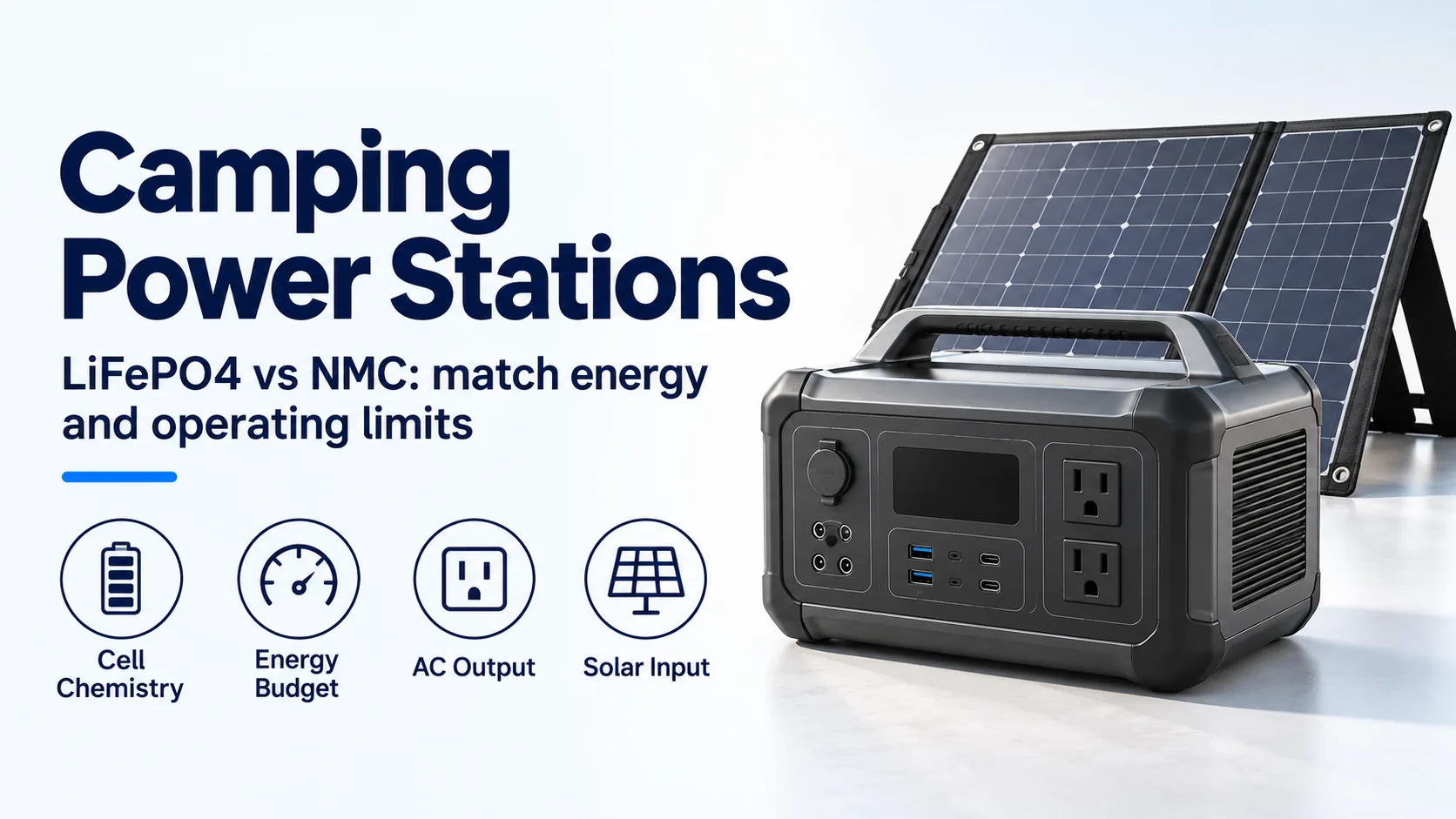
Compare LiFePO4 and NMC camping power stations by cell evidence, energy budget, inverter limits, cold charging and solar-input compatibility.
Read article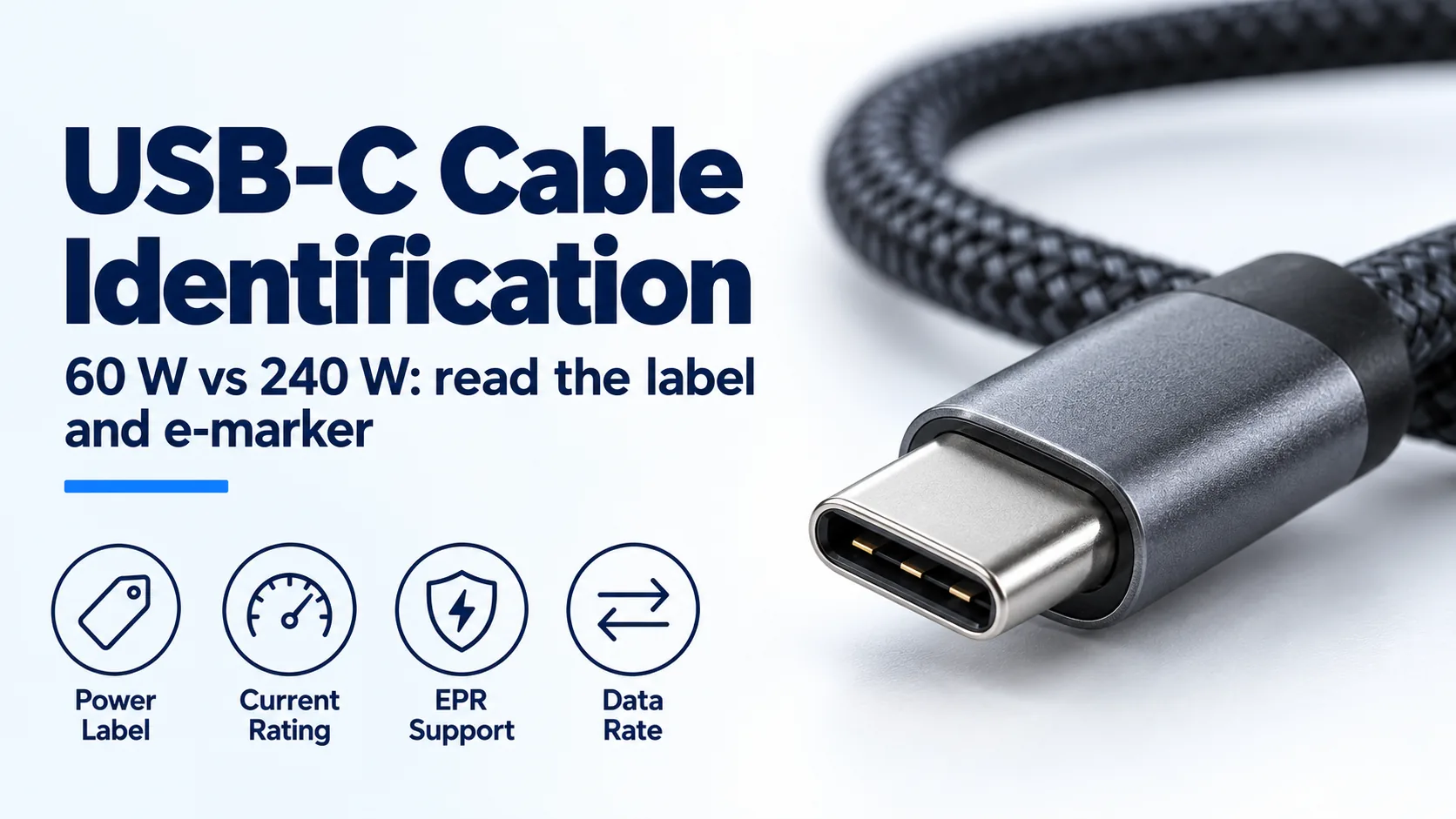
Identify a USB-C charger's cable by its 60 W or 240 W label, current capability and e-marker; distinguish older 100 W cables from EPR.
Read article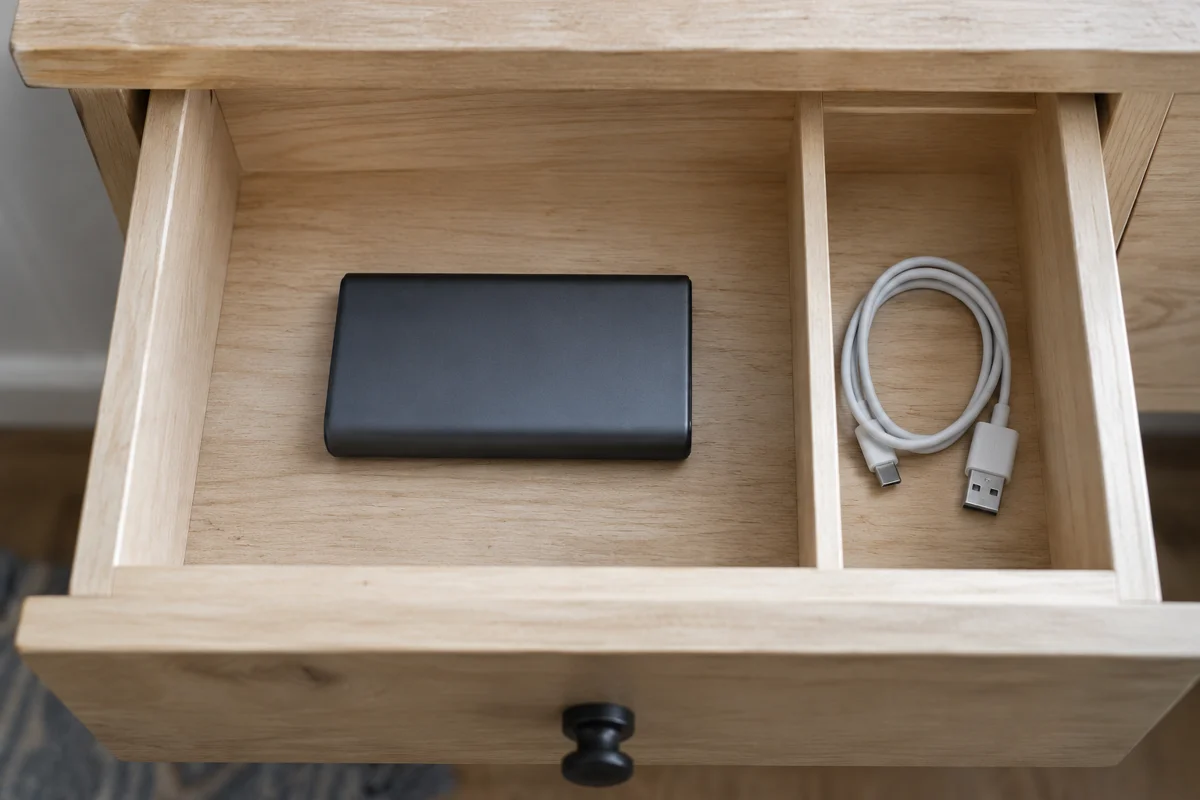
Storage after disuse: Anker's 3-4 month recharge and 20-36 month drain window, with every unprinted percent, cycle life, and watt-hour left blank.
Read article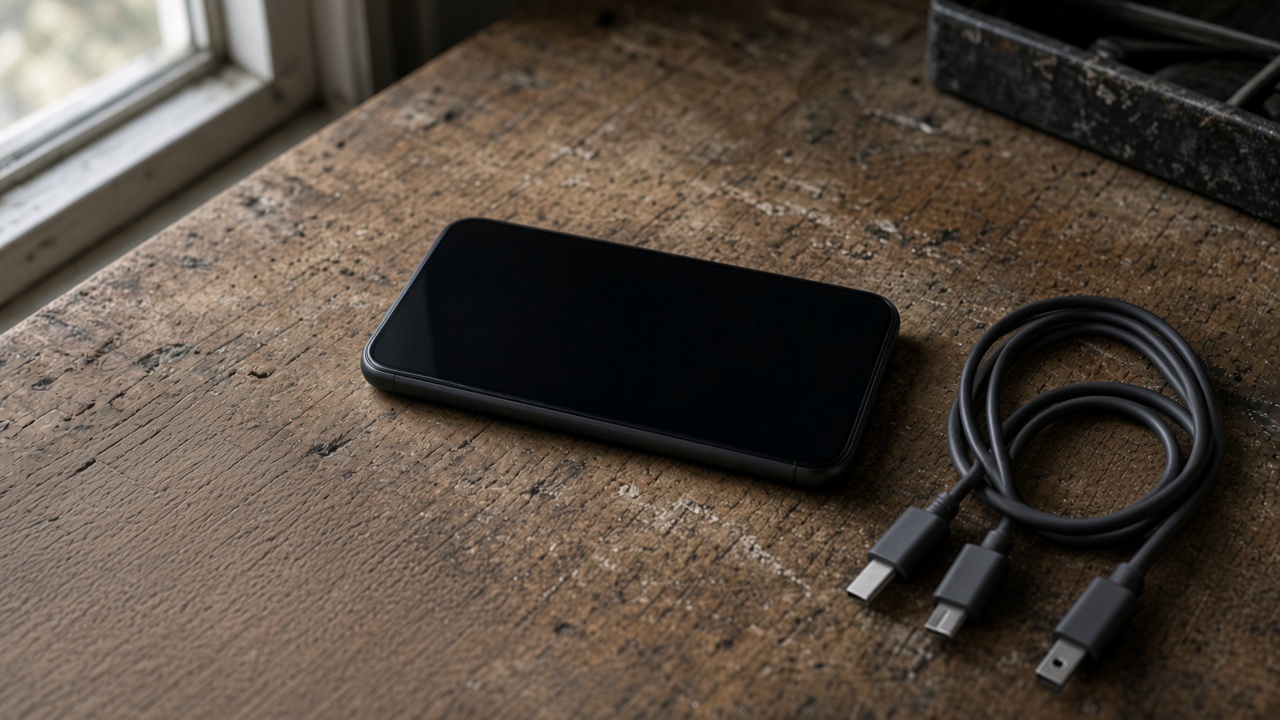
Match the USB-C plug to the port before you blame the charger. A Lightning phone needs a USB-C to Lightning cable. 60W and 240W are cable logos.
Read article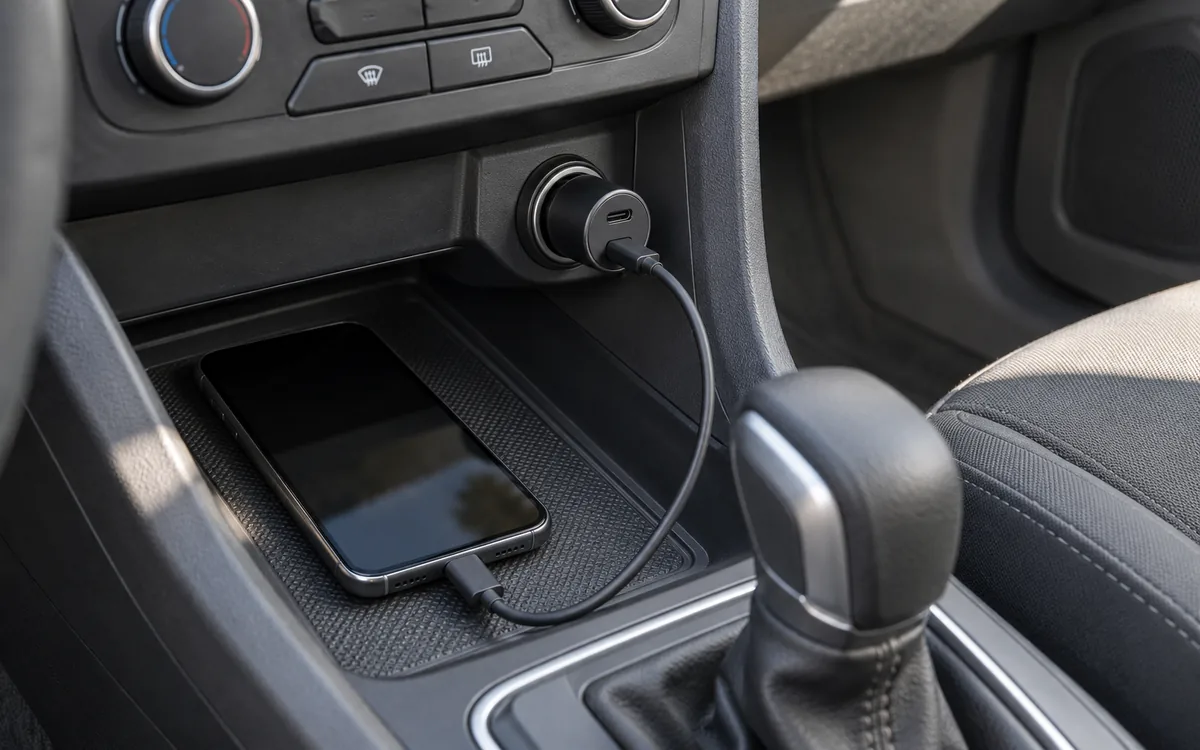
Match the socket limit, charger input, port PDO and PPS, and cable logo. PPS is USB PD 3.0 Programmable Power Supply. 60W and 240W are cable logos.
Read article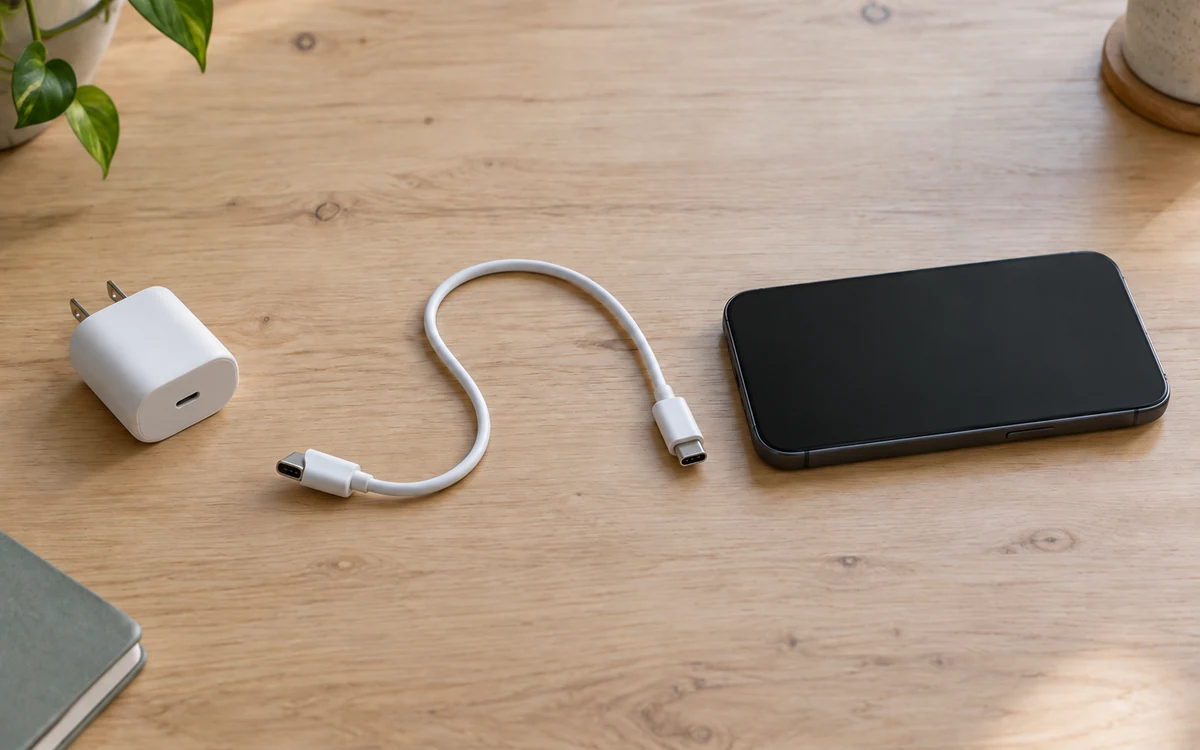
Match the Galaxy model row, then copy that adapter's PDO and PPS. PPS is USB Power Delivery 3.0 Programmable Power Supply. A 60W or 240W cable mark is a logo.
Read article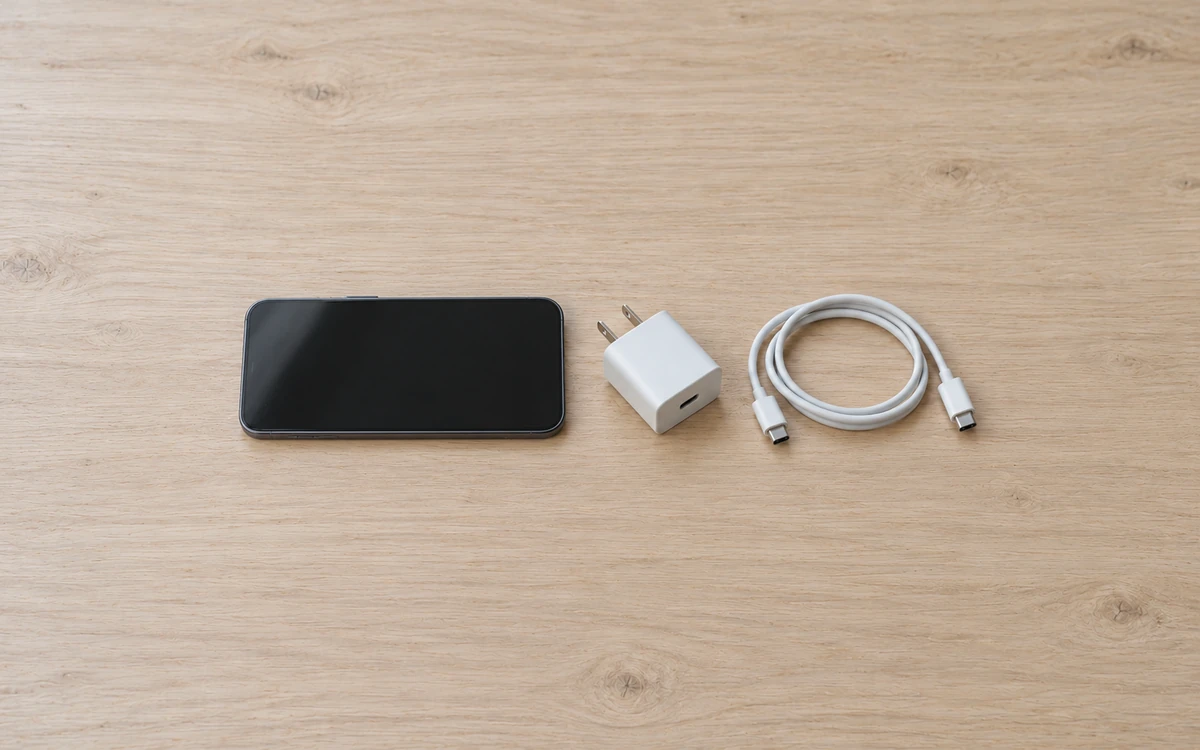
Match the iPhone port, then copy the adapter watts from the Apple page for that model. A 60W or 240W mark on a USB-C cable is a cable logo. PPS is a USB Power Delivery 3.0 mode.
Read article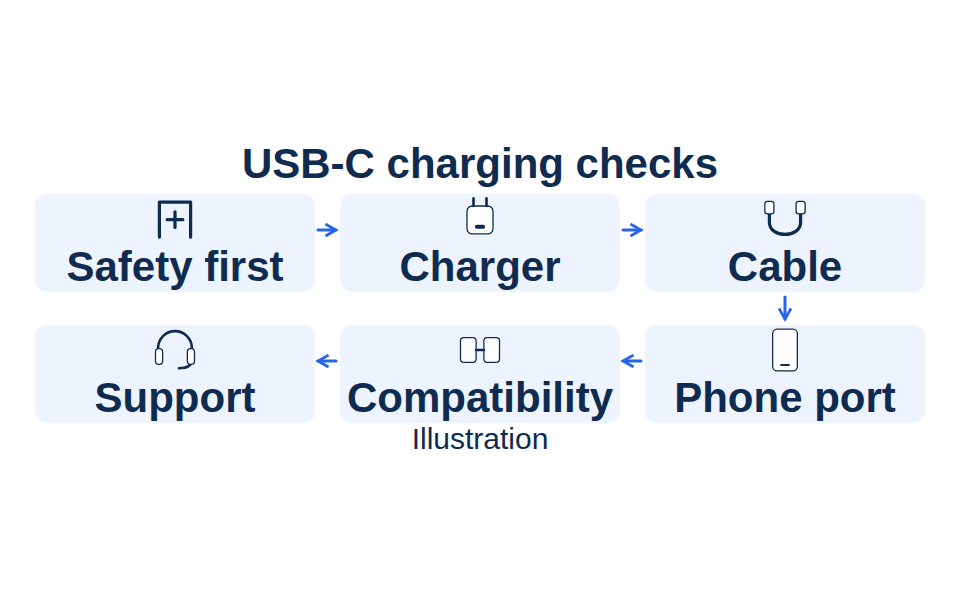
When a USB-C charger is not working, stop for damage or liquid, change one part at a time, and keep the 60W or 240W cable logo separate from PPS.
Read article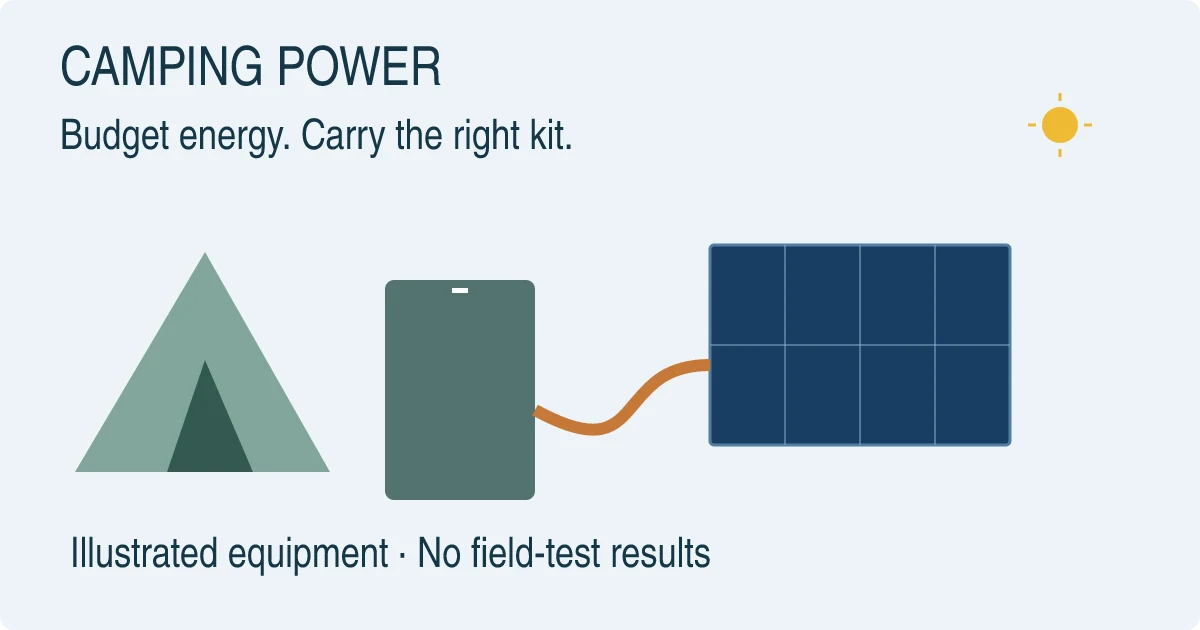
Size a camping power bank from measured USB energy, full-kit weight, and the sunlight a panel can collect. A 60W or 240W mark is a cable logo.
Read article
Choose a portable power bank by charging mode, the port you will use, and watt-hours, including the FAA cabin limit.
Read article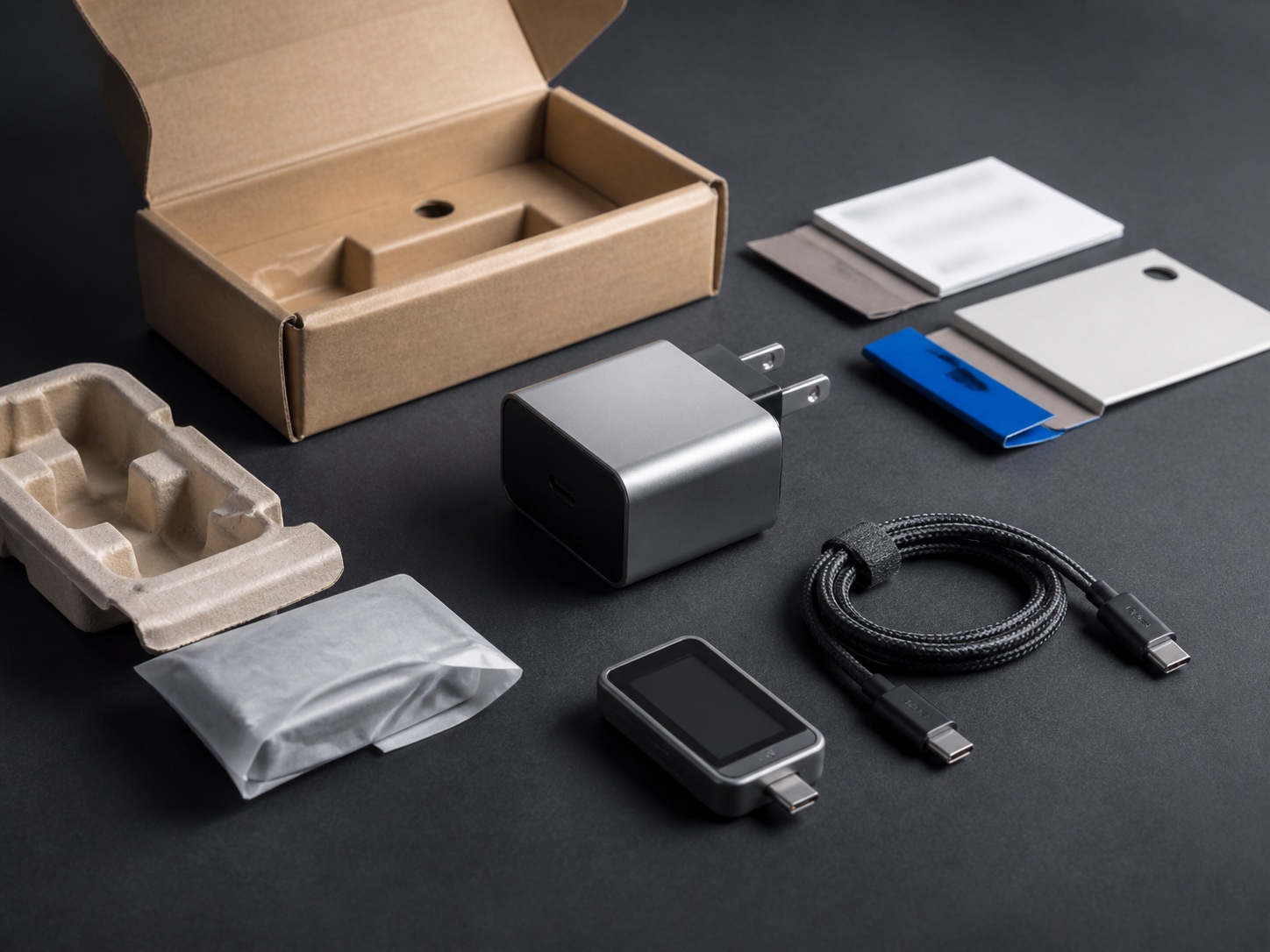
Wrong port sharing leaves a laptop short of its documented input. Match the phone, the port split, and the cable before you trust a GaN label.
Read article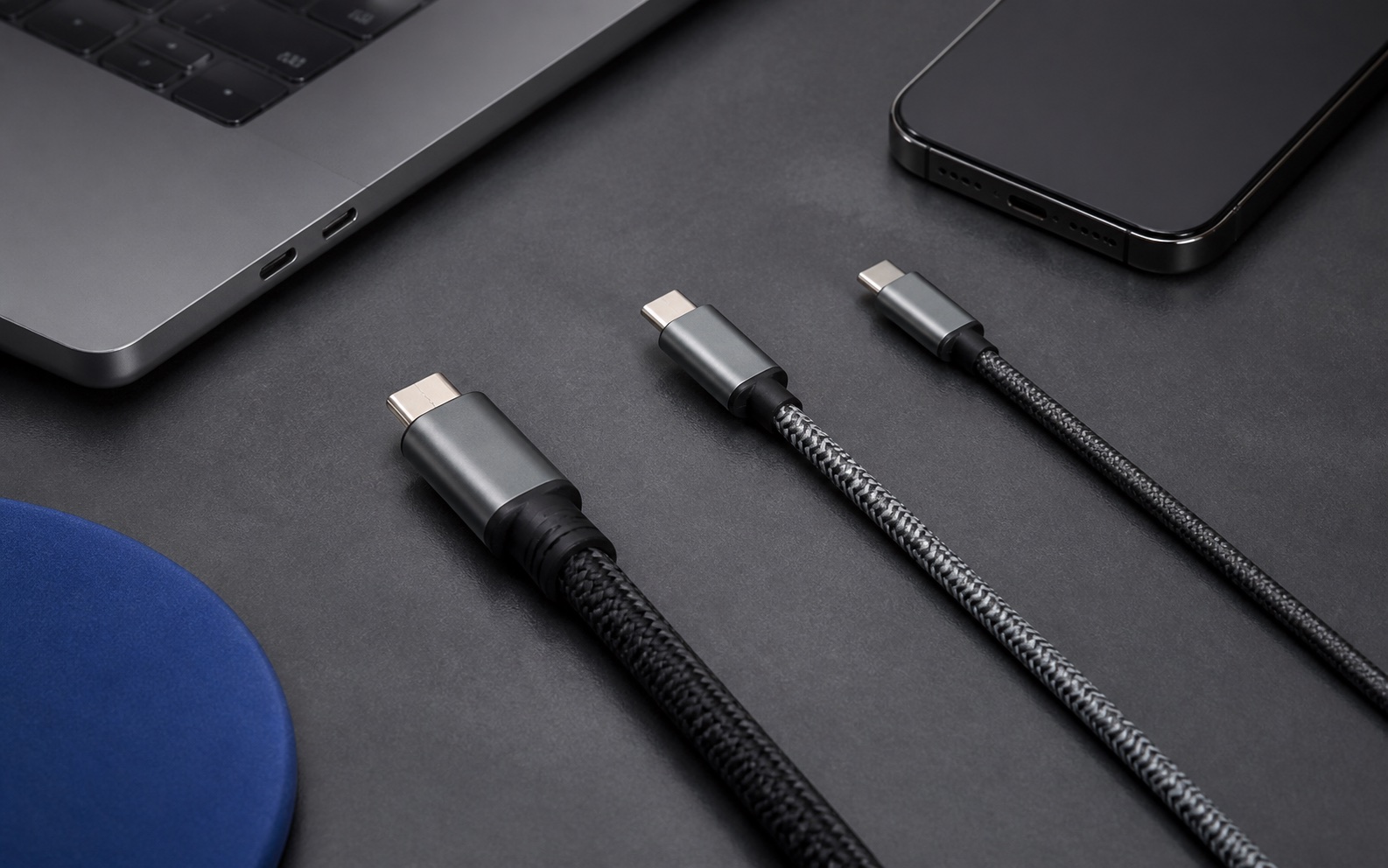
Match a USB-C to USB-C cable to the 3 A, 5 A, and data rows in USB Type-C Release 2.5, then check the charger's published voltages.
Read article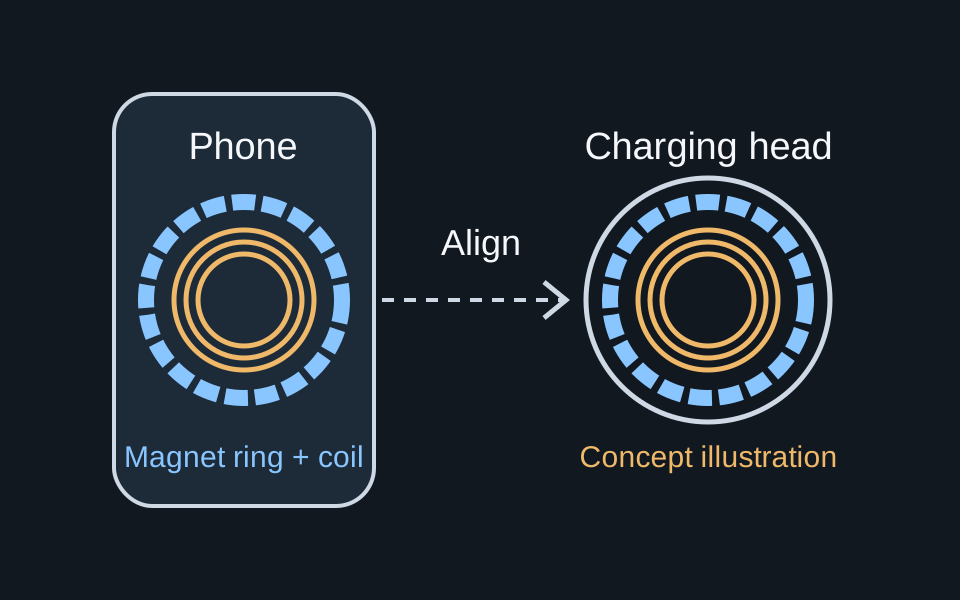
Qi2 wattages come from WPC documents. MagSafe peaks come from Apple's charger page and tech specs. Match the phone, part number, and adapter before you buy.
Read article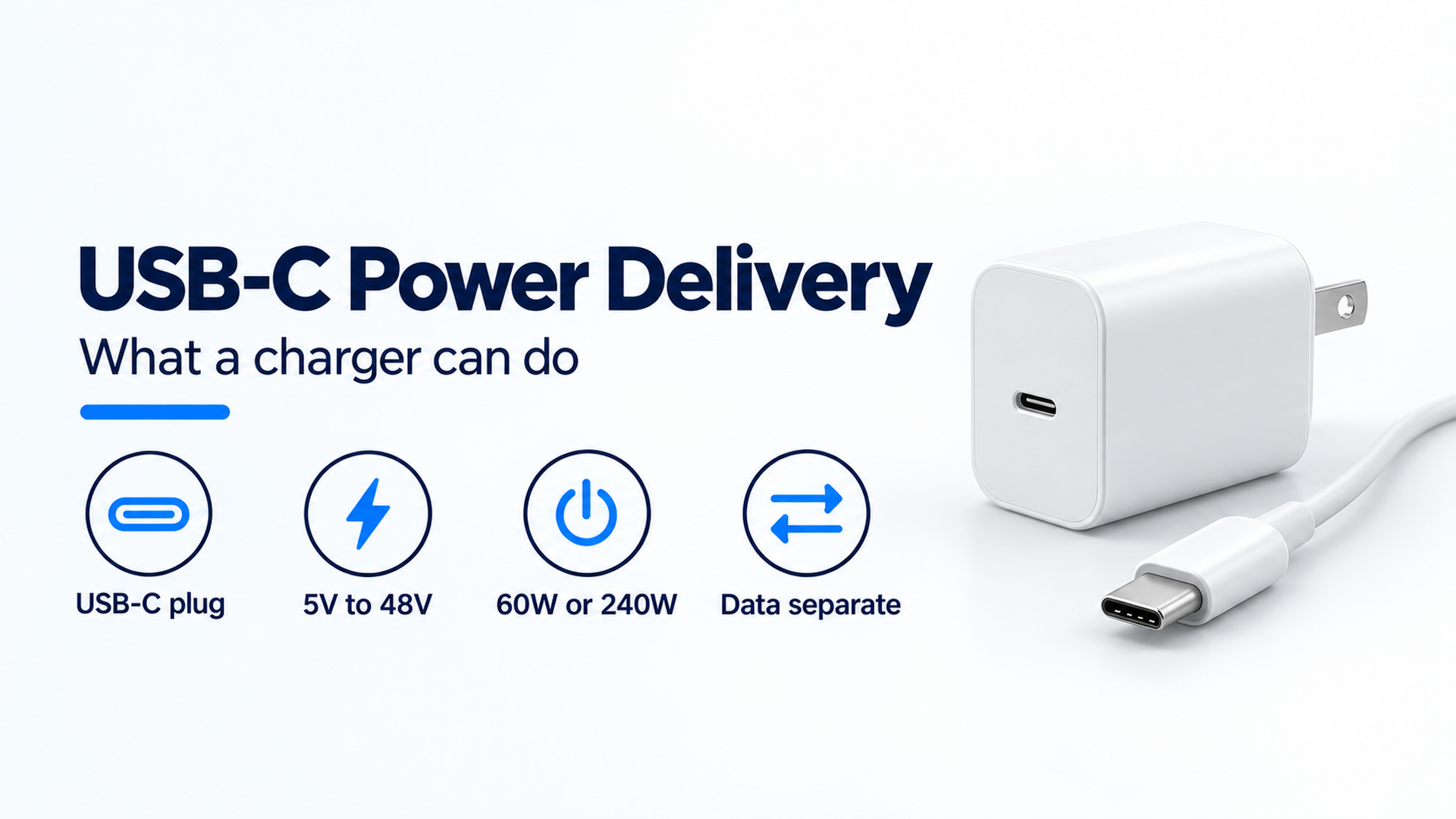
USB-C is the connector. USB Power Delivery is the separate power contract, with fixed voltages from 5V through 48V and a 240W ceiling on the 2021 USB-IF update.
Read article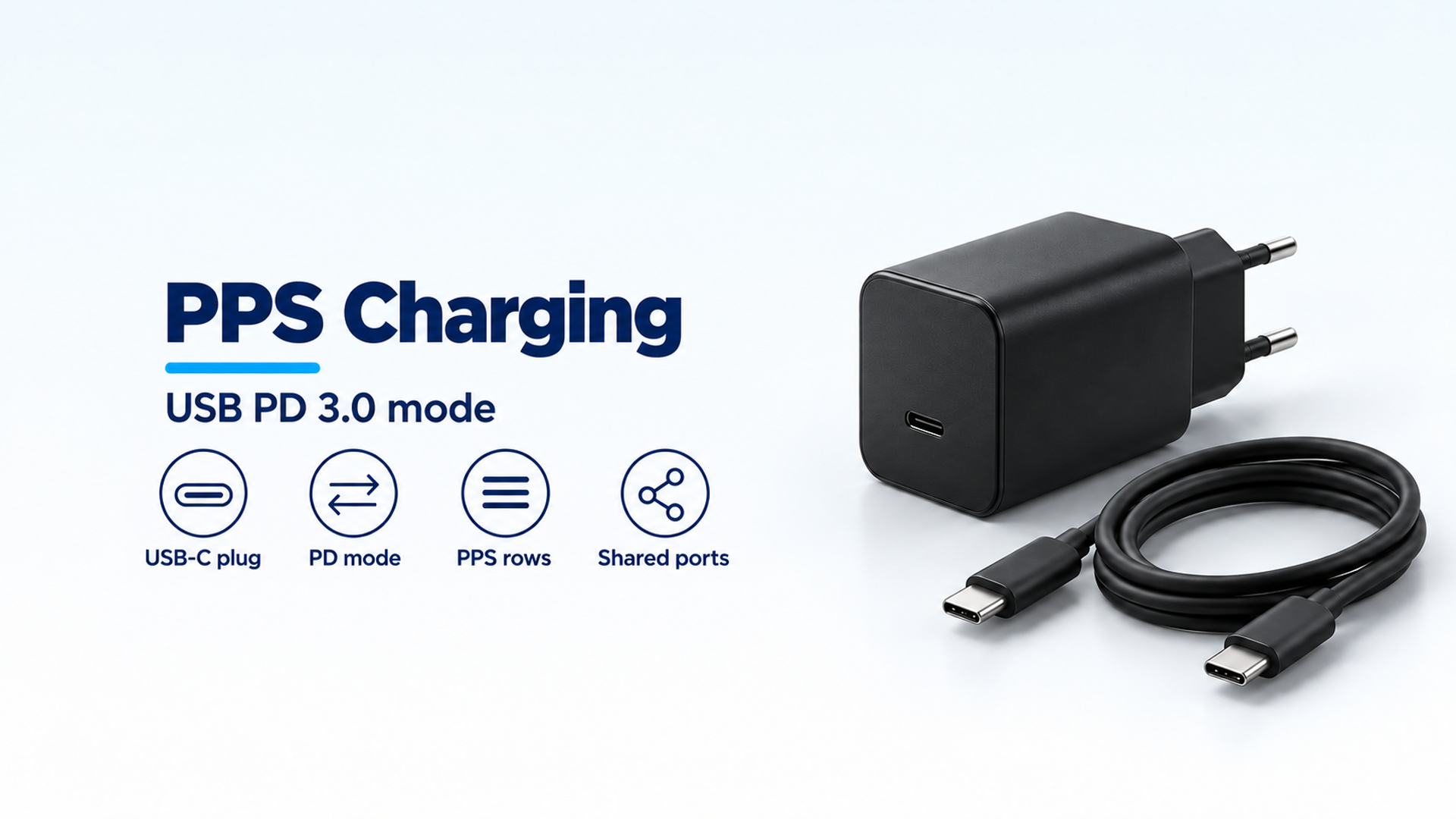
PPS is the Programmable Power Supply feature of USB Power Delivery 3.0. A shared charger budget can waste the higher PPS row once a second port is loaded.
Read article