How to Tell a USB-C Plug from USB-A, Micro-USB, and Lightning
Match the plug to the port before you blame the charger. USB-C and USB Type-C are the names USB-IF uses. Power and data marks are a separate check.
The short answer
A plug that will not seat wastes the charger you already own. USB Type-C is the connector defined in the USB Type-C Cable and Connector Specification, Release 2.5 (March 2026). Compare the plug on the cable with the port on the device, then read power and data on the guides that cover those ratings.
Match the plug to the port before you judge the charger. USB-IF’s USB Type-C Cable and Connector Specification, Release 2.5 (March 2026), defines the USB Type-C receptacle, plug, and cable, and lists USB Type-C and USB-C as USB-IF trademarks. The plug inserts upside-up or upside-down, and a USB Type-C cable inserts in either direction between a host and a device. The mounted receptacle’s total system height in that release is under 3 mm. Standard-A, Standard-B, Mini-B, and Micro-B are separate legacy ends. Apple’s page published 5 June 2026 describes a USB-C to Lightning cable. Power and data marks belong on the Power Delivery guide and the cable guide. This page leaves the full-featured contact count, a connector watt limit, and any Android-wide rule blank.
Scroll horizontally to see all columns.
| Name on the pages opened | What those pages say it mates with | Left blank on this page |
|---|---|---|
| USB Type-C, also the USB-C trademark | Release 2.5 defines the receptacle, plug, and cable. The plug inserts either face up. A USB Type-C cable inserts in either direction between host and device. | Full-featured contact count. A watt number for the connector itself. |
| Standard-A | Release 2.5 defines a Type-C plug paired with a Standard-A plug, and a Type-C plug paired with a Standard-A receptacle. | Whether one USB-A brick fast-charges a named phone. |
| Standard-B | Release 2.5 defines a Type-C plug paired with a Standard-B plug for legacy hubs and devices on a Type-C host. | Pin count. |
| Mini-B | Release 2.5 defines a USB 2.0 Type-C plug paired with a USB 2.0 Mini-B plug. | Pin count. |
| Micro-B | Release 2.5 defines Type-C to Micro-B cables, and a USB 2.0 Type-C plug with a Micro-B receptacle for charging a Type-C phone from a legacy Micro-B charger. | Pin count. |
| Lightning | Apple’s page published 5 June 2026 describes a USB-C to Lightning cable. The legacy list in Release 2.5, as read here, does not name Lightning. | Which phone models have which port. Pin count. A watt cap. |
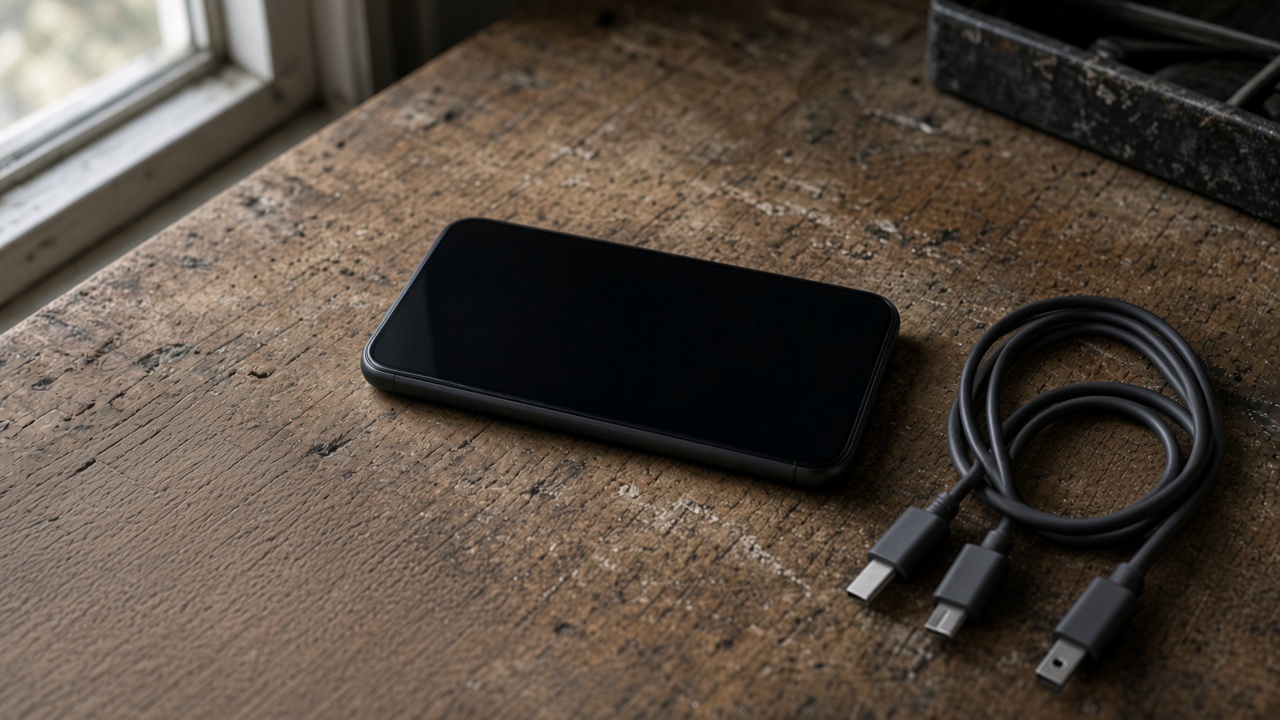
A phone and three cables on the desk. The photo shows the objects. It does not label which plug is which.
Takeaway: Write down the name printed for the port on the device you have. Leave the watt cell empty until the cable guide and the charger label fill it.
What does a USB Type-C plug do?
Release 2.5, section 1, says the specification defines the USB Type-C receptacles, plug, and cables. The introduction gives the reason for a new connector: Standard-A and Standard-B versions are relatively large for smaller, thinner platforms. Section 2.1 then calls the USB Type-C receptacle, plug, and cable a smaller, thinner, and more robust alternative to legacy USB interconnect, which it names as Standard and Micro USB cables and connectors. The same section says the target is very thin platforms, from ultra-thin notebook PCs down to smartphones, where existing Standard-A and Micro-AB receptacles are deemed too large, difficult to use, or inadequately robust.
Three mechanical points in that section are enough to recognize the plug without a pin drawing:
- The mounted receptacle’s total system height is under 3 mm.
- The plug inserts in either upside-up or upside-down direction.
- The cable inserts in either direction between a host and devices.
The same section says the USB Type-C interconnect no longer physically differentiates the plugs on a cable by an A-type end and a B-type end. The host-to-device relationship stays logical. A Configuration Channel (CC) through the cable sets it up, and that channel also sets up and manages power and Alternate Modes and Accessory Modes. You can turn a USB Type-C to USB Type-C cable around. You still have not learned which device is the host.
Section 2.1 also splits ordinary charging from the advanced case. It describes a simplified 5 volt VBUS power delivery and charging solution that supplements the USB 3.2 Specification. More advanced power delivery and battery charging over this connector are based on the USB Power Delivery specification. The USB-C Power Delivery guide is the page for that negotiation. This page stops at the connector.
Takeaway: Either face of the plug can lead. The outline still does not name the charging mode.
Are USB-C and Type-C the same name?
Release 2.5 is titled USB Type-C Cable and Connector Specification. On the copyright pages of that release, USB Type-C, USB-C, and USB4 are listed as trademarks of the USB Implementers Forum (USB-IF). The USB-IF cable and connector certification page, retrieved 14 October 2026, uses USB Type-C and USB-C for the same certification program, including the phrase USB-C to USB-C cable.
A listing that says Type-C and a listing that says USB-C are using the two names that appear on those USB-IF pages. The printed name does not, by itself, show that the product passed the certification program. USB-IF’s certification page says the program aims to list cables that meet the quality standards needed to operate in a USB environment, and that a certified cable does not add capabilities to the products at either end.
USB-IF’s Power Delivery overview, retrieved 11 October 2026, uses the name USB Type-C for the cable and connector that carry USB PD. That overview is about power negotiation, including the Revision 3.1 update announced in 2021. Read it on the Power Delivery guide. Do not treat a sentence from that overview as a description of the plug outline.
Takeaway: USB-C and USB Type-C are the two trademark names on the Release 2.5 pages opened here. Certification is a separate record.
Can the same outline hide a simpler port?
Release 2.5, section 2.2, defines more than one receptacle and more than one plug:
- USB Full-Featured Type-C receptacle, for USB 2.0, USB 3.2, USB4, and full-featured platforms and devices.
- USB 2.0 Type-C receptacle, for USB 2.0 platforms and devices.
- USB Type-C Power-Only receptacle.
- USB Full-Featured Type-C plug, USB 2.0 Type-C plug, and USB Type-C Power-Only plug.
Section 2.1 says the USB 2.0 Type-C receptacle does not implement the USB 3.2 or USB4 signals. The same section says a USB Type-C cable that only intends to support USB 2.0 does not implement the TX/RX and SBU signals. A Power-Only plug, intended only for USB Type-C Sink applications, implements only nine contacts, for CC, VBUS, and GND.
That nine-contact sentence applies to the Power-Only plug. The pages opened for this guide do not state a contact count for the Full-Featured plug. Leave that cell blank.
The cable side of section 2.2 matches the plug types. A Full-Featured Type-C cable has a Full-Featured Type-C plug at both ends. A USB 2.0 Type-C cable has a USB 2.0 Type-C plug at both ends. A captive cable has either a Full-Featured or a USB 2.0 Type-C plug at one end. Active cables are defined later in the specification. All USB Full-Featured Type-C cables are electronically marked. USB 2.0 Type-C cables may be electronically marked. How to read a power mark and a data mark is the job of the USB-C cable guide.
USB-IF’s certification page, retrieved 14 October 2026, says that to pass its compliance program, USB-C to USB-C cable categories must be labeled with a power capability of 60W or 240W, and that cables other than High-Speed USB (USB 2.0) USB-C to USB-C cables must also be marked with the data rate they support. Those marks are cable facts. They are not a description of the plug outline, and they are not a promise about the phone at the other end.
The specification says all of the defined USB Type-C receptacles, plugs, and cables, except OIAC, support USB charging applications, including optional USB Power Delivery. This page does not expand the abbreviation OIAC. If a product uses that exception, the spec is the place to read it.
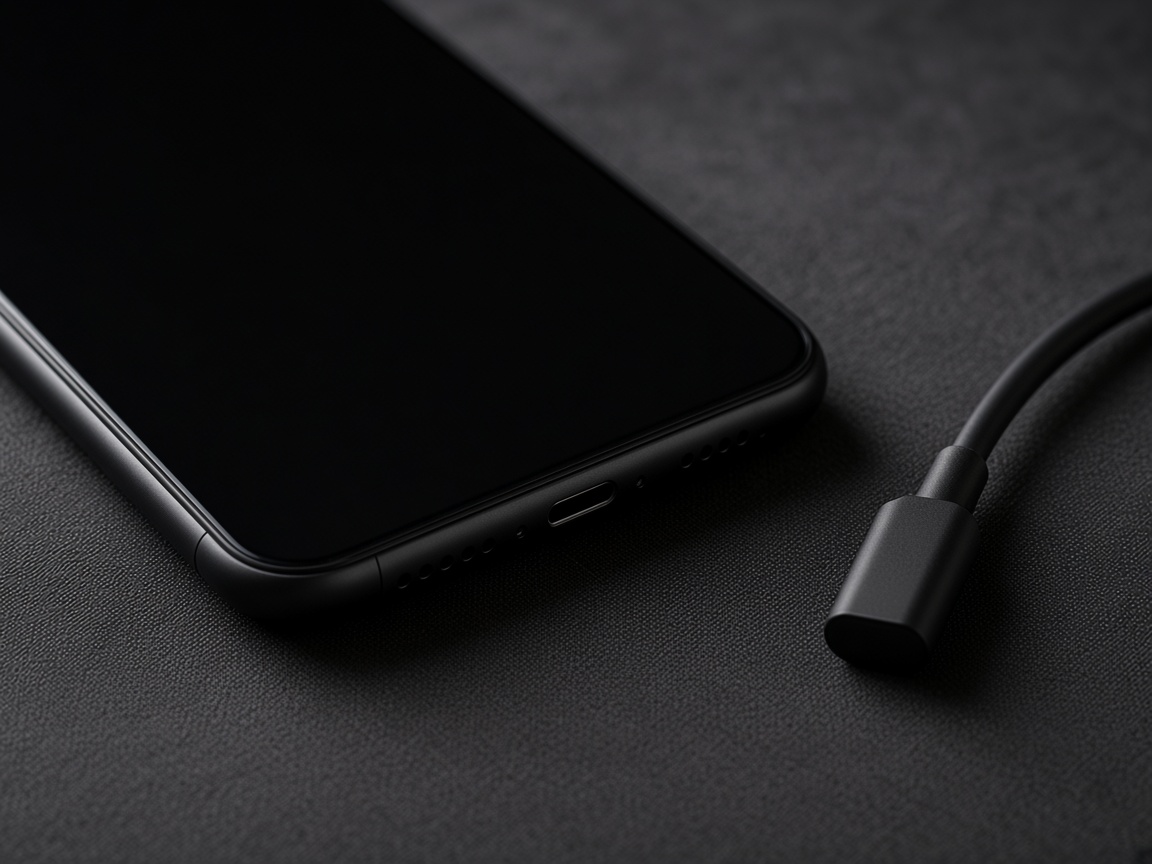
The cable lies next to the phone. The plug is not in the port.
Takeaway: Record whether the port is described as USB 2.0, full-featured, or power-only. Leave the full-featured contact count blank.
How do the older USB plugs show up?
Release 2.5, section 2.2, defines the legacy cables and adapters that pair a USB Type-C plug with an older USB plug or receptacle. The direction matters. Read the end that the specification assigns to the host, and the end it assigns to the device.
Scroll horizontally to see all columns.
| Defined assembly in Release 2.5 | Ends | What the spec says it is for |
|---|---|---|
| USB 3.2 Type-C to Legacy Host cable | Full-Featured Type-C plug and a USB 3.1 Standard-A plug | A USB Type-C device with a legacy USB host |
| USB 2.0 Type-C to Legacy Host cable | USB 2.0 Type-C plug and a USB 2.0 Standard-A plug | A USB Type-C device with a legacy USB 2.0 host, primarily for mobile charging and sync |
| USB 3.2 Type-C to Legacy Device cable | Full-Featured Type-C plug and a USB 3.1 Standard-B plug | Legacy USB 3.1 hubs and devices with a USB Type-C host |
| USB 2.0 Type-C to Legacy Device cable | USB 2.0 Type-C plug and a USB 2.0 Standard-B plug | Legacy USB 2.0 hubs and devices with a USB Type-C host |
| USB 2.0 Type-C to Legacy Mini Device cable | USB 2.0 Type-C plug and a USB 2.0 Mini-B plug | Legacy devices with a USB 2.0 Type-C host |
| USB 3.2 Type-C to Legacy Micro Device cable | Full-Featured Type-C plug and a USB 3.1 Micro-B plug | Legacy USB 3.1 hubs and devices with a USB Type-C host |
| USB 2.0 Type-C to Legacy Micro Device cable | USB 2.0 Type-C plug and a USB 2.0 Micro-B plug | Legacy USB 2.0 hubs and devices with a USB Type-C host |
| USB 3.2 Type-C to Legacy Standard-A adapter | Full-Featured Type-C plug and a USB 3.1 Standard-A receptacle | A legacy USB thumb-drive style device, or a legacy USB ThinCard, with a USB 3.2 Type-C host |
| USB 2.0 Type-C to Legacy Micro-B adapter | USB 2.0 Type-C plug and a USB 2.0 Micro-B receptacle | Charging a USB Type-C mobile device from a legacy Micro-B charger, captive or used with a legacy USB 2.0 Standard-A to Micro-B cable |
Those rows are the assemblies the specification authorizes in the section that was read. A drawer cable that looks similar, with no model name, is not automatically one of these rows. Section 2.2 says cables and connectors, including these legacy cables and adapters, are explicitly defined, and that these are the only connectors and cables authorized by the licensing terms of the specification. It also says licensed cables and connectors have to comply with the compliance and certification requirements maintained by the USB-IF.
Standard-A on a charger brick is the legacy host end in the first two rows. Standard-B is the squarer device end in the device-cable rows. Mini-B and Micro-B are the smaller device ends in their own rows. This page does not add a pin count, a drawing scale, or a millimeter width for any of them. The specification’s figures were not transcribed into numbers here.
If the two ends of the cable are different, write both names down before you buy an adapter. A Standard-A to Micro-B cable is the second half of the Micro-B adapter row. It is not a substitute for a USB Type-C plug.
Takeaway: Copy the two ends from the cable, then find the row that names both.
What about Lightning and an older iPhone charger?
Lightning is outside the legacy list above. Apple’s support page About the Apple USB-C to Lightning Cable, published 5 June 2026, describes one cable with a USB-C end and a Lightning end. With that cable, Apple says you can charge AirPods, AirPods Pro, iPhone, iPad, or iPod touch when the cable is connected to a USB-C port. You can sync an iPhone, iPad, or iPod touch, or import photos, when it is connected to a USB-C port on a Mac or PC. You can charge a Siri Remote from a USB-C port on a Mac, a PC, or a USB-C power adapter. You can charge a Magic Mouse, Magic Keyboard, or Magic Trackpad. You can use an iPhone or iPad as a Personal Hotspot over that cable.
Two limits on that page matter more than a general “old charger” rule:
- Certain iPhone models are fast-charge compatible when connected to certain USB-C power adapters using the Apple USB-C to Lightning cable. The page retrieved here does not list those models or those adapters.
- The USB-C port on an Apple TV HD does not support charging, so you cannot use that port to charge a Siri Remote. You might not be able to charge your iOS device using USB-C power adapters that are not manufactured by Apple.
An older charger still has to meet the port in front of you. Use the rows in the previous section when the old cable is a USB cable:
- A legacy Micro-B charger is the case in the last row. Release 2.5 defines a USB 2.0 Type-C plug to Micro-B receptacle adapter for charging a USB Type-C mobile device from that kind of charger.
- A legacy USB 2.0 host with a Standard-A port is the USB 2.0 Type-C to Standard-A cable, which the spec describes as primarily for mobile charging and sync of a USB Type-C device.
- A Lightning end is the Apple cable, used with a USB-C port. The Type-C specification section read here does not define a Lightning plug.
If the phone’s port rejects the Lightning end, that Apple cable is the wrong end for that phone. This page does not name the iPhone models that have a USB-C port and the models that have a Lightning port. Open the support page for the model in your hand. The fast-charge sentence on the 5 June 2026 page stays attached to “certain” models and “certain” USB-C adapters. It is not a watt rating for every Lightning phone, and it is not a test this site ran.
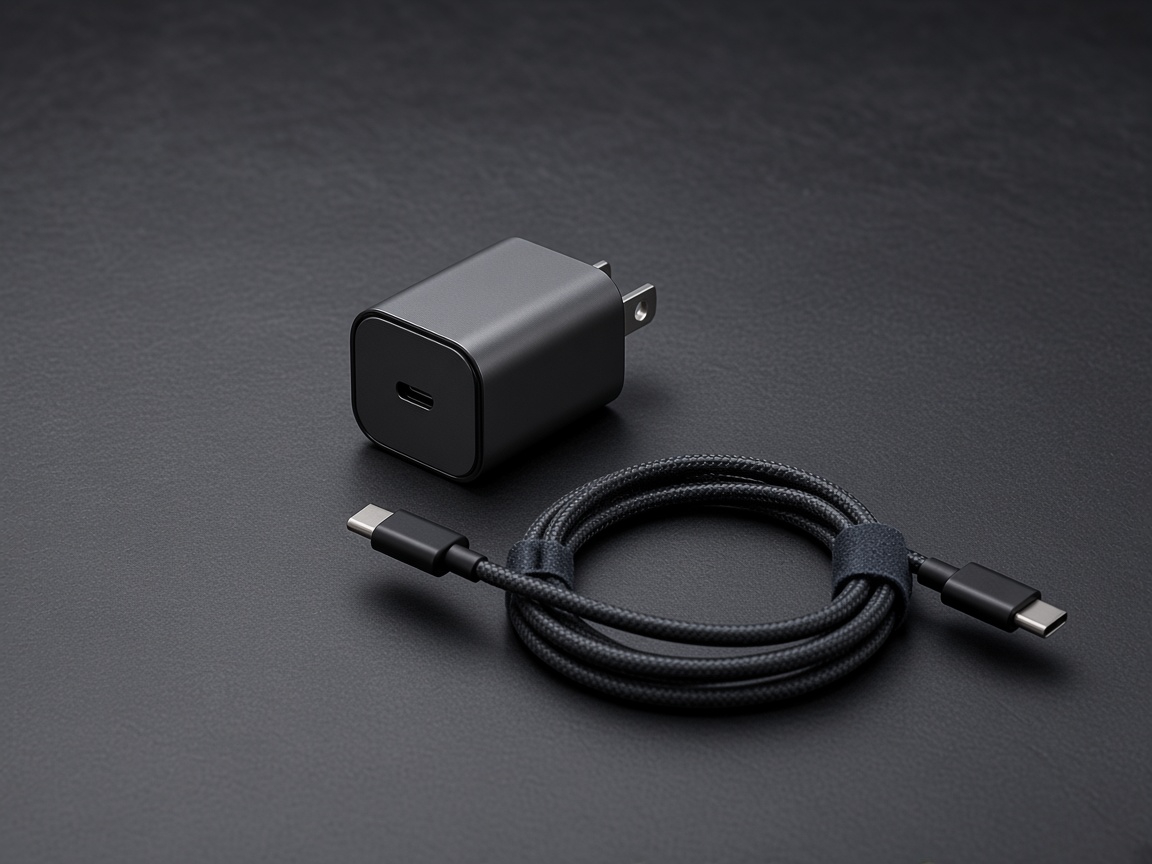
A brick and a cable. No rating is printed on either object in the picture.
Takeaway: Write the plug at each end. Then write the port on the phone. Stop if those two names differ.
Which devices use this port, and where does an EU rule stop?
Release 2.5 describes the connector for thin platforms from notebooks to smartphones. It does not publish a catalog of every product that includes the receptacle. Apple’s 5 June 2026 page lists the products its USB-C to Lightning cable can charge from a USB-C port. Those are Apple’s examples for that cable. They are not a statement that every phone uses USB-C, and they are not a statement that every USB-C port charges. The Apple TV HD sentence is the counterexample already on that page.
The European Commission’s page One common charging solution for all, retrieved 14 October 2026, describes Directive (EU) 2022/2380 as defining the common charging requirements, and Commission Delegated Regulation (EU) 2023/1717 as updating the references to technical specifications for wired charging. The Official Journal text of Directive (EU) 2022/2380 was not retrieved in this session, so the categories below are the Commission’s description on that page, not a quotation of an article from the Journal.
On that Commission page, the requirements apply to handheld mobile phones, tablets, digital cameras, headphones, headsets, portable speakers, handheld videogame consoles, e-readers, earbuds, keyboards, mice, and portable navigation systems since 28 December 2024. The page says the requirements also apply to laptops since 28 April 2026. It calls USB-C the common port and says this allows consumers to charge their devices with any USB-C charger, regardless of the device brand.
Read that “any USB-C charger” sentence as the Commission’s description of the port requirement. Release 2.5 still separates a USB 2.0 receptacle from a full-featured one, and it places advanced charging on the USB Power Delivery specification. A shared outline is the Commission’s point. A shared charging speed is a different claim, and this page does not make it. The GaN charger guide is where a wall adapter’s port table gets compared with the devices you actually plug in.
The same Commission page says the categories above may be extended later. It points to a report submitted on 30 June 2026 that assessed products not currently covered and identified smartwatches, fitness trackers, smart glasses, wristbands, AR/VR headsets, drones intended for personal purposes, and video game controllers. Those seven are candidates in the Commission’s account. They are not on the list the page gives for 28 December 2024.
The page also describes Regulation (EU) 2025/2052, adopted on 13 October 2025, with application from 14 December 2028, as ecodesign rules for external power supplies. In the Commission’s summary, radio equipment chargers on the EU market would have to be common chargers with at least one USB Type-C port by default, with exemptions the page names for wet environments, vacuum cleaners, certain power tools, toys, and audio equipment. That date is in the future relative to this article. It does not change the plug you are holding today, and it is the Commission’s summary of the regulation, not the regulation text.
This site’s readers are in the United States. The dates and product lists above are the European Commission’s account of EU rules. They are not a US legal requirement, and they are not a reason to assume a phone sold in the US follows the EU category list.
Android is a separate blank. The question “do all Android phones use USB-C?” is not answered by the USB-IF specification or by the Commission list of radio equipment. An Android Compatibility Definition was not retrieved for this guide. Look at the port on the phone. If the maker’s page for that model names the connector, copy that name. If it does not, leave the cell blank. A USB-C headset or a charger that happens to work is not evidence about every other Android phone.
Takeaway: Copy the connector from the page for your model. Use the EU list only as the Commission’s description of EU categories and dates.
What you can decide after one pass
Put the cable on the desk and fill four lines. Leave a line empty when the page in front of you does not print it.
- The name of each end, using the names in the tables above when they match what you see, and the maker’s name when the port is Lightning or a model-specific port.
- The port on the device, copied from that device’s support page or from the port you can see.
- Whether you need an assembly from the legacy table, the Apple USB-C to Lightning cable, or a USB Type-C plug at both ends.
- The power and data marks, which you read on the cable guide and the Power Delivery guide, not from the outline of the plug.
Then stop. A charger that will not connect is a connector problem. A charger that connects and charges slowly is a protocol, cable, or port-sharing problem. The Charging & Power guides keep those as separate pages so the watt cell on this one stays empty.
Sources
Pages and the specification were read for this article on 14 October 2026, except the USB-IF Power Delivery overview, which was retrieved 11 October 2026 and checked again against the text already saved from that retrieval. Contact counts are stated only for the Power-Only plug. The Official Journal text of Directive (EU) 2022/2380 and an Android Compatibility Definition were not opened, so those cells stay with the Commission summary or stay blank.
- USB-IF: USB Type-C Cable and Connector Specification, Release 2.5 (March 2026)
- USB-IF: Cables and Connectors (retrieved 14 October 2026)
- USB-IF: USB Charger (USB Power Delivery) (retrieved 11 October 2026)
- Apple Support: About the Apple USB-C to Lightning Cable (published 5 June 2026)
- European Commission: One common charging solution for all (retrieved 14 October 2026)
Related articles
How to Choose a USB-C Car Charger for a Phone or Laptop
Check your car's accessory-socket limit, the charger's input range, each USB-C port's PDO and PPS output, the shared-port split and the cable before you buy.
Read article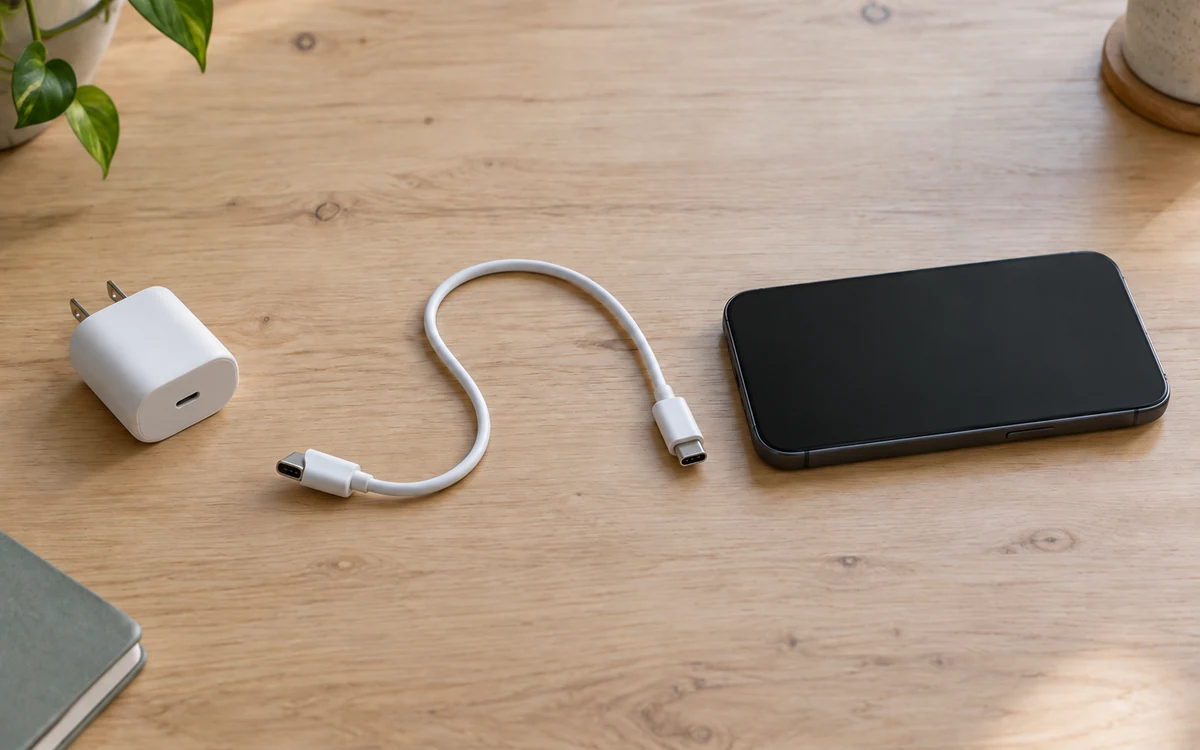
How to Choose a USB-C Charger for Samsung and Android
Match your Android phone to USB PD PPS, the correct charger port and cable. Check Galaxy S21/S22 25W or 45W needs and shared-port limits.
Read article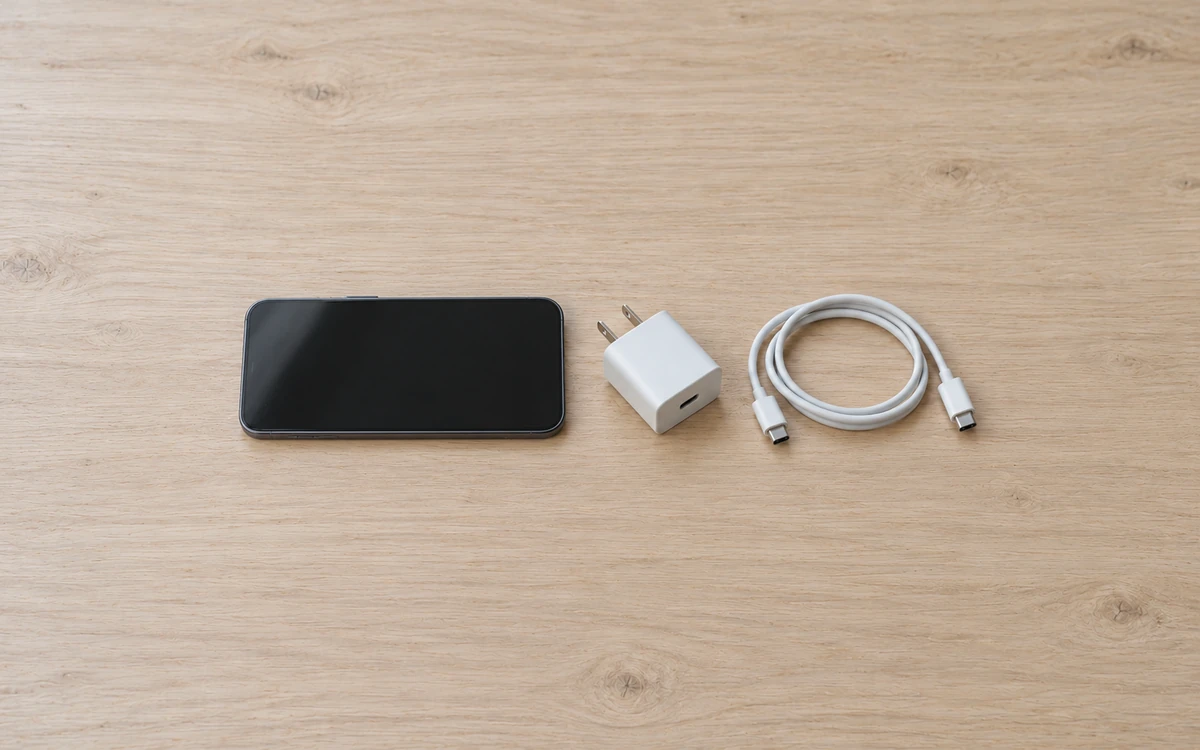
Which USB-C Charger and Cable Does Your iPhone Need?
The wrong cable can leave your iPhone uncharged. Match the phone port, cable ends and model-specific USB PD requirements before choosing an adapter.
Read article