Portable Battery Charger for iPhone: USB-C PD vs MagSafe
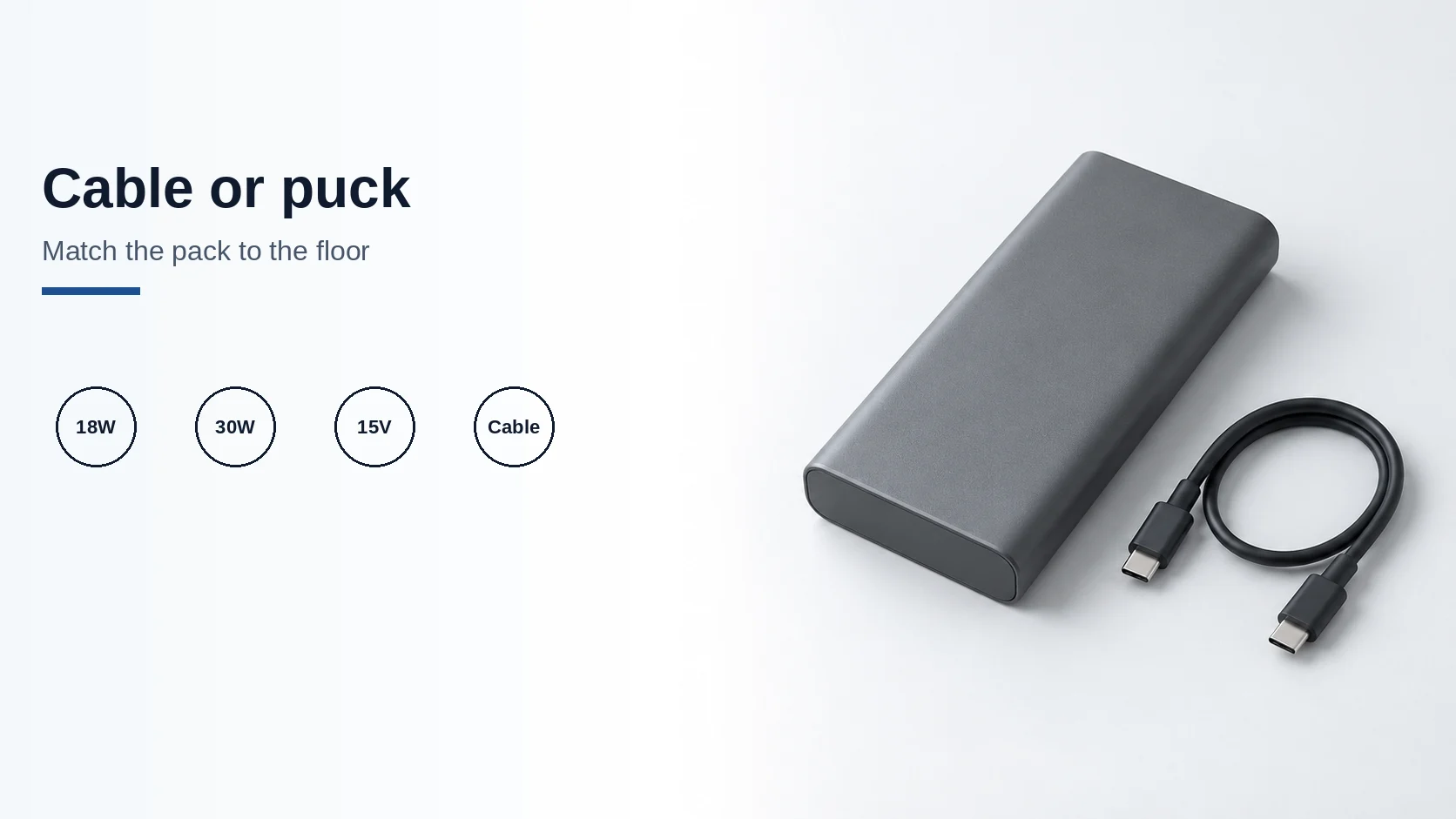
A pack must meet Apple's floors: 18W USB-C PD for iPhone 15 or later, or 30W at 15V/2A for the 25W MagSafe class.
Read articleGuides, explainers, comparisons, and informed commentary from Tech Gadgets Now.
Use the article cards after this guide for one question, or open a topic hub when several decisions are connected. The library currently contains explainers and buying frameworks, not a rolling price database or a set of laboratory-tested product rankings.
The Charging & Power hub moves from standards to cables, wall adapters and wireless combinations. The Smartphone hub connects ownership duration, screen selection and memory needs. Follow a route if you are starting a purchase; open a single article if you only need to resolve one term.
Category archives group articles by their main editorial topic. They are useful for browsing, while the hubs provide an order and explain why the next guide matters. A guide may be relevant to more than its primary category.
Look for the source attached to a factual claim and check any model or version conditions. An article update date tells you when that guide was substantively revised; it does not mean every product or support policy mentioned will remain unchanged.
Illustrations are explanatory aids. A diagram with a hypothetical power budget or workflow is not a test result. The distinction is made in the surrounding text so you can use the example without turning it into a promise about your own equipment.
A pack must meet Apple's floors: 18W USB-C PD for iPhone 15 or later, or 30W at 15V/2A for the 25W MagSafe class.
Read article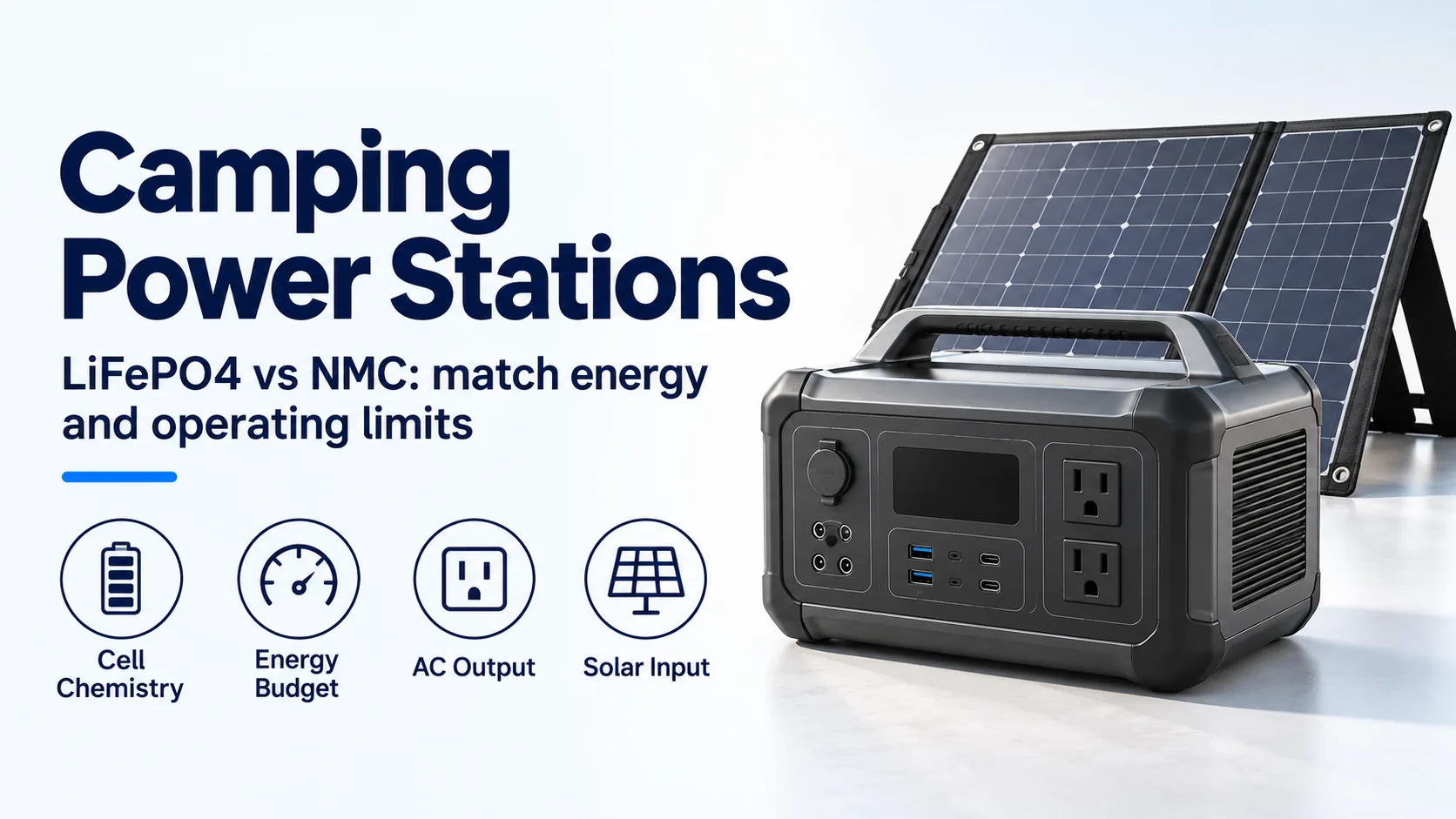
Compare LiFePO4 and NMC camping power stations by cell evidence, energy budget, inverter limits, cold charging and solar-input compatibility.
Read article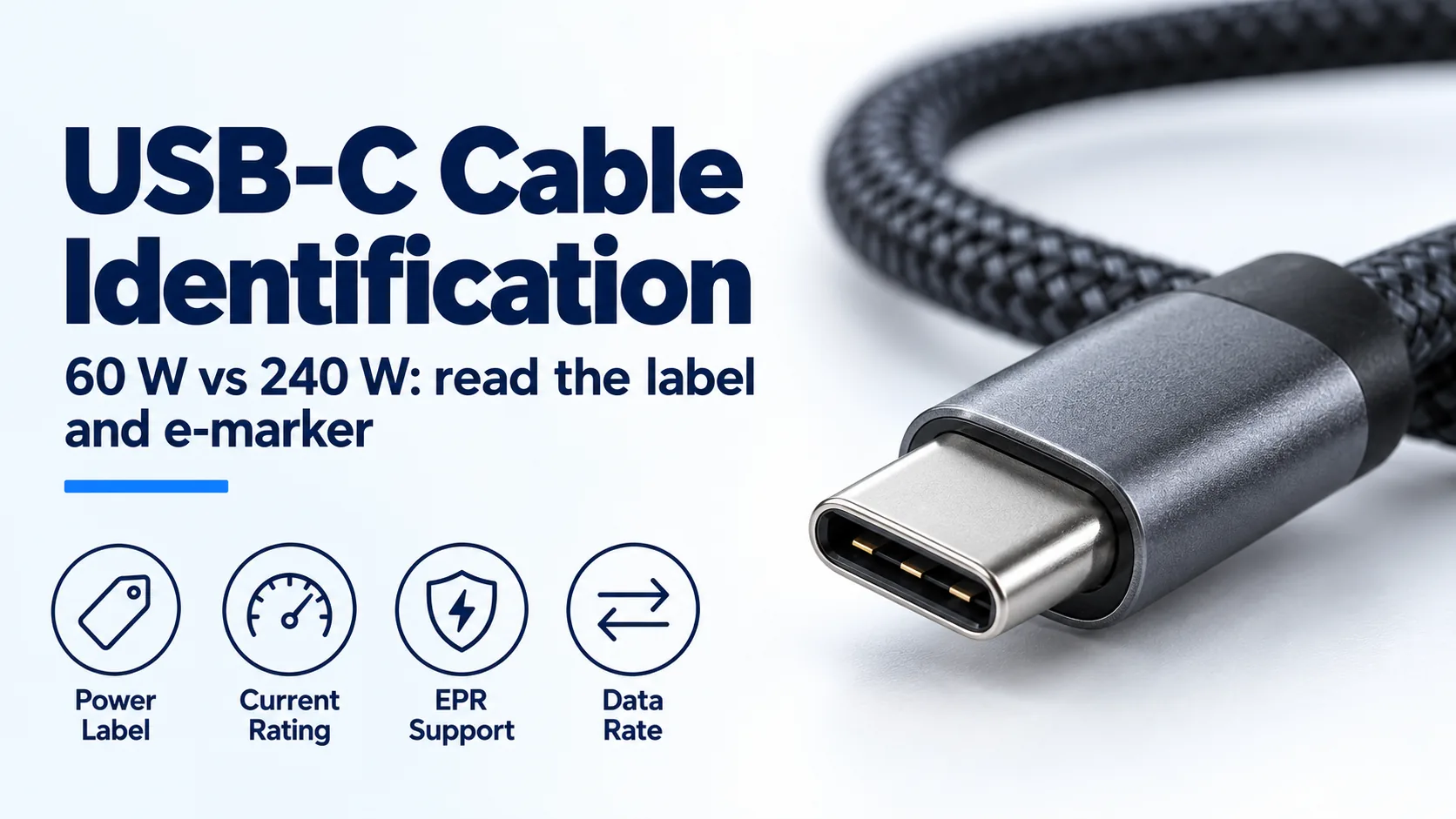
Identify a USB-C charger's cable by its 60 W or 240 W label, current capability and e-marker; distinguish older 100 W cables from EPR.
Read article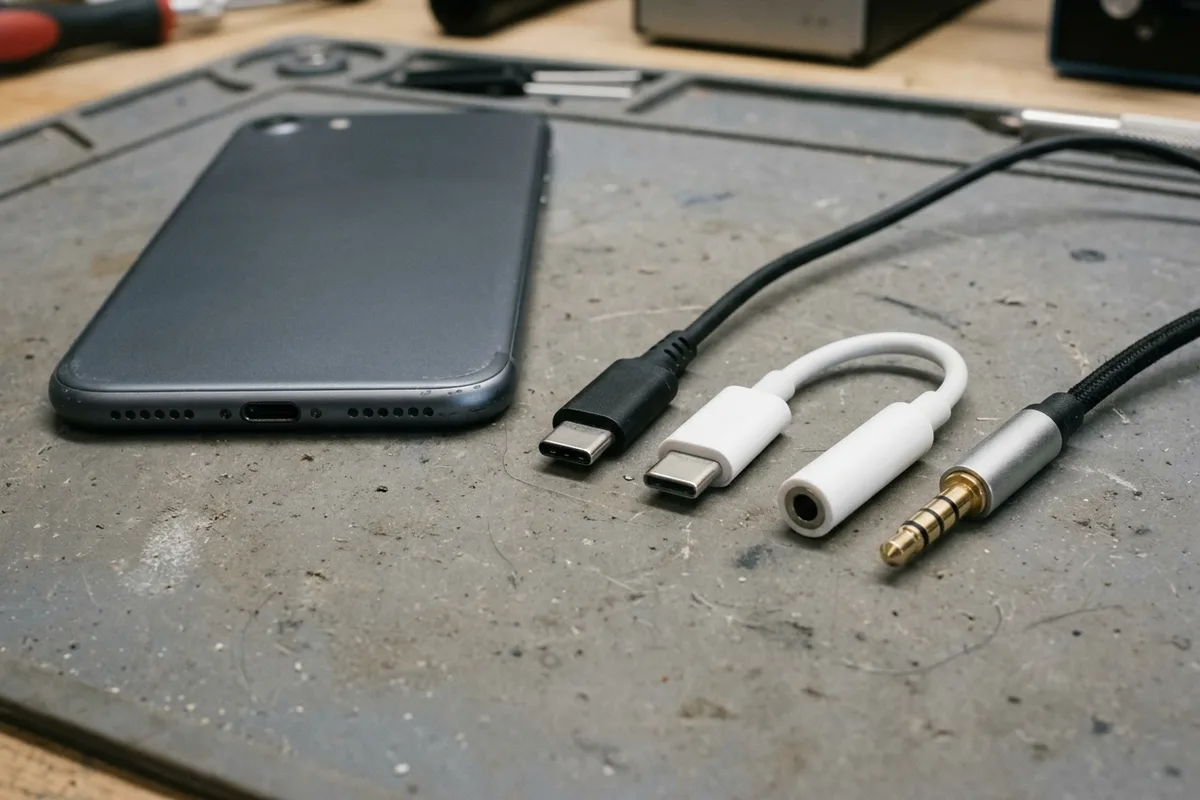
USB-C headphones stay silent when the adapter is analog-only. Use the AOSP digital-to-analog rules, then log playback, the microphone, buttons, and a blank call cell.
Read article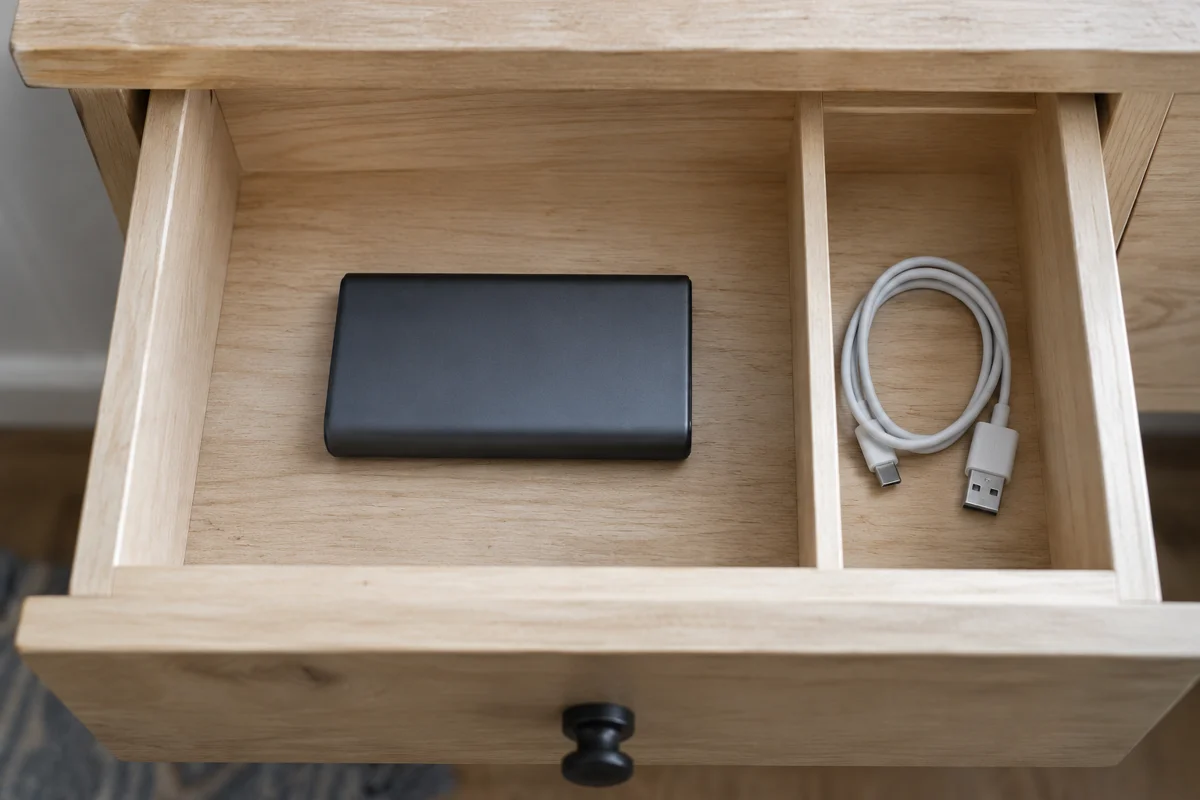
Storage after disuse: Anker's 3-4 month recharge and 20-36 month drain window, with every unprinted percent, cycle life, and watt-hour left blank.
Read article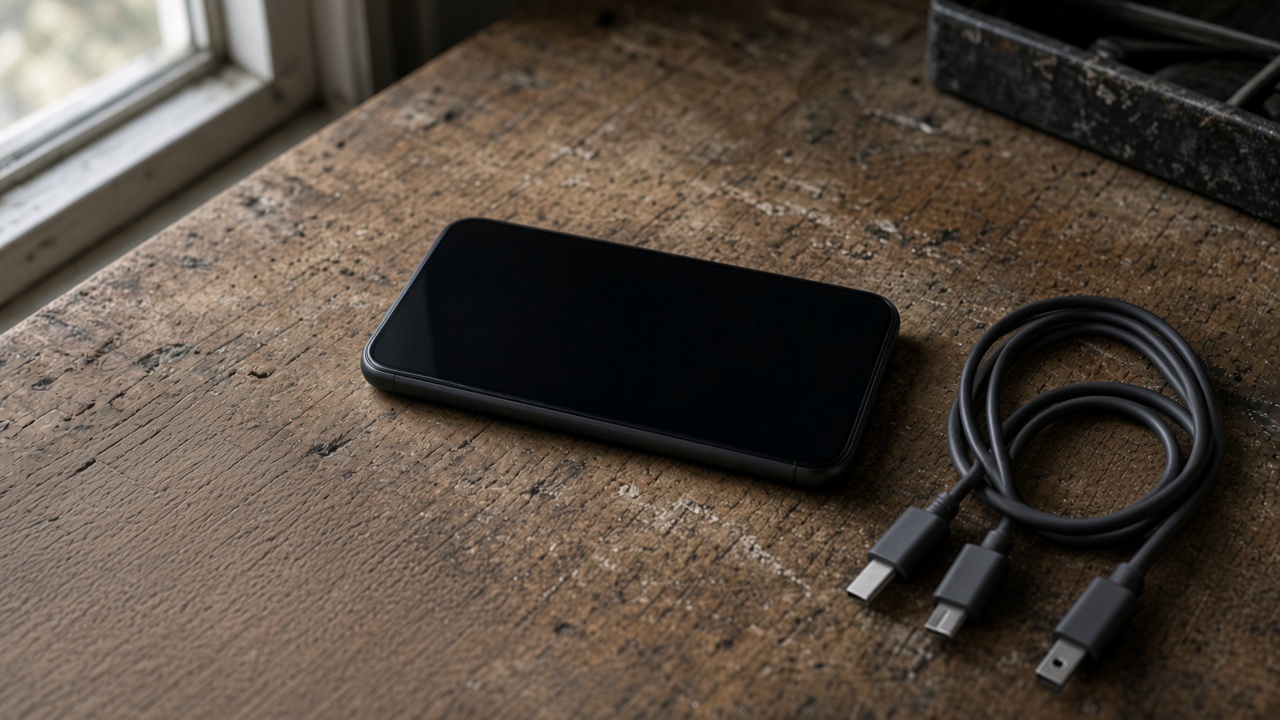
Match the USB-C plug to the port before you blame the charger. A Lightning phone needs a USB-C to Lightning cable. 60W and 240W are cable logos.
Read article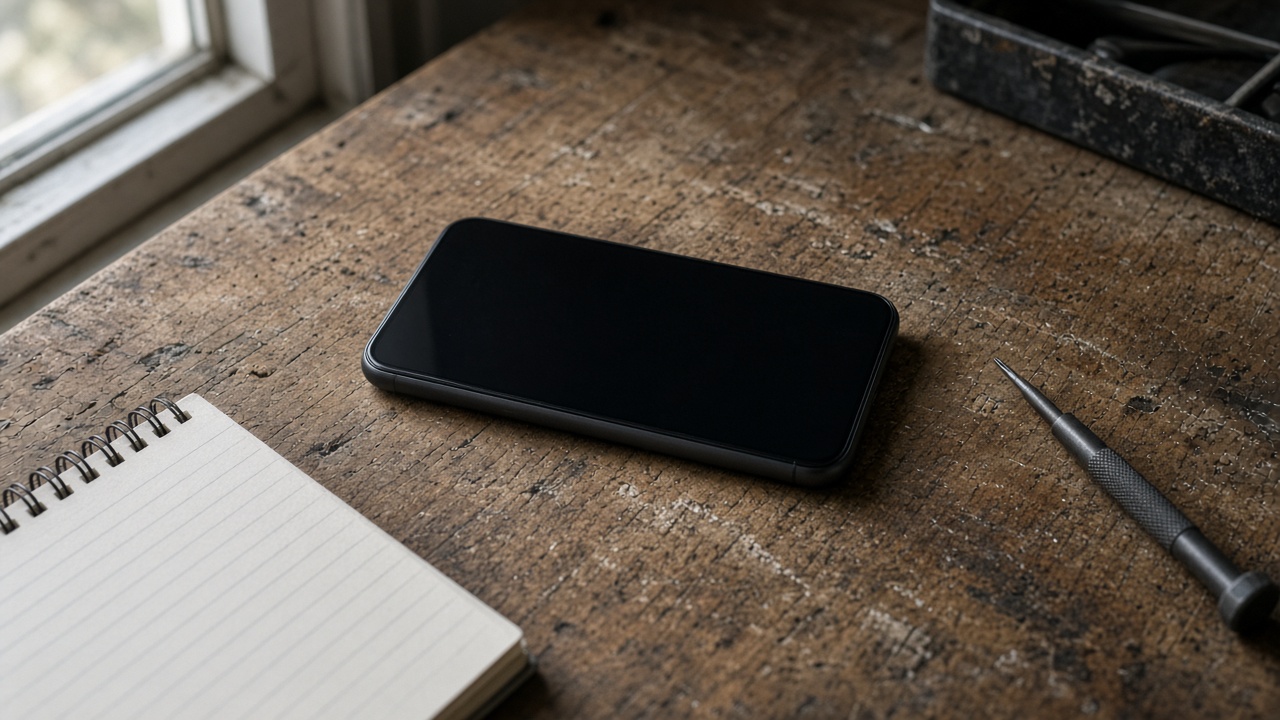
A worn battery can waste a cell phone that still works. Match the health screen, the software-support window, and the other hardware before you replace the phone.
Read article
Best smartphone battery life is the endurance hour under one named test. Copy that hour, the rated capacity, and the class from the sheet that prints them.
Read article
Match the socket limit, charger input, port PDO and PPS, and cable logo. PPS is USB PD 3.0 Programmable Power Supply. 60W and 240W are cable logos.
Read article
Match the Galaxy model row, then copy that adapter's PDO and PPS. PPS is USB Power Delivery 3.0 Programmable Power Supply. A 60W or 240W cable mark is a logo.
Read article
Match the iPhone port, then copy the adapter watts from the Apple page for that model. A 60W or 240W mark on a USB-C cable is a cable logo. PPS is a USB Power Delivery 3.0 mode.
Read article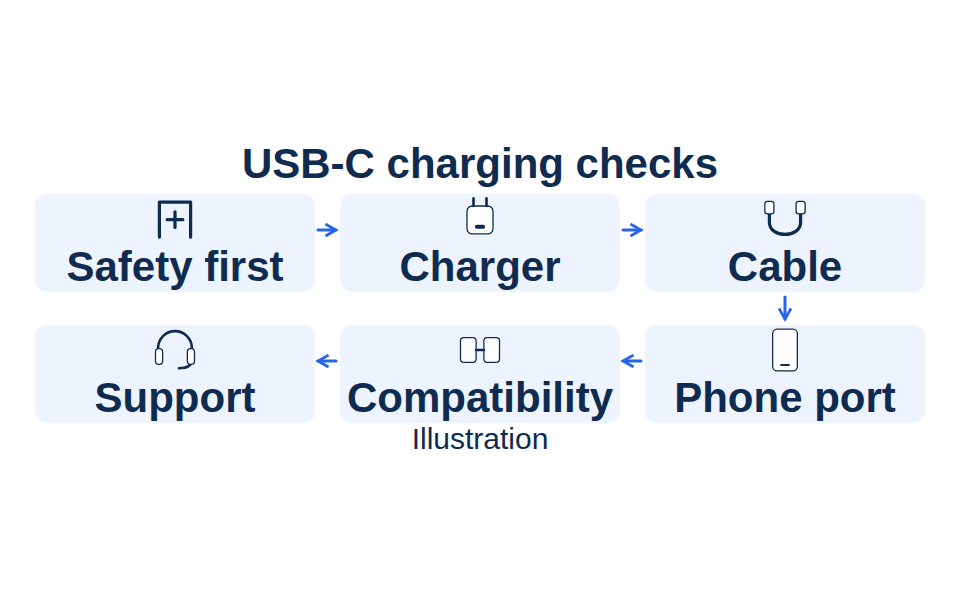
When a USB-C charger is not working, stop for damage or liquid, change one part at a time, and keep the 60W or 240W cable logo separate from PPS.
Read article