Power Bank Safety: Cutoff, Swelling and When to Stop Using It
As a lithium-ion battery ages, its chemical reaction no longer completes perfectly, which can result in the creation of gas (called outgassing), leading to a swollen battery. Check power bank safety cutoffs, compatibility rules, and when to retire a swollen pack.
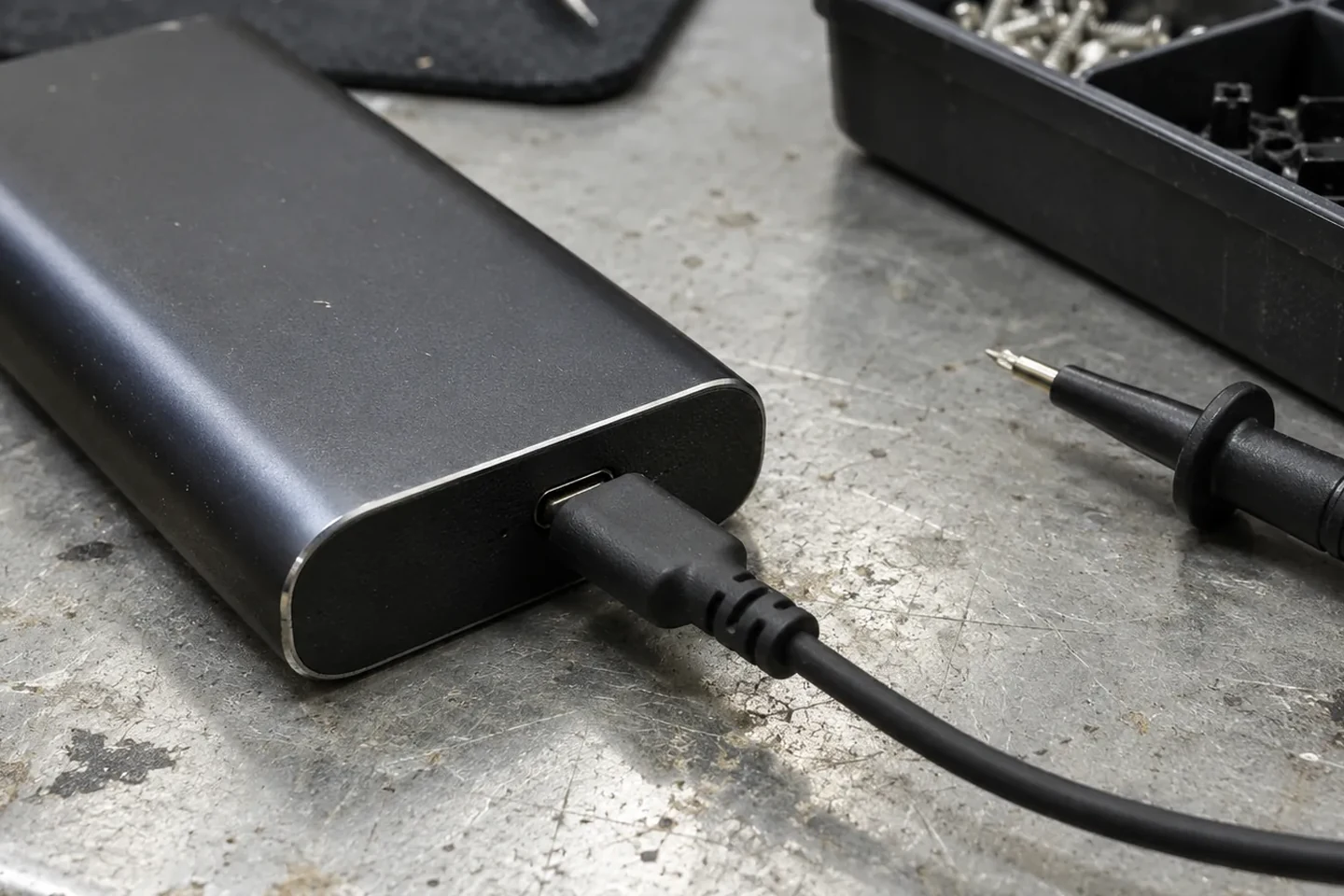
As a lithium-ion battery ages, its chemical reaction no longer completes perfectly, which can result in the creation of gas (called outgassing), leading to a swollen battery. Used lithium-ion batteries and electronic devices containing them should not be disposed of in household trash or municipal recycling bins because they may become damaged or crushed in transport or sorting equipment, creating a fire hazard. A sweet, metallic, or acetone smell near a battery can indicate battery gas escaping from a swollen battery. Anker’s Power Bank Safety Guide instructs users to stop using the product immediately if liquid enters it and not to store the product with keys or other metal objects to prevent short circuits.
Anker’s Power Bank Safety Guide specifies keeping the ambient temperature between 32°F and 95°F (0°C and 35°C) and avoiding direct sunlight and high-temperature environments such as inside a parked car. Anker’s Power Bank Safety Guide warns to avoid charging for extended periods on soft surfaces such as beds or sofas. For the rest of your portable power setup, browse our Charging & Power guides.
How battery management and protection cutoffs work
The Texas Instruments BQ25895 is a 5-A switch-mode battery charge management and system power path management device for single-cell Li-Ion and Li-polymer batteries. On the TI BQ25895, the typical battery over-voltage threshold VBAT(OVP) on VBAT rising is 104% of VBAT(REG). On the TI BQ25895, the system over-current threshold IBAT(FET_OCP) is 9 A minimum. On the TI BQ25895, the typical thermal shutdown rising temperature TSHUT is 160 °C, and the typical falling hysteresis TSHUT(HYS) is 30 °C.
In TI BQ25895 Boost Mode operation, the battery voltage exiting boost mode V(OTG_BAT) on BAT falling is 2.6 V to 2.9 V, and the boost mode over-voltage rising threshold V(OTG_OVP) is 5.8 V minimum and 6 V typical. During Boost Mode on the TI BQ25895, the device monitors battery temperature between VBCOLDx and VBHOTx thresholds unless boost mode temperature monitoring is disabled by setting BHOT bits to 11. When battery temperature on the TI BQ25895 falls outside the boost thresholds, boost mode and BATFET are disabled and the BATFET_DIS bit is set to reduce leakage current on PMID. The TI BQ25895 includes a built-in charging safety timer that is 4 hours when the battery is below the VBATLOWV threshold.
Configuring the TI BQ25895 for a 0°C to 45°C charging temperature range with a 103AT NTC thermistor on a Li-ion or Li-polymer battery uses RTHCOLD = 27.28 kΩ, RTHHOT = 4.91 kΩ, RT1 = 5.21 kΩ, and RT2 = 29.87 kΩ.
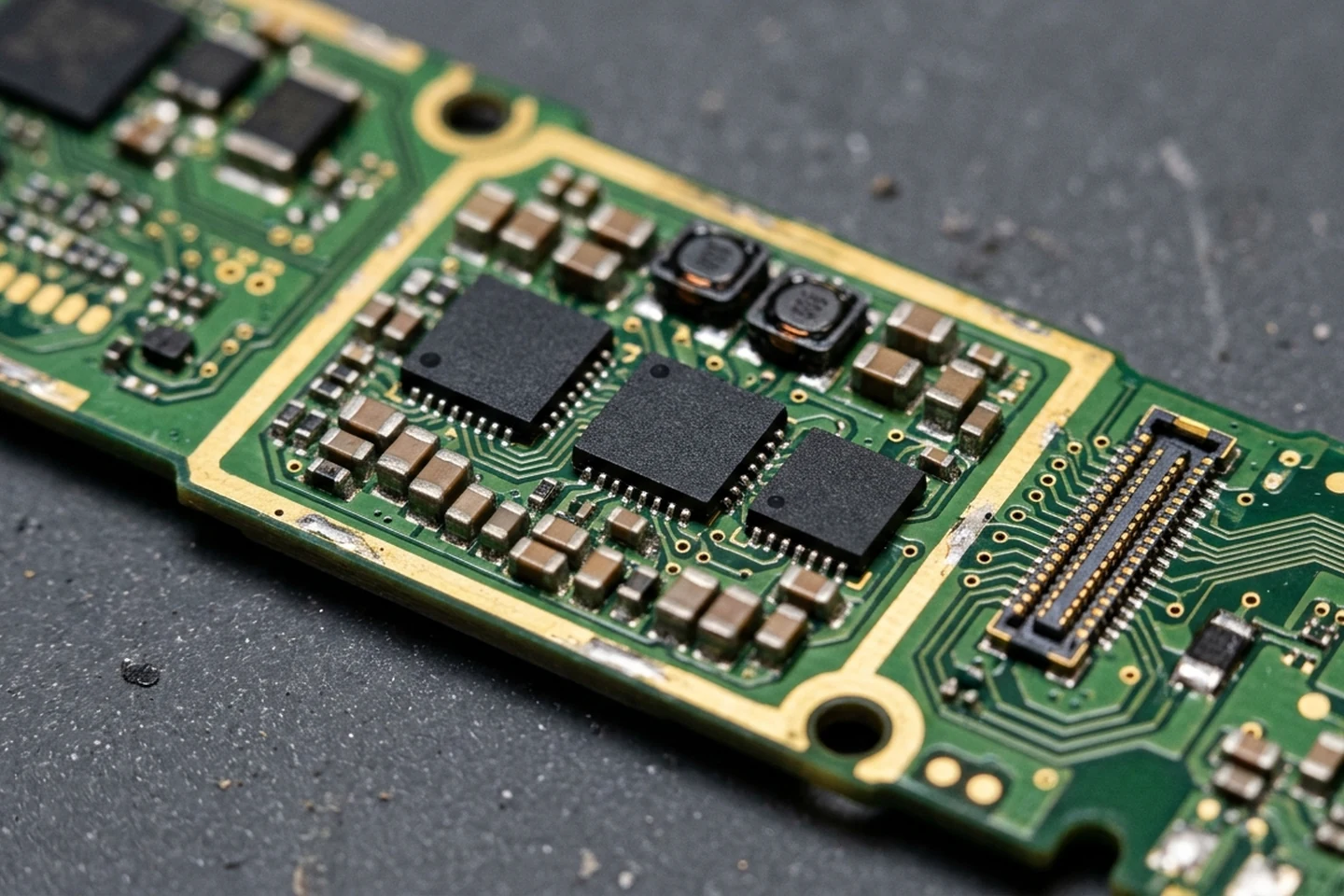
The Texas Instruments BQ2970 is a primary protector for a single-cell Li-ion/Li-polymer battery pack that monitors for overcurrent, overcharging, and energy depletion.
Primary cell protectors and multi-cell monitoring
The Texas Instruments BQ2970 is a primary protector for a single-cell Li-ion/Li-polymer battery pack that monitors for overcurrent, overcharging, and energy depletion. On the TI BQ2970, zero voltage charging enables depleted cells to be charged to an acceptable level and is allowed if the charger voltage is above 1.7V. On the TI BQ2970, factory programmable overcharge detection voltage VOVP ranges from 3.85V to 4.60V in 50mV steps, and over-discharge detection voltage VUVP ranges from 2.00V to 2.80V in 50mV steps.
On the TI BQ2970, factory programmable discharging overcurrent detection voltage VOCD is 90mV to 200mV in 5mV steps, and charging overcurrent detection voltage VOCC is –45mV to –155mV in 5mV steps. On the TI BQ2970, factory programmable short-circuit detection voltage VSCC options are 300mV, 400mV, 500mV, and 600mV, and overcharge detection delay time tOVPD options are 0.25s, 1.00s, 1.25s, and 4.50s. On the TI BQ2970, discharging overcurrent detection delay tOCDD is selectable at 8ms, 16ms, 20ms, or 48ms, charging overcurrent delay tOCCD is 4ms, 6ms, 8ms, or 16ms, and short-circuit delay tSCCD is fixed at 250µs.
The Nisshinbo NB7401HC is an overcharge protection IC for 2 to 4 serial cell Li-ion or Li-polymer secondary batteries with an absolute maximum rating of 32 V. On the Nisshinbo NB7401HC, connecting an external PTC thermistor to the CTLC pin enables optional temperature protection. On the Nisshinbo NB7401HC series, overcharge detection voltage VDET1n ranges from 3.55 V to 3.85 V and 4.20 V to 4.85 V with ± 0.015 V accuracy at Ta = 25°C and ± 0.020 V at 0°C < Ta < 60°C. STMicroelectronics’ L9962 lithium-battery management IC integrates a 12-bit ADC coupled with a cell-balancing current of 70mA for voltage correction to improve battery health. The STMicroelectronics L9962 maintains 0.25% current-measurement accuracy over the full temperature range and uses an NTC thermistor for ratiometric over-temperature and under-temperature detection.
Compare how cell chemistry and pack architecture affect portable capacity in our power bank buying guide.
Thermal protection modes and power bank compatibility checks
When the Anker Power Bank (25K, 165W, Built-In and Retractable Cables) triggers Low Temperature Protection Mode because its temperature is too low, the solution is to increase the power bank’s temperature to above 32°F (0°C) to ensure normal operation. On the Anker Power Bank (25K, 165W, Built-In and Retractable Cables), High Temperature Protection Mode triggers when the power bank switches to self-charging immediately after a high-power discharge, or when the external temperature exceeds 95°F (35°C).
In Recharge Mode on the Anker Power Bank (25K, 165W, Built-In and Retractable Cables), High Performance Mode operates below 96.8°F (36°C) at 100W Max, Active Cooling Mode operates at 36 - 38°C at 52W Max, and Protection Mode triggers above 102.2°F (39°C) where it cannot recharge. When charging other devices on the Anker Power Bank (25K, 165W, Built-In and Retractable Cables), High Performance Mode runs below 111.2°F (44°C) at 100W Max, Active Cooling Mode runs at 111.2° - 118.4°F (44° - 48°C) at 65W Max, and Protection Mode stops charging above 118.4°F (48°C).
On the Anker Power Bank (25K, 165W, Built-In and Retractable Cables) screen display, Circuit Protection is displayed when a short-circuit is detected, and Temperature Protection Mode activates when battery temperature is excessively high or low. On the Anker Power Bank (25K, 165W, Built-In and Retractable Cables) screen display, Low Battery Health is displayed when the battery health drops below 60%.
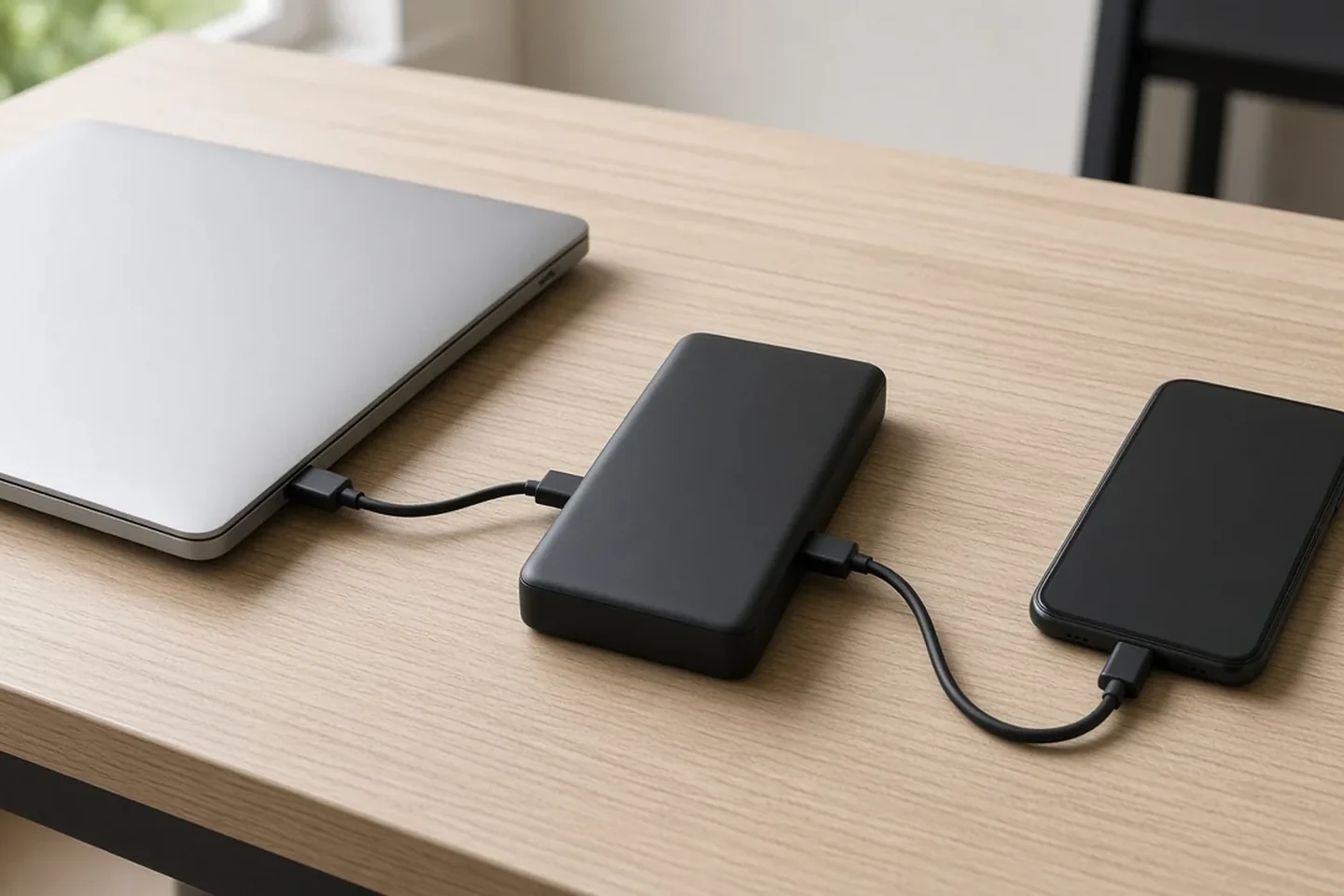
When charging other devices on the Anker Power Bank (25K, 165W, Built-In and Retractable Cables), High Performance Mode runs below 111.2°F (44°C) at 100W Max, Active Cooling Mode runs at 111.2° - 118.4°F (44° - 48°C) at 65W Max, and Protection Mode stops charging above 118.4°F (48°C).
Port direction, trickle-charging mode, and idle cable drain
For Anker 325 Power Bank, only the USB-A ports can be used to charge devices, while the Micro USB and USB-C ports only support input and are used to recharge the power bank itself. On the Anker 325 Power Bank, for low-powered devices and accessories such as Bluetooth earbuds, speakers, and smartwatches, trickle-charging mode is activated by pressing the power button twice until the first LED light turns green. On Anker 20K capacity PowerCore power banks, leaving a USB-C to Lightning cable plugged into the PD port when not in use causes battery discharge because the cable includes a special chip that the PowerCore detects, and the Type-C port continues to output.
If a port stops responding during a normal session, walk through our charger troubleshooting checklist and review our legacy adapter safety guide.
Power bank swelling, outgassing, extreme heat, and when to stop using a pack
According to iFixit, you may have a swollen battery if there is a new gap between components; iFixit instructs users not to operate a device with a swollen battery and not to charge the device if the battery is suspected to be swollen, and if a device feels extremely hot or smells awful, iFixit advises not attempting to remove the battery; if the device is actively emitting smoke, clear the area of anything flammable and do not breathe the fumes.
Belkin safety guidance instructs users to stop using the product immediately if they notice swelling, unusual heat, or damage, and to discontinue use if your Belkin power bank shows any sign of overheating or swelling. Belkin also advises inspecting devices regularly and discontinuing use if swelling, cracking, or leakage is observed. EcoFlow lists too much heat when a power bank is being used normally as a red flag and advises not to use it anymore if it is too hot to hold. Electrical Safety First advises doing regular checks of the charger plug and socket for burn and scorch marks, and warns against using a power bank or charger if you notice any damage or sparks. BlackView advises immediately stopping use of a loose charging port and disconnecting the charging cable. A swollen power bank that feels warm when not charging or in use is not normal; INIU advises stopping use if even one swelling warning sign appears, including idle warmth.
As a lithium-ion battery ages, its chemical reaction no longer completes perfectly, which can result in the creation of gas (called outgassing), leading to a swollen battery. A sweet, metallic, or acetone smell near a battery can indicate battery gas escaping from a swollen battery. For a swollen battery that may combust or leak, iFixit advises working on a non-flammable surface outside if cool and dry and preparing a fireproof container such as a sealed metal can or metal bucket of sand.
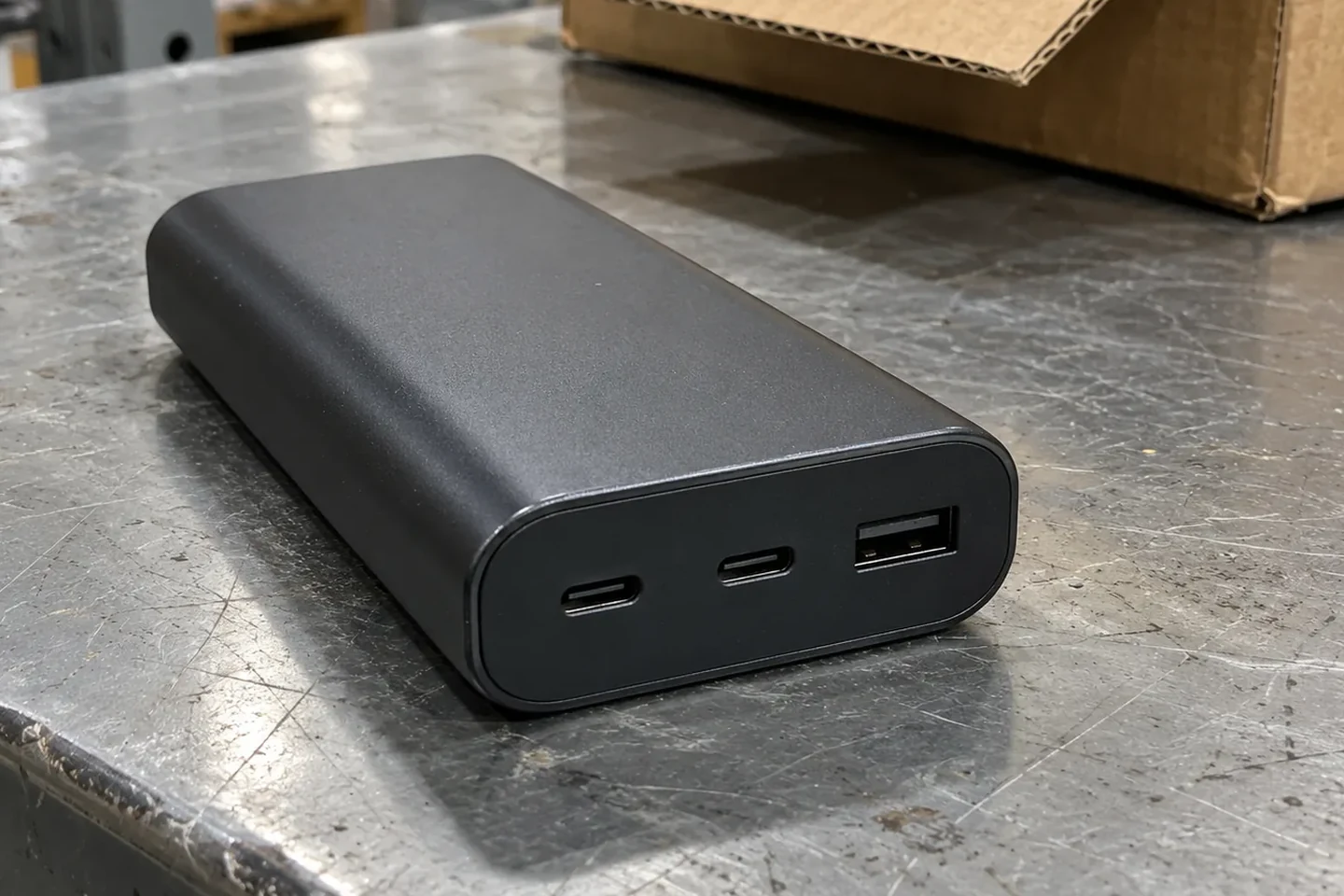
For a swollen battery that may combust or leak, iFixit advises working on a non-flammable surface outside if cool and dry and preparing a fireproof container such as a sealed metal can or metal bucket of sand.
Safe isolation, hazardous waste rules, and air travel restrictions
Apple safety guidance instructs users to stop using a power adapter and any cables if the adapter plug or prongs are damaged, the charge cable becomes frayed or otherwise damaged, the power adapter is exposed to excessive moisture or liquid is spilled into the power adapter, or the power adapter has been dropped and its enclosure is damaged. Anker’s Power Bank Safety Guide instructs users to stop using the product immediately if liquid enters it and not to store the product with keys or other metal objects to prevent short circuits.
Used lithium-ion batteries and electronic devices containing them should not be disposed of in household trash or municipal recycling bins because they may become damaged or crushed in transport or sorting equipment, creating a fire hazard. Before recycling used lithium-ion batteries, each battery or device containing a battery should be placed in a separate plastic bag with non-conductive tape such as electrical tape placed over the battery’s terminals. Under the Resource Conservation and Recovery Act (RCRA), most discarded lithium-ion batteries are likely considered ignitable and reactive hazardous wastes carrying the waste codes D001 and D003. Under FAA PackSafe rules, damaged or recalled batteries and battery-powered devices that are likely to create sparks or generate a dangerous evolution of heat must not be carried aboard an aircraft in carry-on or checked baggage unless the damaged or recalled battery has been removed, or otherwise made safe.
Before packing a healthy spare battery for a flight or putting a unit away between trips, check our airline watt-hour rules guide and our power bank storage guide.
Power bank safety checklist
-
Anker’s Power Bank Safety Guide specifies keeping the ambient temperature between 32°F and 95°F (0°C and 35°C) and avoiding direct sunlight and high-temperature environments such as inside a parked car.
-
Anker’s Power Bank Safety Guide warns to avoid charging for extended periods on soft surfaces such as beds or sofas.
-
Anker’s Power Bank Safety Guide instructs users to stop using the product immediately if liquid enters it and not to store the product with keys or other metal objects to prevent short circuits.
-
Belkin safety guidance instructs users to stop using the product immediately if they notice swelling, unusual heat, or damage, and to discontinue use if your Belkin power bank shows any sign of overheating or swelling.
-
Belkin advises inspecting devices regularly and discontinuing use if swelling, cracking, or leakage is observed.
-
EcoFlow lists too much heat when a power bank is being used normally as a red flag and advises not to use it anymore if it is too hot to hold.
-
Electrical Safety First advises doing regular checks of the charger plug and socket for burn and scorch marks, and warns against using a power bank or charger if you notice any damage or sparks.
-
BlackView advises immediately stopping use of a loose charging port and disconnecting the charging cable.
-
A swollen power bank that feels warm when not charging or in use is not normal; INIU advises stopping use if even one swelling warning sign appears, including idle warmth.
-
A sweet, metallic, or acetone smell near a battery can indicate battery gas escaping from a swollen battery.
-
For a swollen battery that may combust or leak, iFixit advises working on a non-flammable surface outside if cool and dry and preparing a fireproof container such as a sealed metal can or metal bucket of sand.
-
Before recycling used lithium-ion batteries, each battery or device containing a battery should be placed in a separate plastic bag with non-conductive tape such as electrical tape placed over the battery’s terminals.
-
Under FAA PackSafe rules, damaged or recalled batteries and battery-powered devices that are likely to create sparks or generate a dangerous evolution of heat must not be carried aboard an aircraft in carry-on or checked baggage unless the damaged or recalled battery has been removed, or otherwise made safe.
Common questions
Why does a power bank pause charging or drop its wattage when warm?
On the Anker Power Bank (25K, 165W, Built-In and Retractable Cables), High Temperature Protection Mode triggers when the power bank switches to self-charging immediately after a high-power discharge, or when the external temperature exceeds 95°F (35°C). In Recharge Mode on the Anker Power Bank (25K, 165W, Built-In and Retractable Cables), High Performance Mode operates below 96.8°F (36°C) at 100W Max, Active Cooling Mode operates at 36 - 38°C at 52W Max, and Protection Mode triggers above 102.2°F (39°C) where it cannot recharge. When charging other devices on the Anker Power Bank (25K, 165W, Built-In and Retractable Cables), High Performance Mode runs below 111.2°F (44°C) at 100W Max, Active Cooling Mode runs at 111.2° - 118.4°F (44° - 48°C) at 65W Max, and Protection Mode stops charging above 118.4°F (48°C).
Why does a power bank refuse to charge earbuds or drain while idle?
For Anker 325 Power Bank, only the USB-A ports can be used to charge devices, while the Micro USB and USB-C ports only support input and are used to recharge the power bank itself. On the Anker 325 Power Bank, for low-powered devices and accessories such as Bluetooth earbuds, speakers, and smartwatches, trickle-charging mode is activated by pressing the power button twice until the first LED light turns green. On Anker 20K capacity PowerCore power banks, leaving a USB-C to Lightning cable plugged into the PD port when not in use causes battery discharge because the cable includes a special chip that the PowerCore detects, and the Type-C port continues to output.
What should you do with a swollen or damaged power bank?
Belkin safety guidance instructs users to stop using the product immediately if they notice swelling, unusual heat, or damage, and to discontinue use if your Belkin power bank shows any sign of overheating or swelling. Belkin also advises inspecting devices regularly and discontinuing use if swelling, cracking, or leakage is observed. EcoFlow lists too much heat when a power bank is being used normally as a red flag and advises not to use it anymore if it is too hot to hold. Electrical Safety First advises doing regular checks of the charger plug and socket for burn and scorch marks, and warns against using a power bank or charger if you notice any damage or sparks. BlackView advises immediately stopping use of a loose charging port and disconnecting the charging cable. A swollen power bank that feels warm when not charging or in use is not normal; INIU advises stopping use if even one swelling warning sign appears, including idle warmth. According to iFixit, you may have a swollen battery if there is a new gap between components, and iFixit instructs users not to operate a device with a swollen battery and not to charge the device if the battery is suspected to be swollen. For a swollen battery that may combust or leak, iFixit advises working on a non-flammable surface outside if cool and dry and preparing a fireproof container such as a sealed metal can or metal bucket of sand. Used lithium-ion batteries and electronic devices containing them should not be disposed of in household trash or municipal recycling bins because they may become damaged or crushed in transport or sorting equipment, creating a fire hazard. Before recycling used lithium-ion batteries, each battery or device containing a battery should be placed in a separate plastic bag with non-conductive tape such as electrical tape placed over the battery’s terminals. Under FAA PackSafe rules, damaged or recalled batteries and battery-powered devices that are likely to create sparks or generate a dangerous evolution of heat must not be carried aboard an aircraft in carry-on or checked baggage unless the damaged or recalled battery has been removed, or otherwise made safe.
Sources
- Texas Instruments — Switch-Mode Battery Charge Management and System Power Path Datasheet
- Texas Instruments — Single-Cell Lithium-Ion Battery Voltage and Current Protection Datasheet
- Nisshinbo Micro Devices — Multi-Cell Lithium-Ion Battery Overcharge Protection Datasheet
- Electronics Weekly — STMicroelectronics Lithium-Battery Management Coverage
- Anker Support — Power Bank Safety Guide
- Anker Support — Portable Power Bank Temperature Protection, Modes, and Screen Display Guides
- Anker Support — PowerCore and Portable Power Bank Troubleshooting Guides
- iFixit — What to Do With a Swollen Battery Guide
- Belkin Blog — Power Bank Safety: Belkin Protection
- EcoFlow Blog — Power Bank Safety Features
- United States Environmental Protection Agency — Used Lithium-Ion Batteries Guidance
- Federal Aviation Administration — PackSafe Lithium Batteries Guidance
- Apple Support — Important Safety Information for iPhone and Power Adapters
- Electrical Safety First — Power Banks Safety Advice
- BlackView Support — Loose Power Bank Charging Port Guidance
- INIU Official Store — Power Bank Swelling Warning Signs
Related articles
100W USB-C Charger: PDO Match Between Charger, Cable and Laptop
A Port Present PDP greater than 60W requires a 5A cable. Match charger PDO profiles, cable eMarker identity, multi-port sharing rules and laptop or power bank charging speed.
Read article
TSA Power Bank Rules: Watt-Hours from Milliamp-Hours
Power banks must be carried on and cannot be checked. Learn how to check battery capacity, calculate watt-hours and prepare your flight packing checklist.
Read article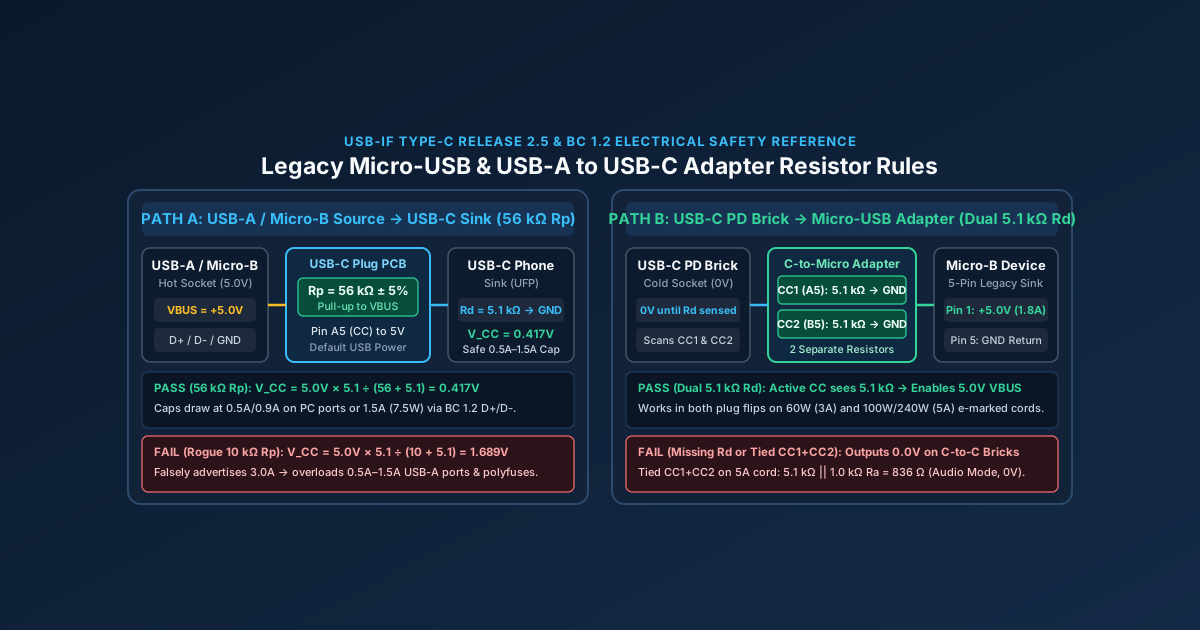
Micro-USB Charger & USB-A to USB-C Adapter Safety: 56kΩ Rp & 5.1kΩ Rd Guide
A Micro-USB to USB-C adapter without dual 5.1kΩ Rd resistors fails to charge on USB-C PD bricks, while a wrong 10kΩ Rp resistor can damage legacy USB-A ports.
Read article